TurboKast Ltd, Dundee
Watch faces for Wear OS
We are a small studio in Dundee, Scotland, and we make watch faces for round Wear OS watches. Each one does one job clearly, and each page says plainly what the face does not do.
- 22 faces
- 10 free
- 12 paid
- Wear OS 4 or newer
Seasonal
In season now
Today is 23 November 2026. These faces count down to, or celebrate, something happening now.
Coming up
All 22 faces
Pick a filter, or just scroll. Every face opens a page with its themes, what it shows and what it leaves out.
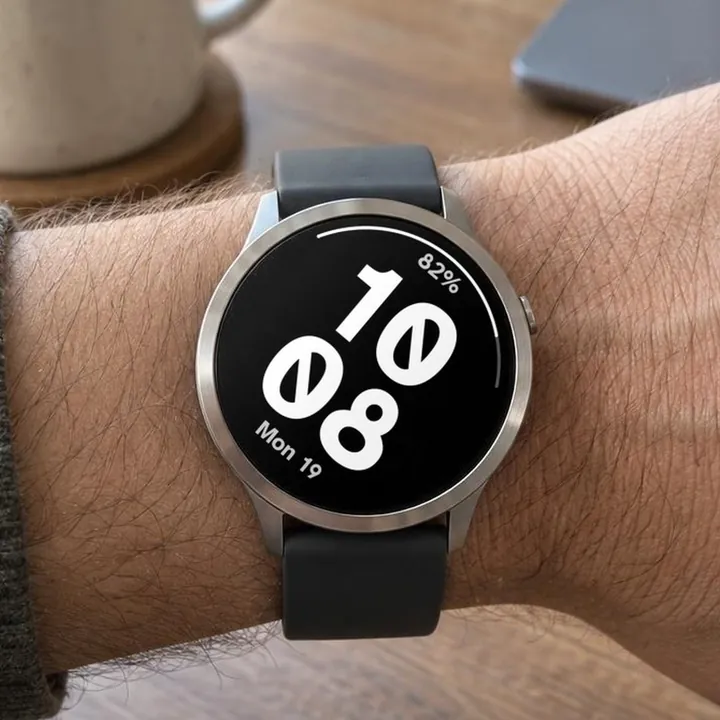
Plainsight £0.79
Large-digit watch face for Galaxy & Pixel Watch, Wear OS 4+: big, clear numbers.
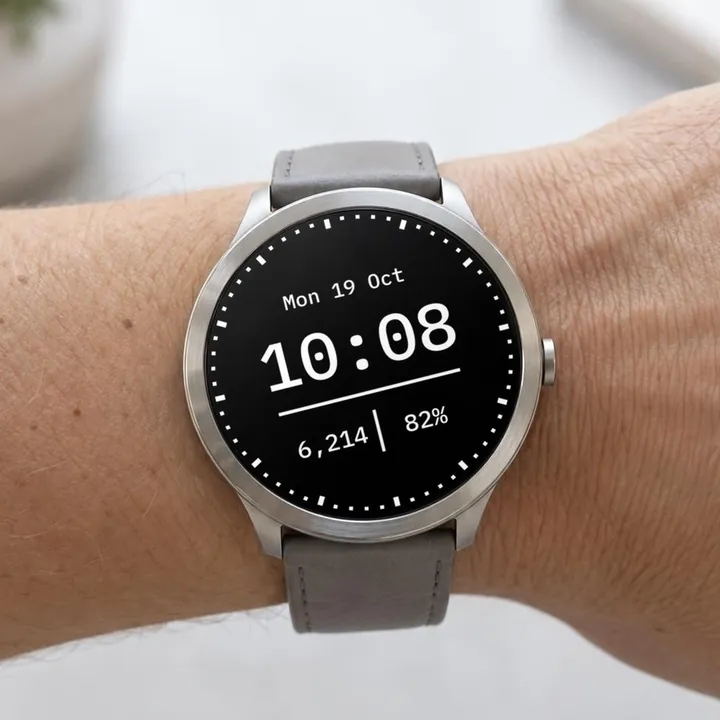
Monoline £0.49
Minimal watch face for Wear OS 4+: strict two colours, ruled layout, two slots.
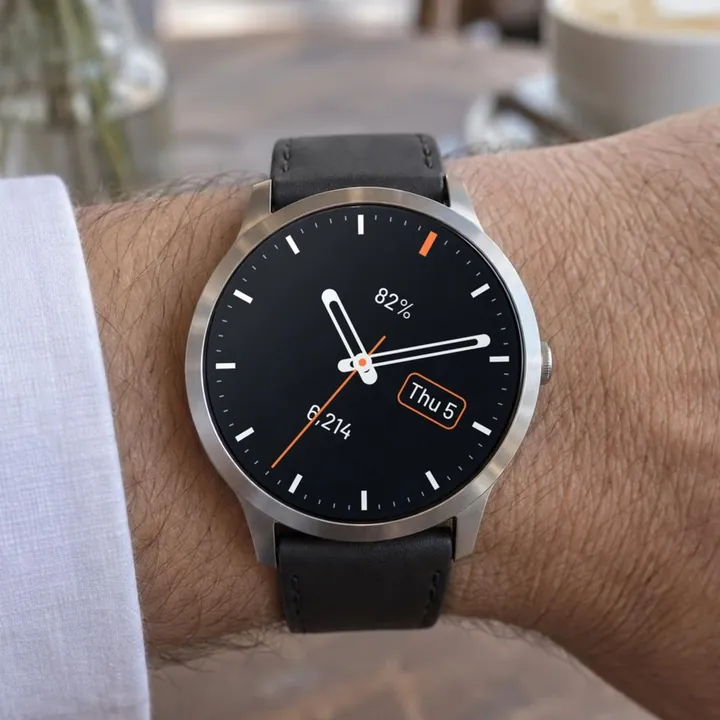
Clearhand Free
Analog watch face for Galaxy & Pixel Watch, Wear OS 4+: outlined hands, a date.
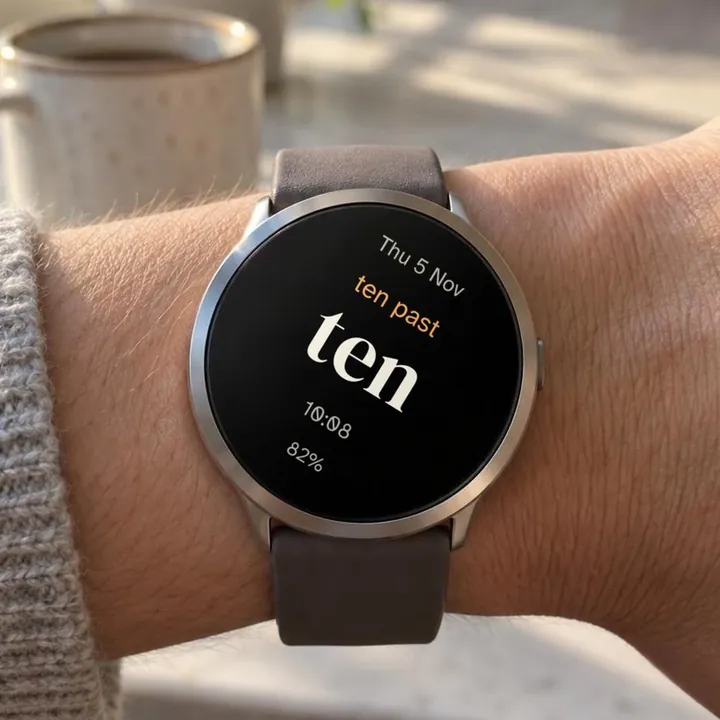
Quarter Past Free
Word clock watch face for Wear OS 4+: the time in words, exact digits below.
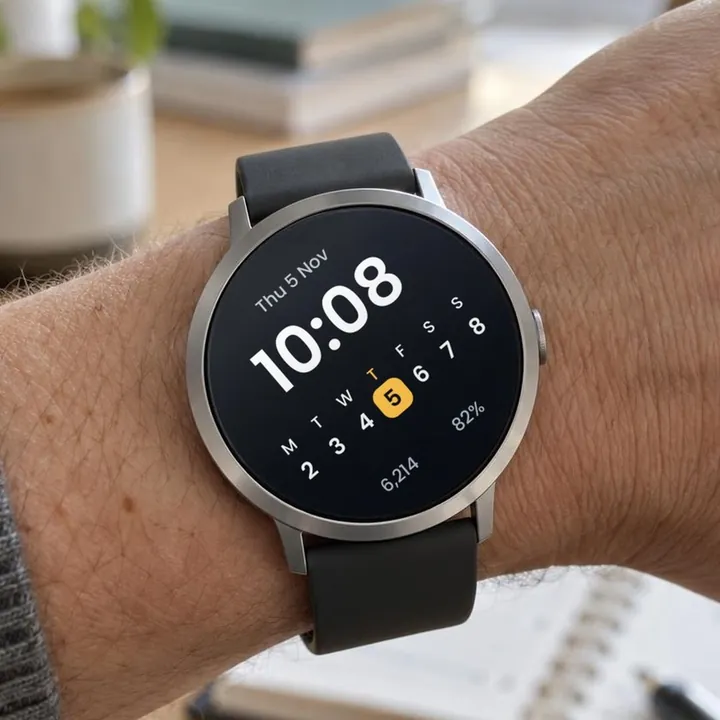
Weekline Free
Week calendar watch face for Wear OS 4+: this week's seven days, today lit.
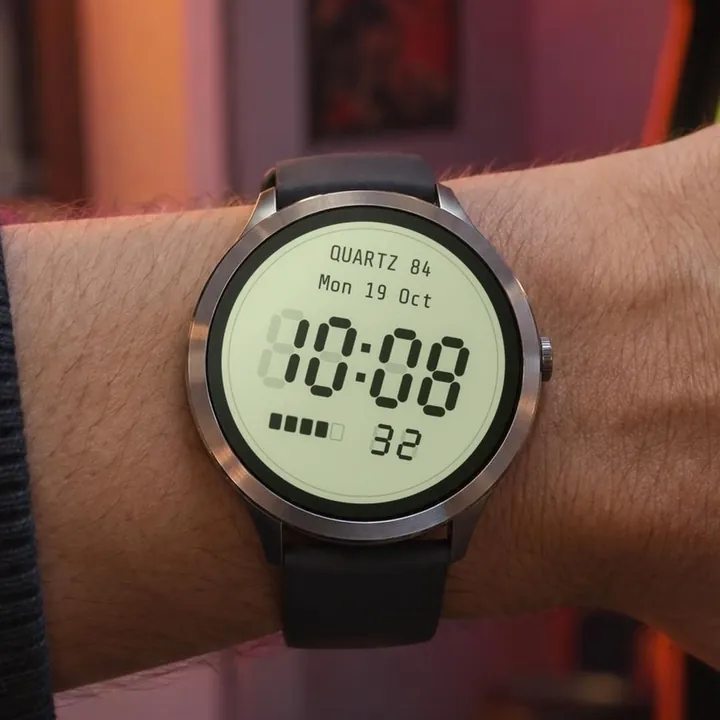
Quartz 84 £0.49
Retro LCD watch face for Wear OS 4+: 80s seven-segment digits, seconds, battery.
Meridian £0.79
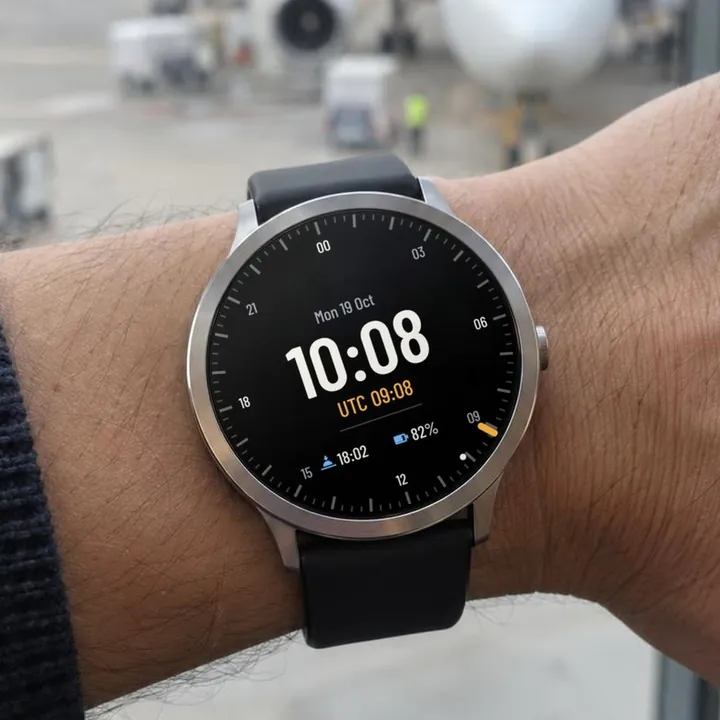
Dual time zone watch face for Wear OS 4+: local time plus UTC or 17 cities.
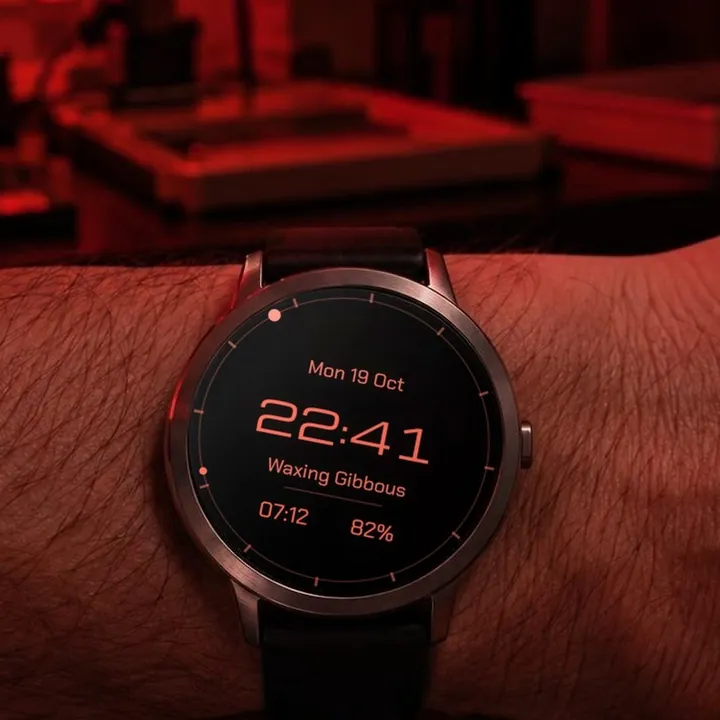
Darkroom £0.49
Red night watch face for Wear OS 4+: stargazing, night shifts, nothing blinks.
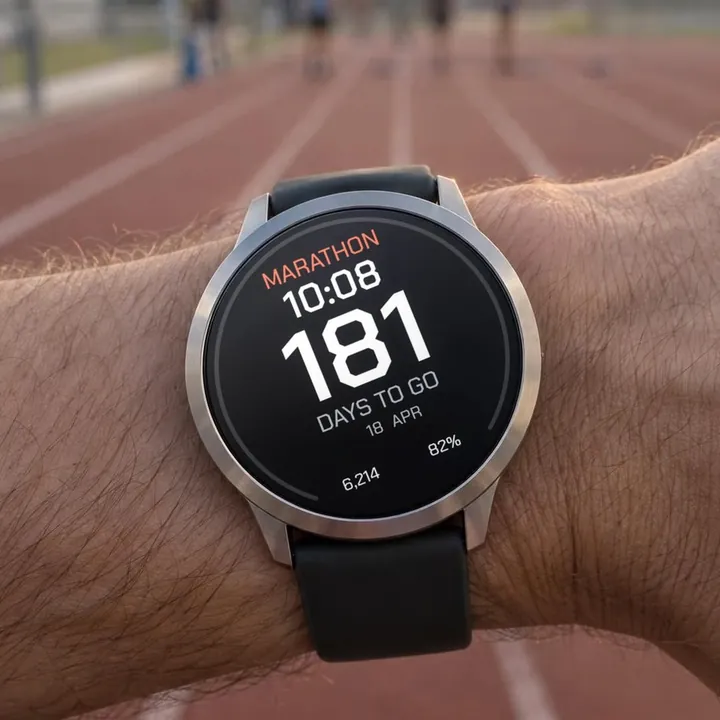
Startline £0.49
Race countdown watch face for Wear OS 4+: days to your marathon, 10K, triathlon.
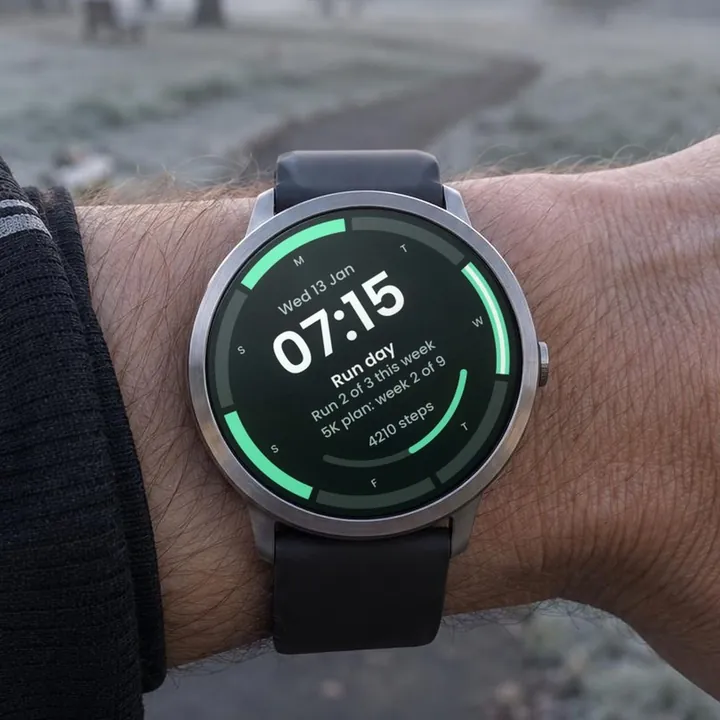
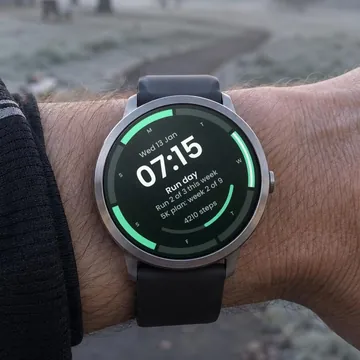
Newpace Free
Running watch face for Wear OS 4+: your run days, a 9-week 5K plan, your steps.
Clubhouse £0.79
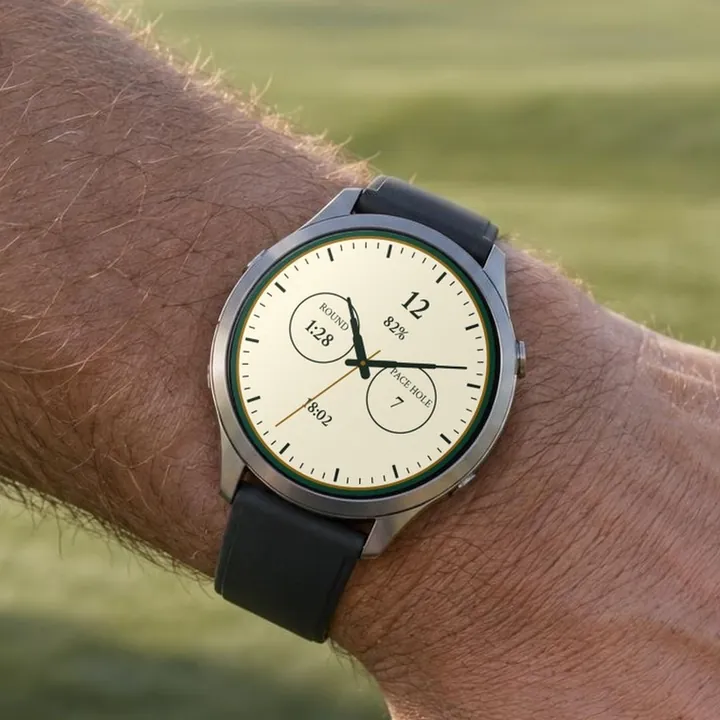
Golf watch face for Wear OS 4+: analog dial, round timer, pace-of-play counter.
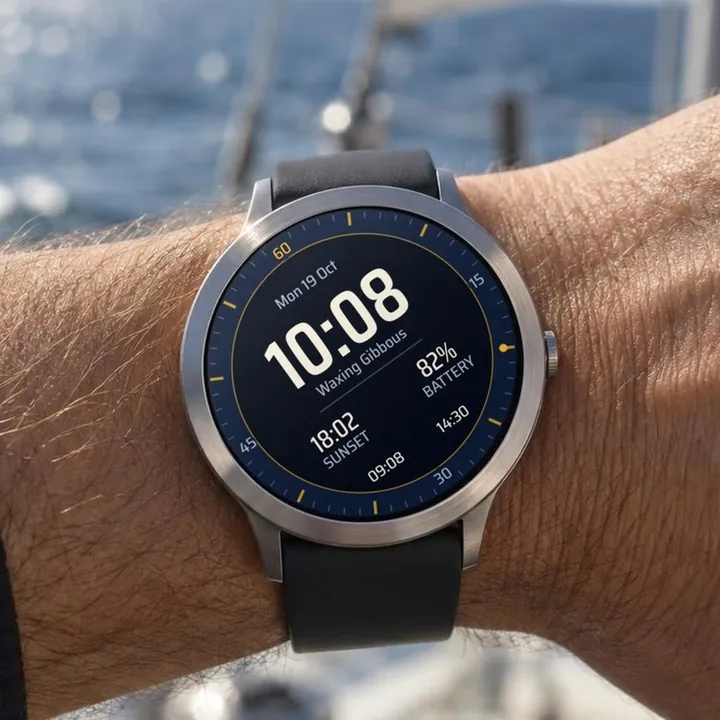
Leeward £0.79
Sailing watch face for Wear OS 4+: race-start seconds ring, moon phase, 4 slots.
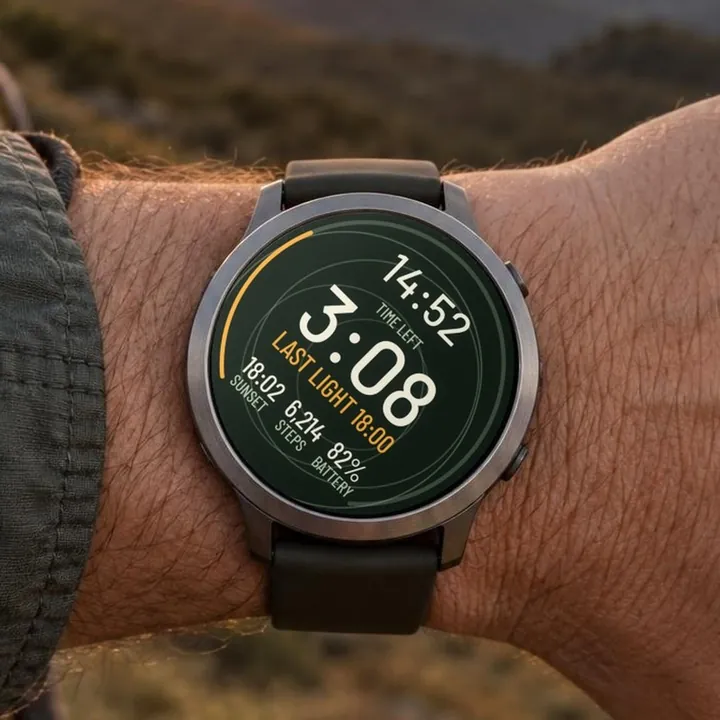
Lastlight £0.79
Hiking watch face for Wear OS 4+: countdown to the last light you set.
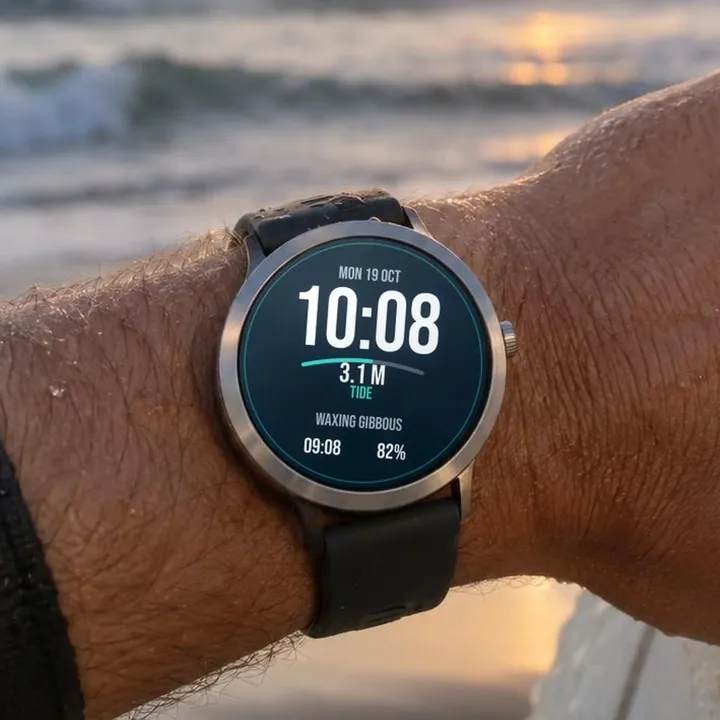
Shoreline £0.49
Surf watch face for Wear OS 4+: big slot for your tide app, moon phase, sunrise.
Yuletide Free
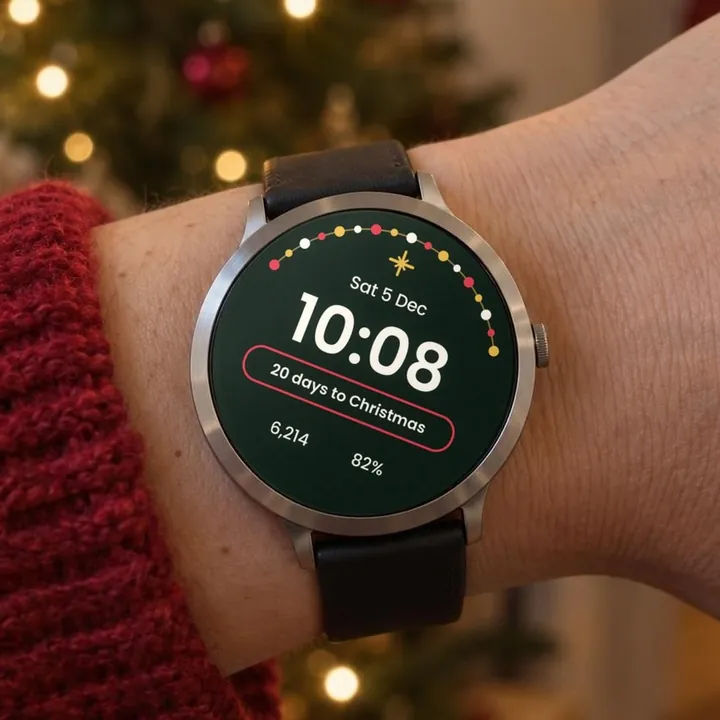
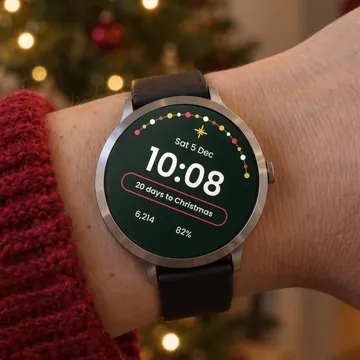
Christmas countdown watch face for Wear OS 4+: garland lights, days left.
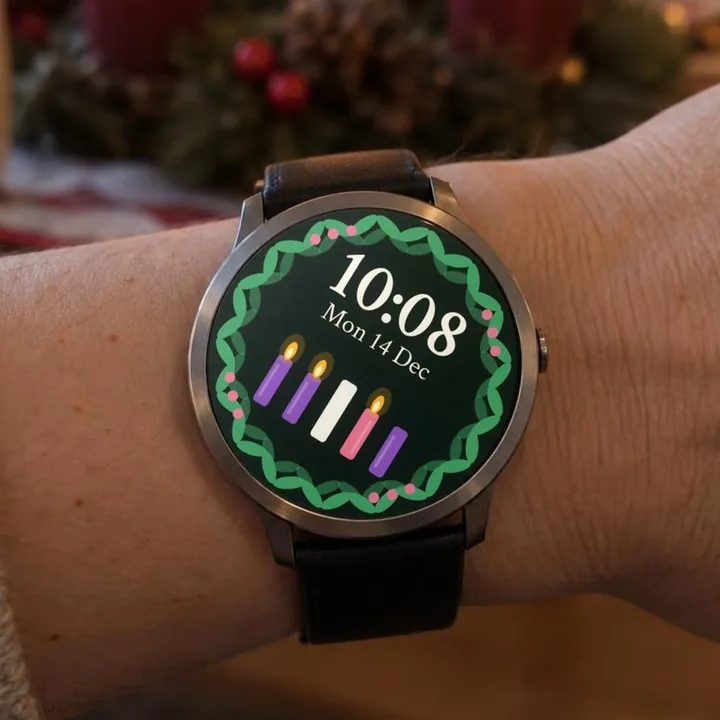
Advent Wreath £1.29
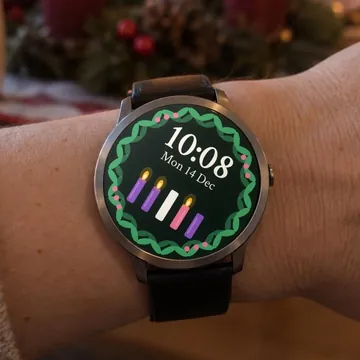
Advent wreath watch face for Wear OS 4+: candles light on the four Sundays.
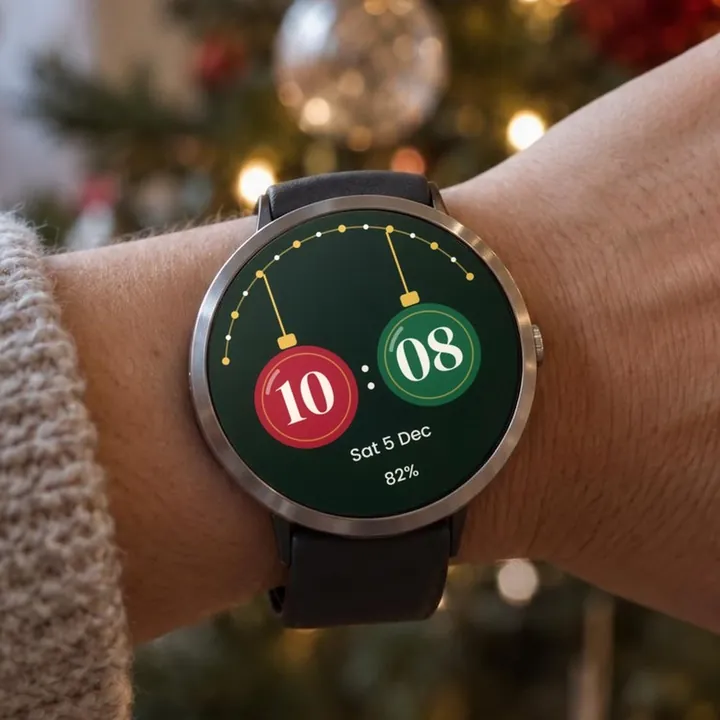
Baubles £0.99
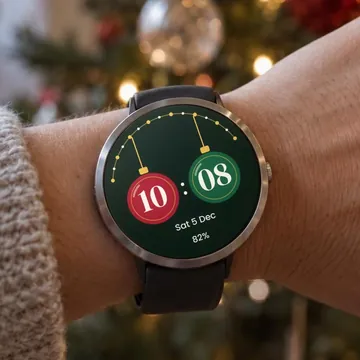
Christmas watch face for Wear OS 4+: hour and minute in two glass baubles.
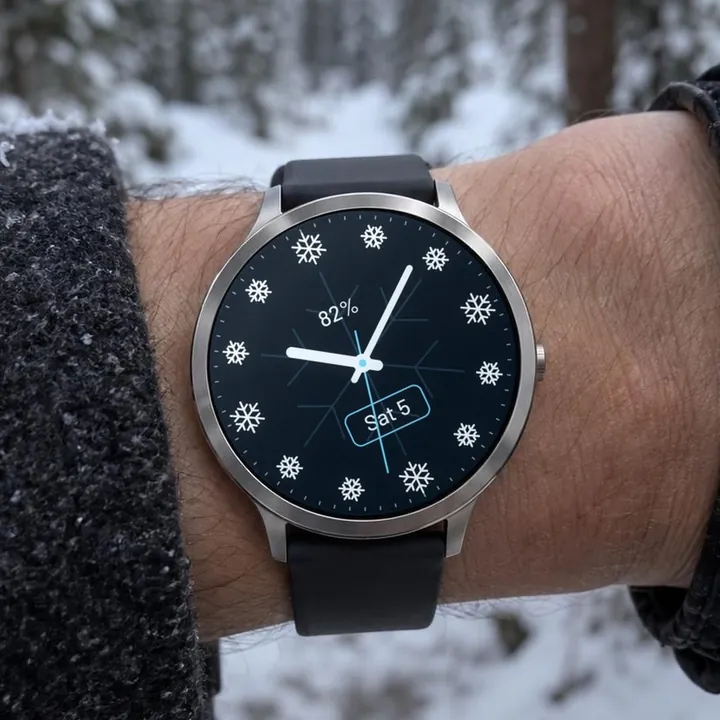
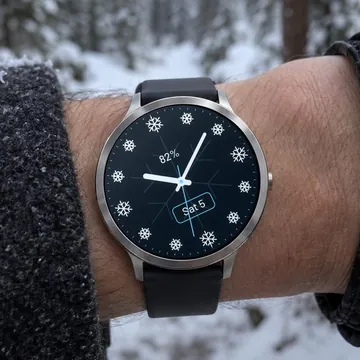
Snowline Free
Winter analog watch face for Wear OS 4+: twelve snowflake marks and a date.
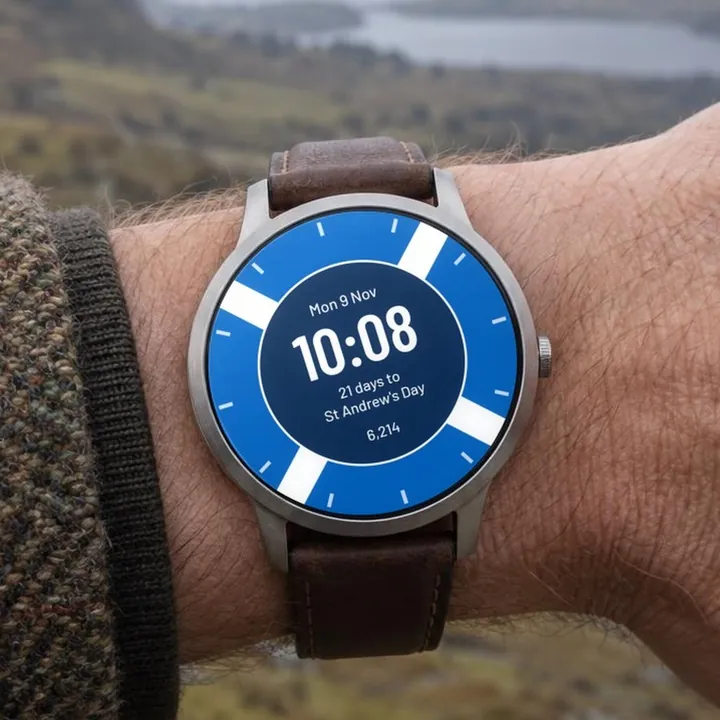
Saltire Free
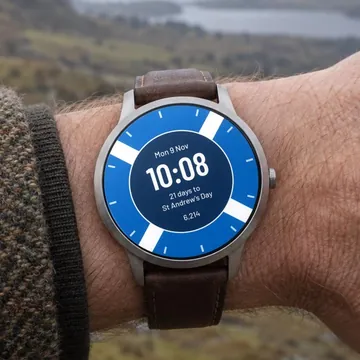
Scotland saltire watch face for Wear OS 4+ with a St Andrew's Day countdown.
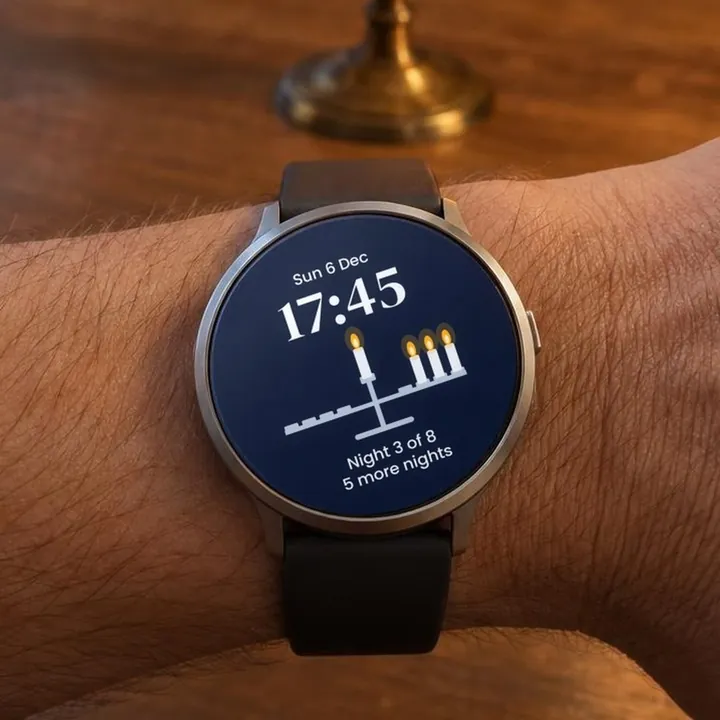
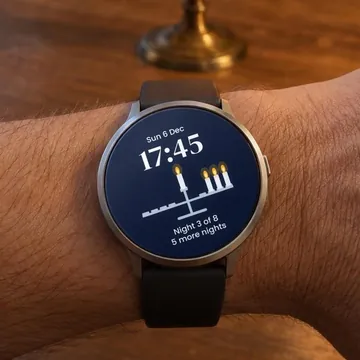
Ninelight Free
Hanukkah watch face for Wear OS 4+: a hanukkiah that gains a candle each night.
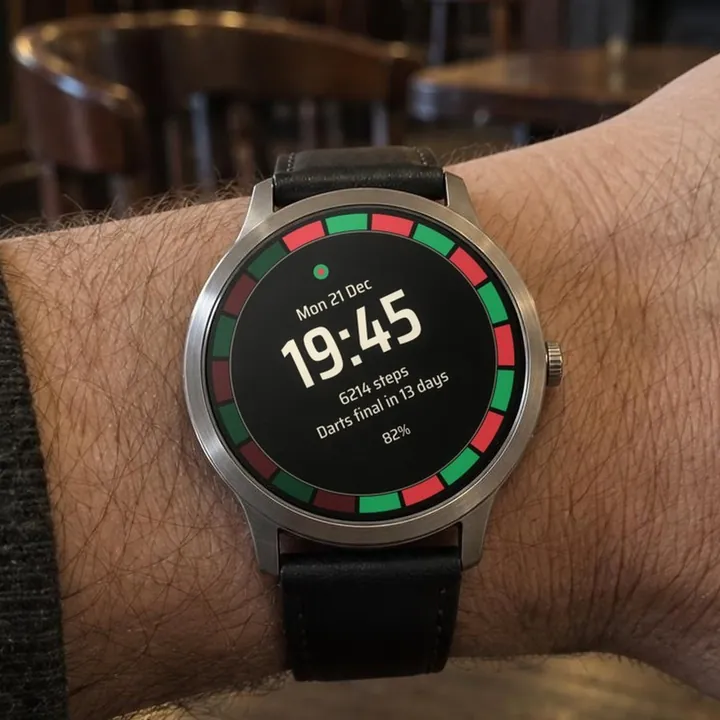
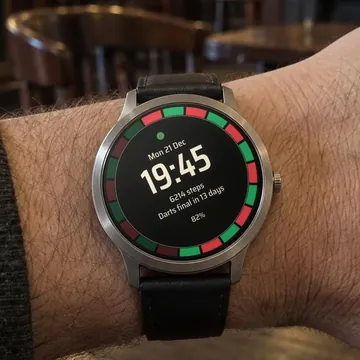
Treble Ring Free
Darts watch face for Wear OS 4+: dartboard colours, ring fills with steps.
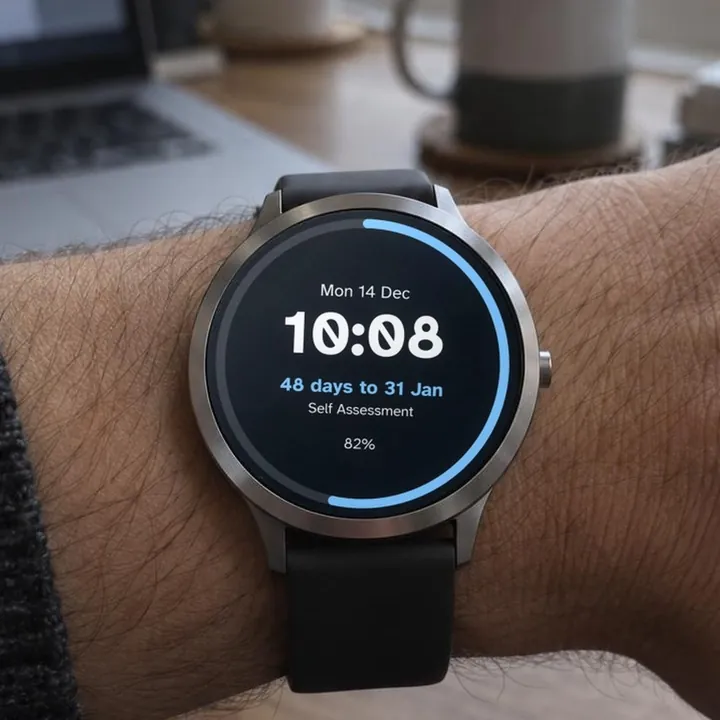
Thirtyfirst Free
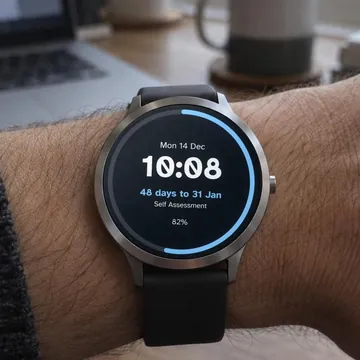
Self Assessment deadline watch face for Wear OS 4+: days to 31 January.
No face matches that mix of filters. Try setting one of them back to All.
Prices are the ones Google Play listed on 20 November 2026. They can change, and Play shows the price for your country at the moment you install. Screenshots on every page are captures of the real faces with sample data on the dial.
What stays the same on every face
- No code, no data collectedEach face is built in Google's Watch Face Format, which contains no code. Every listing says it collects no data.
- Always-on modeEvery face has a dimmed always-on view that keeps the useful part and spares the screen.
- Readable textOur listings state a contrast ratio of at least 7 to 1 for text on every theme (the always-on view is deliberately dimmer).
- Honest pagesWhere a face cannot show something, such as tide times, GPS or a heart rate of its own, the page says so.