Dates and seasons · Digital
Ninelight
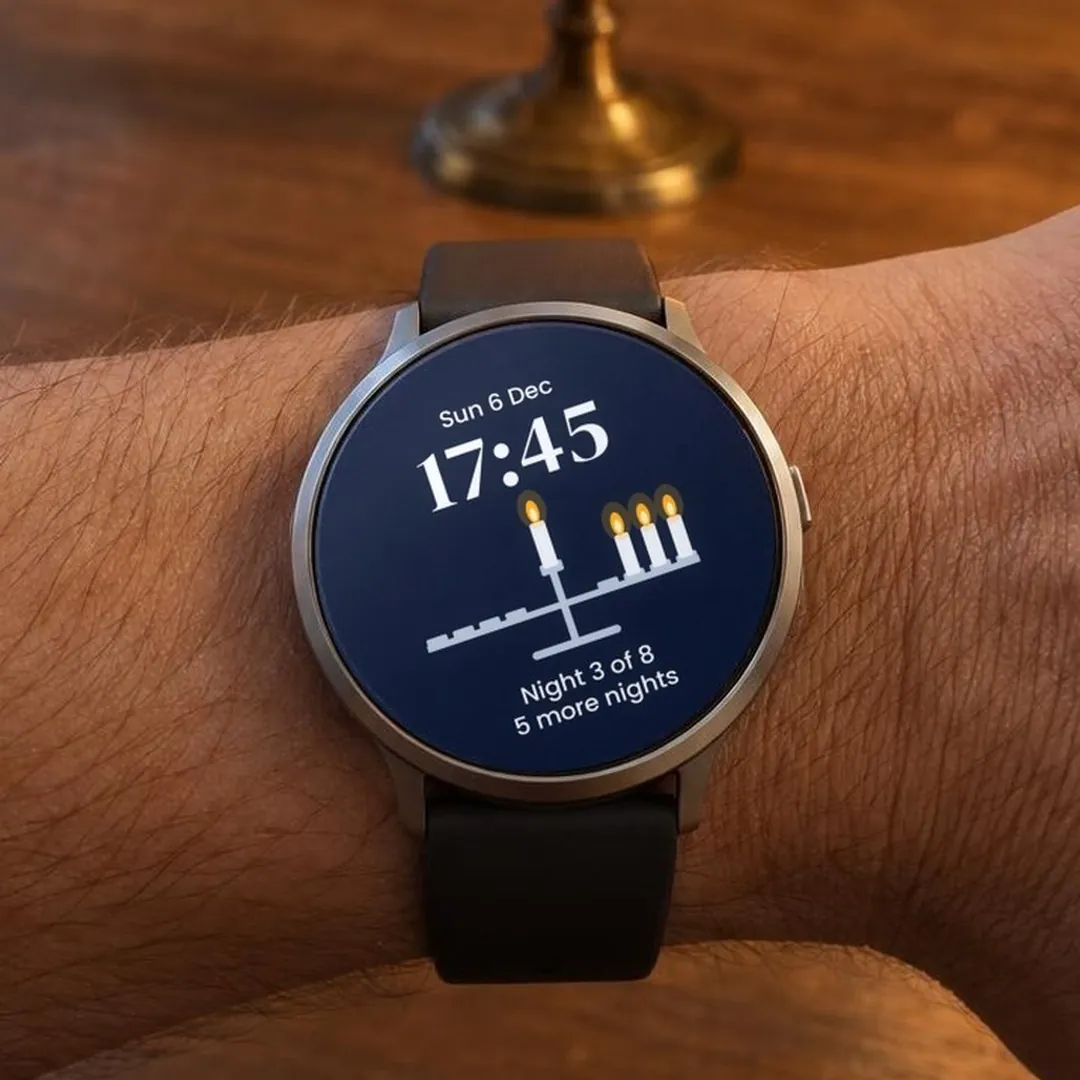
Hanukkah watch face for Wear OS 4+: a hanukkiah that gains a candle each night.
FreeChecked 20 Nov 2026
- On Google Play since
- 10 Nov 2026
- Works on
- Round Wear OS 4 or newer watches. Not for phones or other kinds of smartwatch.
- Built with
- Google's Watch Face Format. The face contains no code and collects no data. No ads and no in-app purchases.
- Best used
- Hanukkah, first candle evening of 4 December, 4 Dec to 12 Dec
About Ninelight
Works on Galaxy Watch 4 or newer and Pixel Watch, on Wear OS 4 or later. Round screens only.
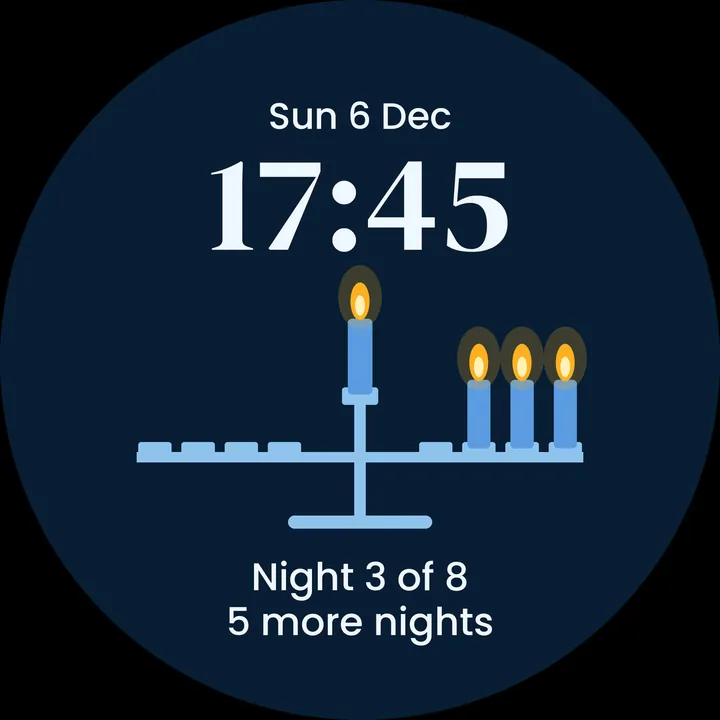
Ninelight is a Hanukkah watch face for Wear OS: the date and the time above a nine-branch hanukkiah, with eight candle cups in a row and the shamash, the helper candle, raised and set apart in the centre.
One more candle each night
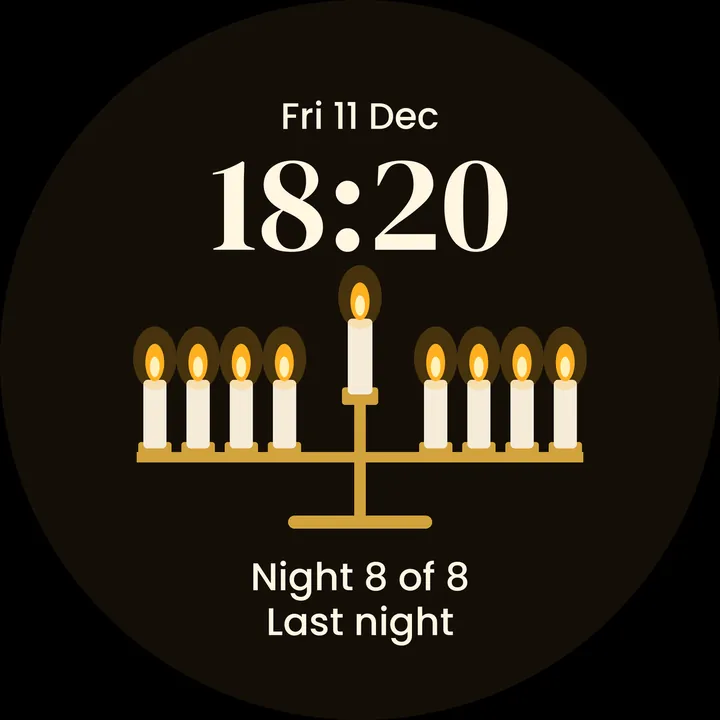
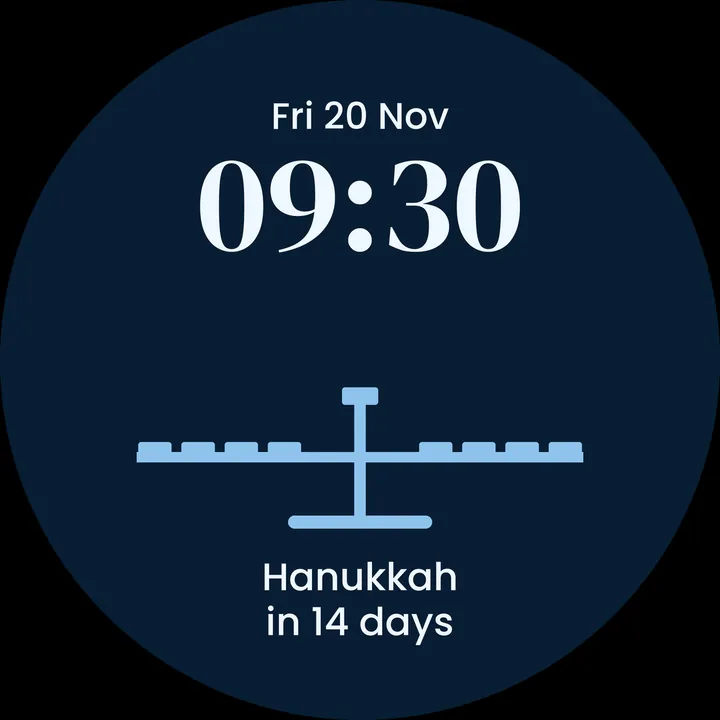
On the first night one candle stands in the far right cup next to the lit shamash. Each night one more is added to its left, until all eight burn on the eighth night. Underneath, two lines read, for example, "Night 3 of 8" and "5 more nights". In the 30 days before the festival they read "Hanukkah in N days"; the day after the eighth night they read "Hanukkah ends tonight". The rest of the year the hanukkiah stands empty and Ninelight is a calm time-and-date face.
How the nights are counted
Hanukkah follows the Hebrew calendar, so its dates move each year. Ninelight carries the first-candle dates from Hebcal for 2025 to 2039 (in 2026 the first candle is on the evening of Friday 4 December). The face counts by the date on your watch: on 4 December 2026 it shows night 1, the night that begins that evening. It does not know your location or sunset, so it shows no candle-lighting times; please use your community's calendar for those.
Three themes
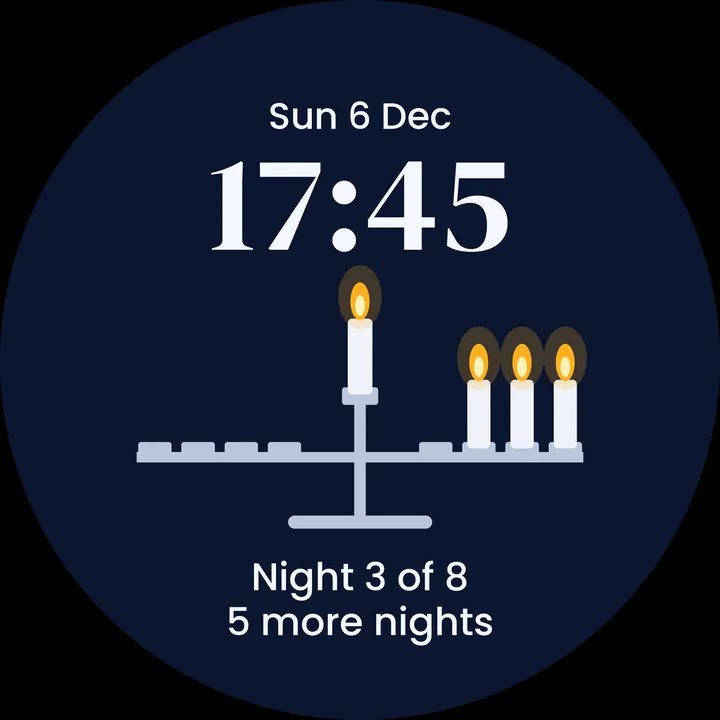
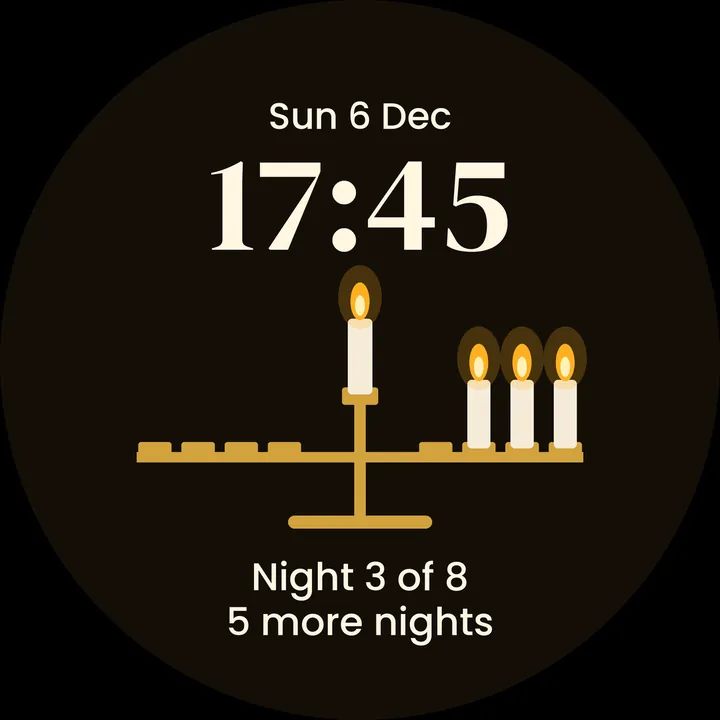
Choose in the face editor: Silver (on midnight blue), Gold (on warm black) and Sky (blue candles on deep blue). Every text colour in every theme has a contrast ratio of at least 7:1 against its background.
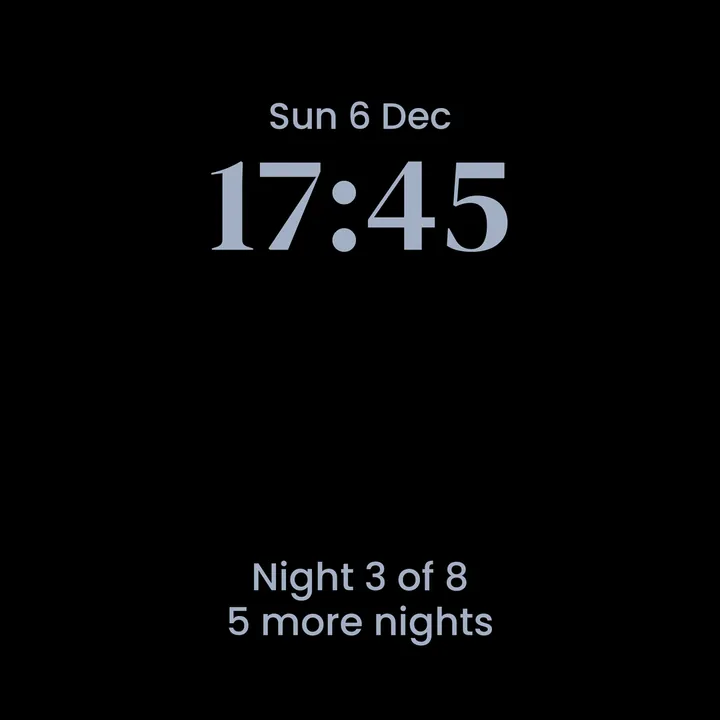
Always-on mode keeps the date, the time and the two lines, dimmed, on a black screen. The hanukkiah is shown while the screen is awake.
Free. No ads, no in-app purchases, no data collected and no permissions. This is a Watch Face Format face: it contains no code.
To use it, touch and hold the current watch face, swipe to Ninelight, then tap the pencil to choose a theme.
Good to know: the wording is in English. The artwork is our own geometric drawing. Candles are shown in the order described by Chabad.org: added from right to left, and lit from left to right with the newest first; customs differ between communities. Screenshots show sample dates (6 December 2026, night 3).
Setting it up
Install it from Google Play on your phone (choose your watch from the device menu) or from the Play Store on the watch. Then touch and hold the current watch face, swipe to Ninelight, and tap the pencil or Customize to choose a theme. Step by step for Galaxy Watch and Pixel Watch.
Fonts: DM Serif Display, copyright 2014-2018 Adobe and 2019 Google LLC, and Poppins, copyright 2020 The Poppins Project Authors, both SIL Open Font License 1.1.
Themes and always-on view
Captures of the real face. Sample data is shown on the dial; your watch supplies the real values.
More faces
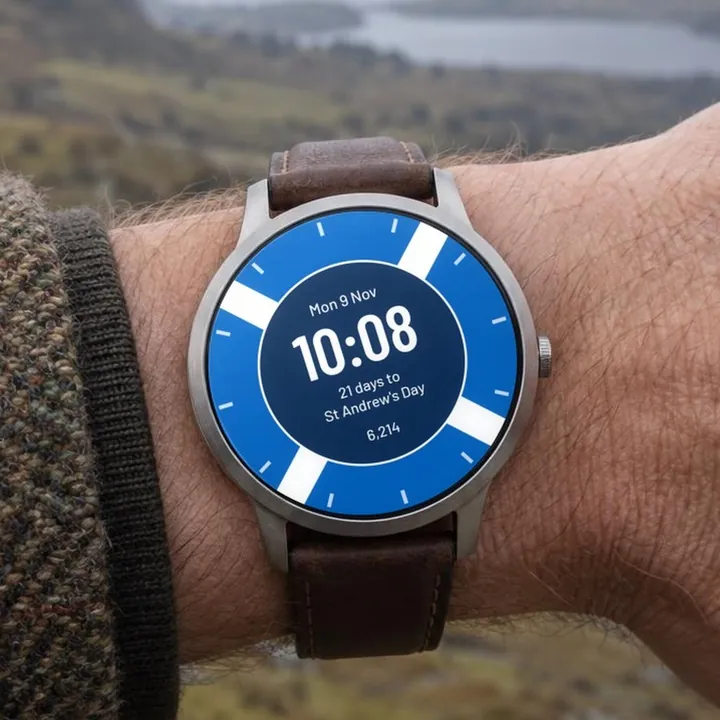
Saltire Free
Scotland saltire watch face for Wear OS 4+ with a St Andrew's Day countdown.
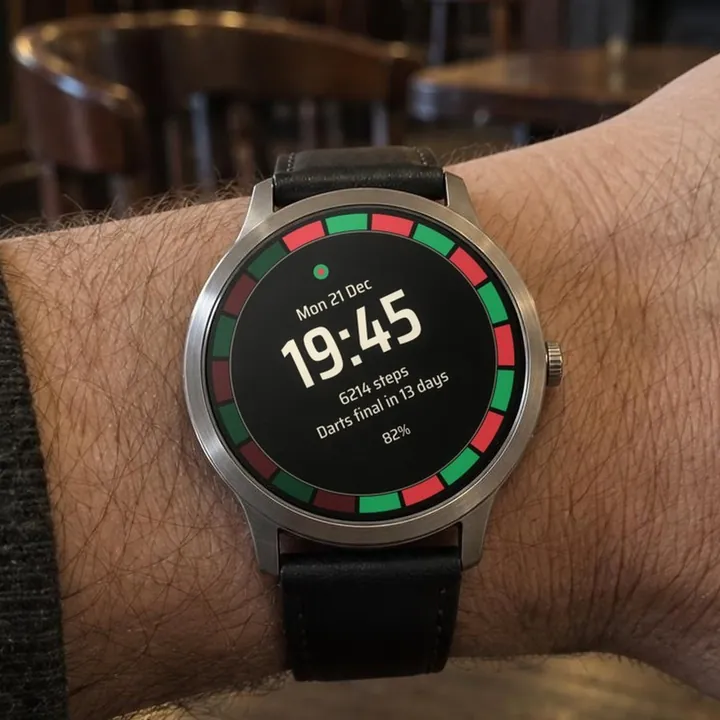
Treble Ring Free
Darts watch face for Wear OS 4+: dartboard colours, ring fills with steps.
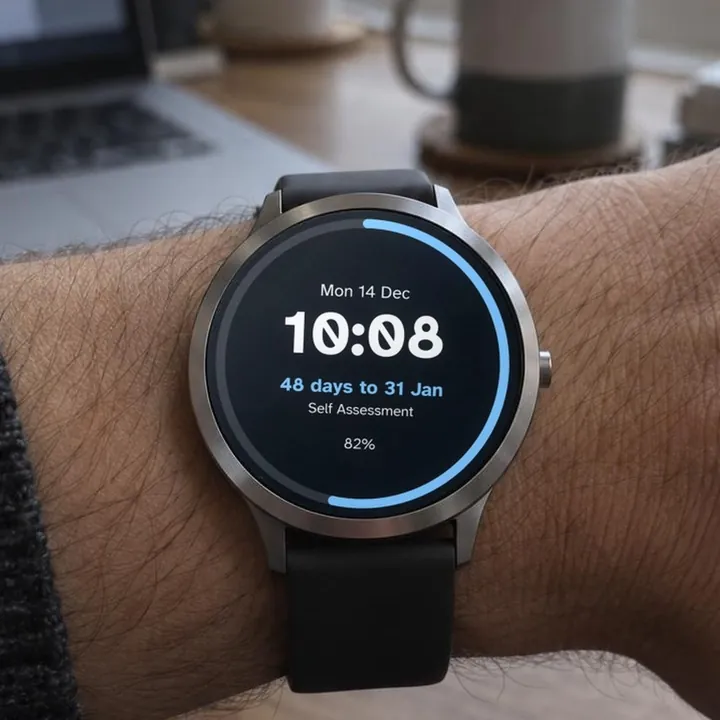
Thirtyfirst Free
Self Assessment deadline watch face for Wear OS 4+: days to 31 January.