Christmas and winter · Digital
Advent Wreath
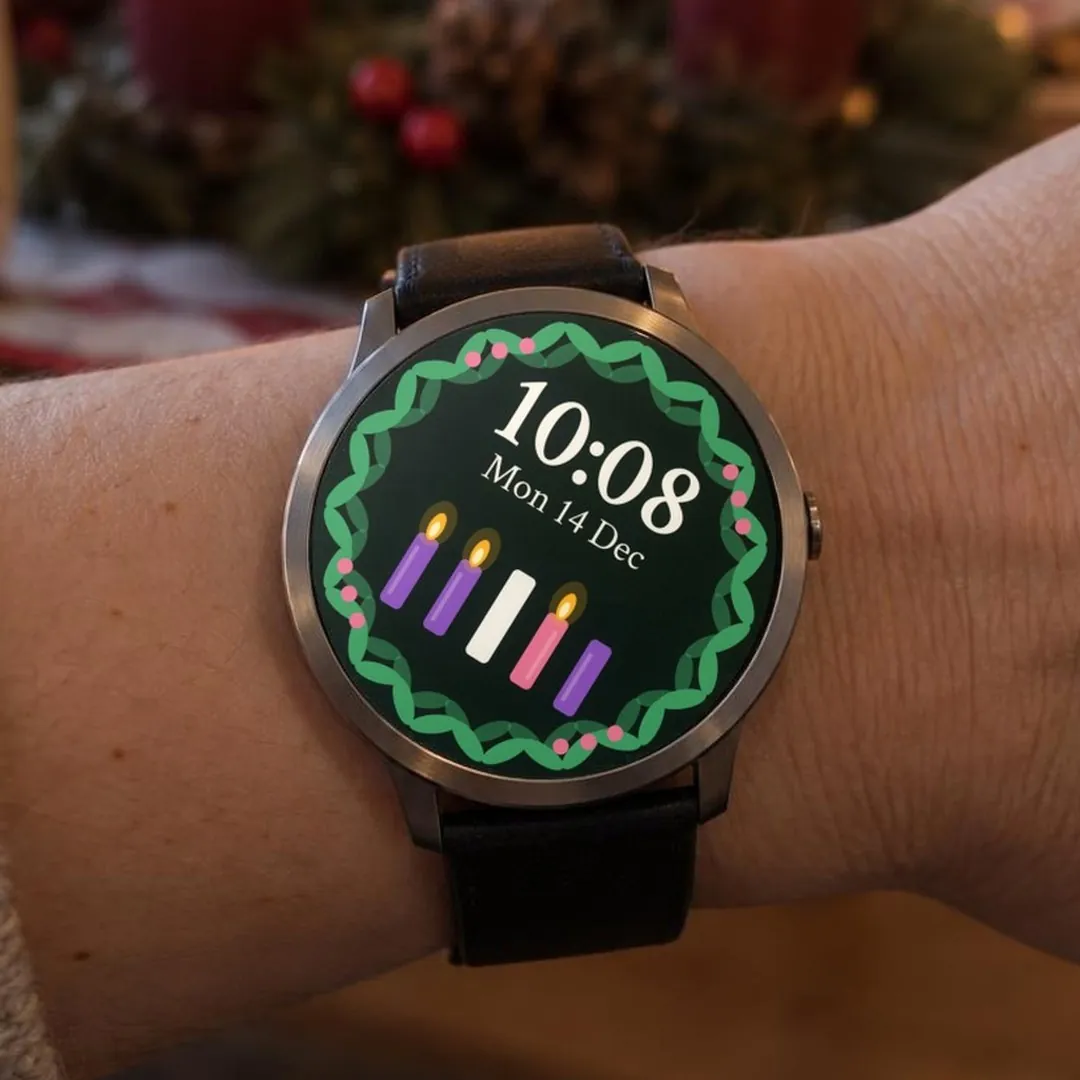
Advent wreath watch face for Wear OS 4+: candles light on the four Sundays.

£1.29Checked 20 Nov 2026
- On Google Play since
- 9 Nov 2026
- Works on
- Round Wear OS 4 or newer watches. Not for phones or other kinds of smartwatch.
- Built with
- Google's Watch Face Format. The face contains no code and collects no data. No ads and no in-app purchases.
- Best used
- Advent, first candle 29 November, 29 Nov to 25 Dec
About Advent Wreath
Works on Galaxy Watch 4 or newer and Pixel Watch, on Wear OS 4 or later. Round screens only.
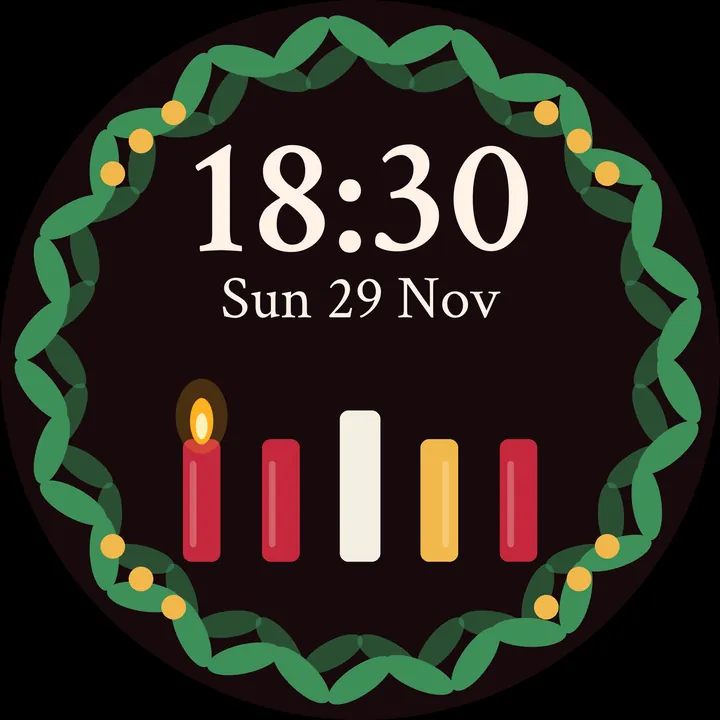
Advent Wreath puts a wreath of leaves and berries around your watch. Inside it are the date, the time and four Advent candles around a white centre candle, and the candles light themselves as Advent goes on.
How the candles work
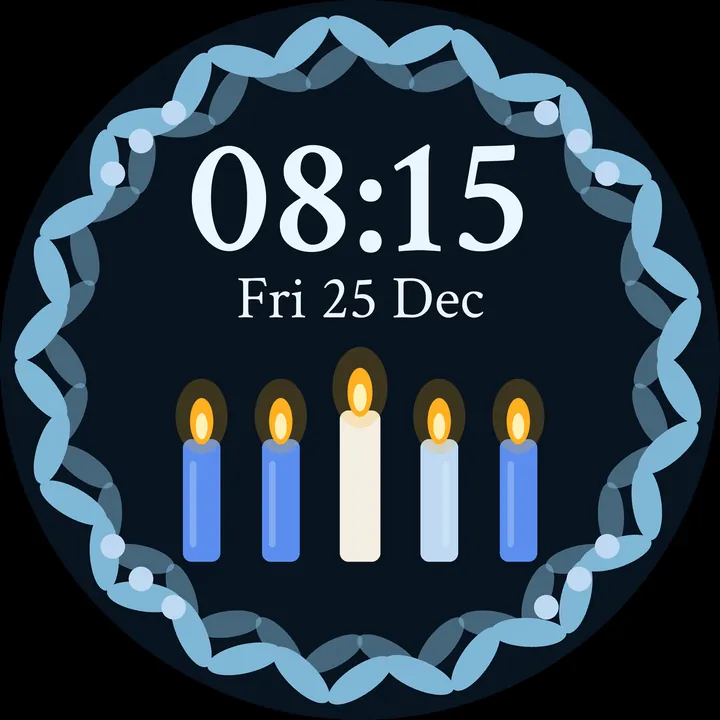
The first candle lights on the first Sunday of Advent, the second a week later, and so on: one new candle on each of the four Sundays before Christmas. In 2026 that is 29 November, then 6, 13 and 20 December. On Christmas Day (25 December) the white centre candle lights as well. All the flames go out on 1 January, and from then until the next Advent the candles stay unlit. It is worked out from your watch's own date, so there is nothing to set and it never needs updating. It follows the Western Christian calendar (the four Sundays before 25 December), not the Orthodox one.
Three themes
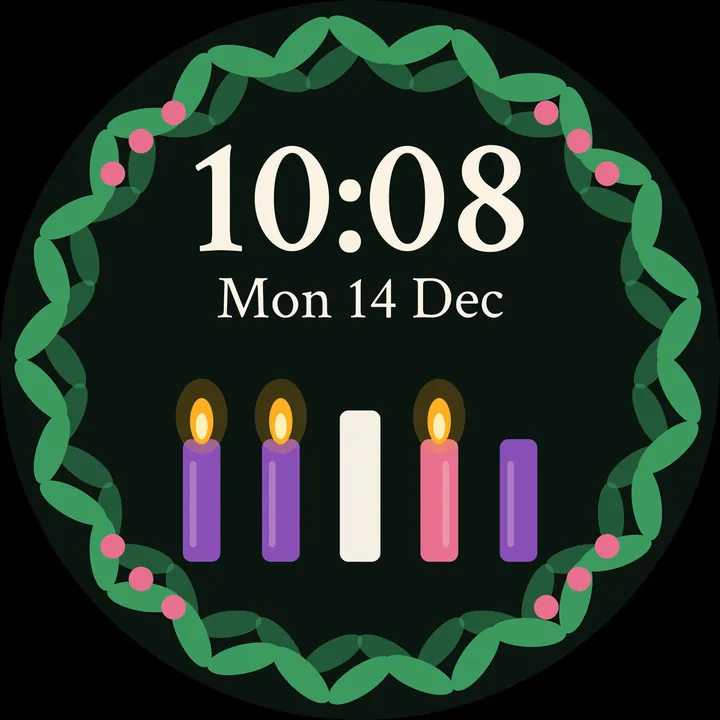
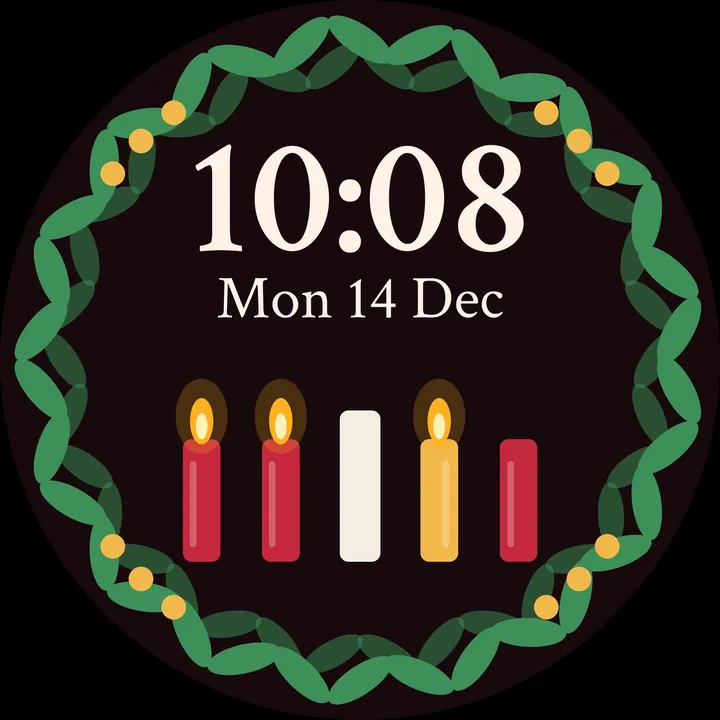
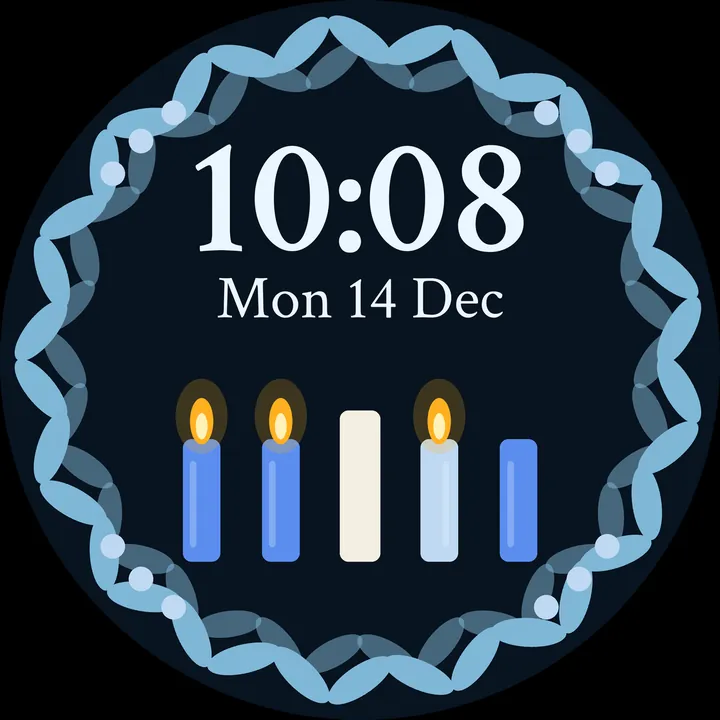
Choose in the face editor: Classic (purple candles and a rose one, on deep green), Crimson (red candles with a gold one) and Frost (blues and silver). Every text colour in every theme has a contrast ratio of at least 7:1 against its background.
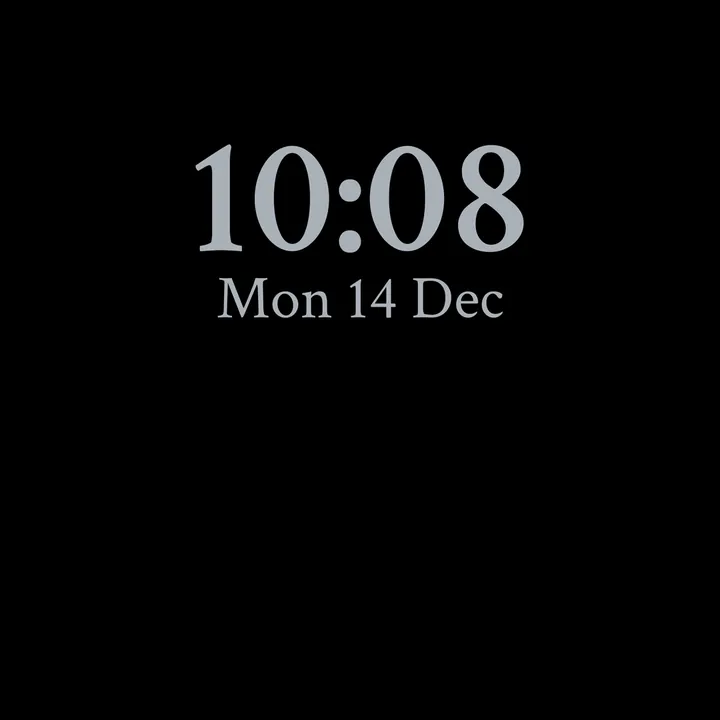
Always-on mode keeps the date and the time, dimmed, on a black screen. The wreath and candles are shown while the screen is awake.
Advent Wreath has no complication slots: the wreath fills the dial. It shows the time and date only.
No ads, no in-app purchases, no data collected and no permissions. This is a Watch Face Format face: it contains no code.
To use it, touch and hold the current watch face, swipe to Advent Wreath, then tap the pencil to choose a theme.
Good to know: the weekday and month wording uses your watch's language. Screenshots show sample dates (14 December, with three candles lit; the extra screenshots show the first Sunday of Advent and Christmas Day).
Setting it up
Install it from Google Play on your phone (choose your watch from the device menu) or from the Play Store on the watch. Then touch and hold the current watch face, swipe to Advent Wreath, and tap the pencil or Customize to choose a theme. Step by step for Galaxy Watch and Pixel Watch.
Font: Crimson Text, copyright 2010 The Crimson Text Project Authors, SIL Open Font License 1.1.
Themes and always-on view
Captures of the real face. Sample data is shown on the dial; your watch supplies the real values.
More faces
Yuletide Free
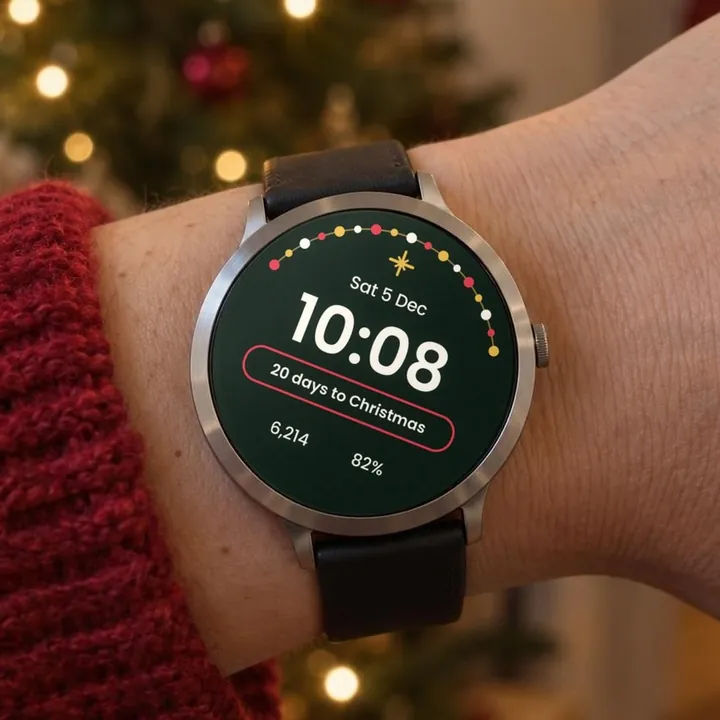
Christmas countdown watch face for Wear OS 4+: garland lights, days left.
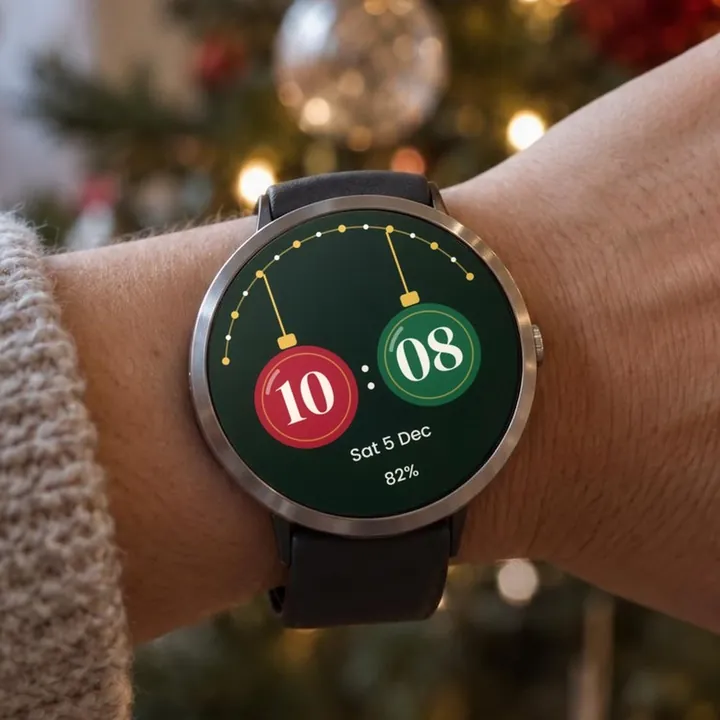
Baubles £0.99
Christmas watch face for Wear OS 4+: hour and minute in two glass baubles.
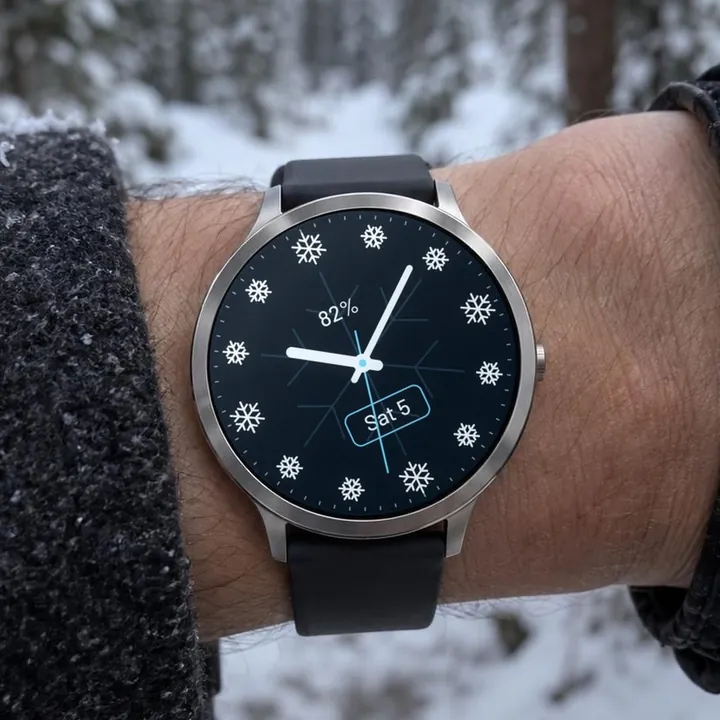
Snowline Free
Winter analog watch face for Wear OS 4+: twelve snowflake marks and a date.