Everyday · Digital
Plainsight
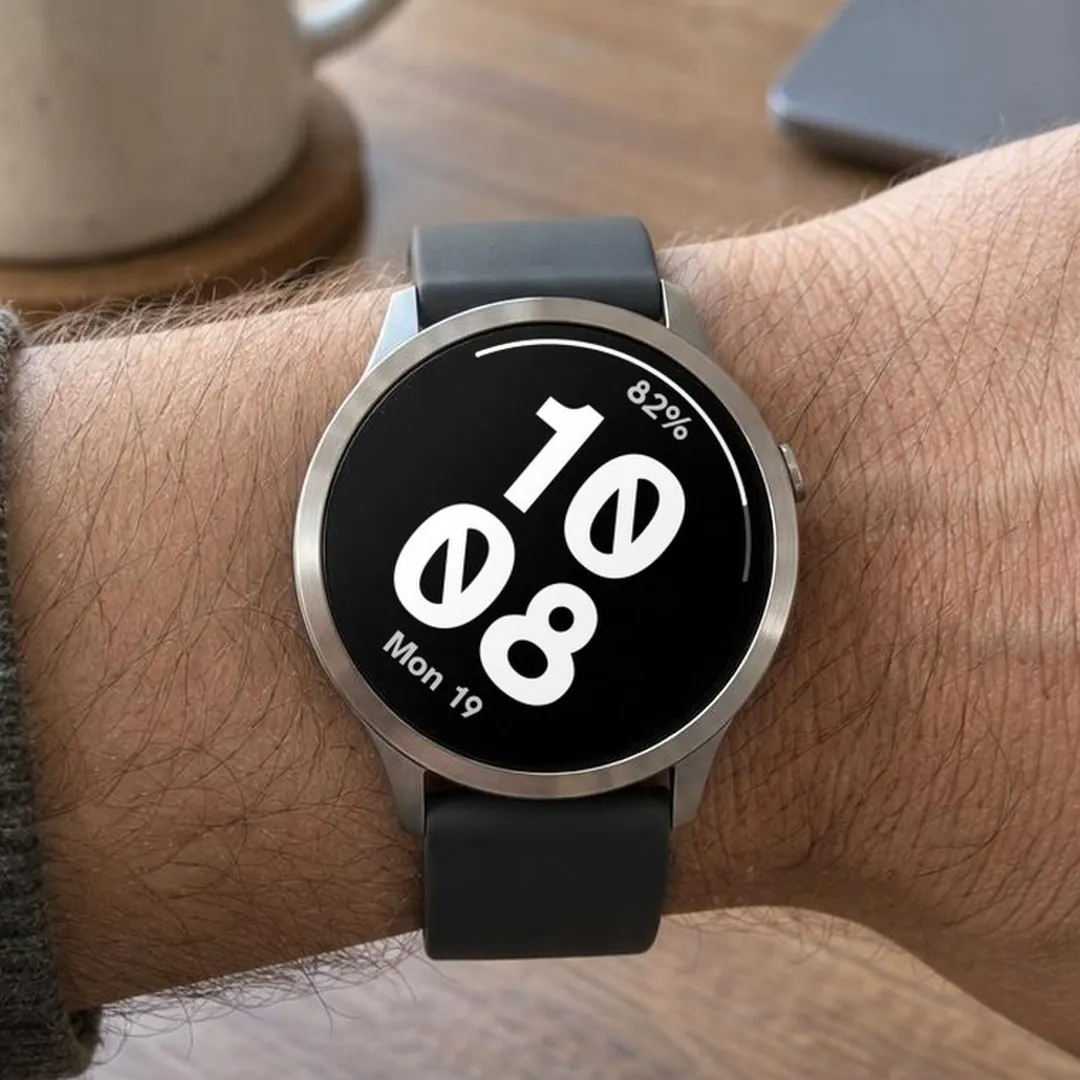
Large-digit watch face for Galaxy & Pixel Watch, Wear OS 4+: big, clear numbers.
£0.79Checked 20 Nov 2026
- On Google Play since
- 19 Oct 2026
- Works on
- Round Wear OS 4 or newer watches. Not for phones or other kinds of smartwatch.
- Built with
- Google's Watch Face Format. The face contains no code and collects no data.
About Plainsight
Works on Galaxy Watch 4 or newer and Pixel Watch, on Wear OS 4 or later. Round screens only.
Plainsight is a large-digit watch face for Wear OS, made to be easy to read at a glance. It puts the hours on one line and the minutes on the next, so each digit can be about twice as tall as on a standard one-line clock. A watch face by TurboKast.
The digits use Atkinson Hyperlegible, a typeface drawn for readers with low vision. Open shapes keep 1 and 7, 3 and 8, and 6 and 9 clearly apart, and the slashed zero means a 0 never passes for an 8.
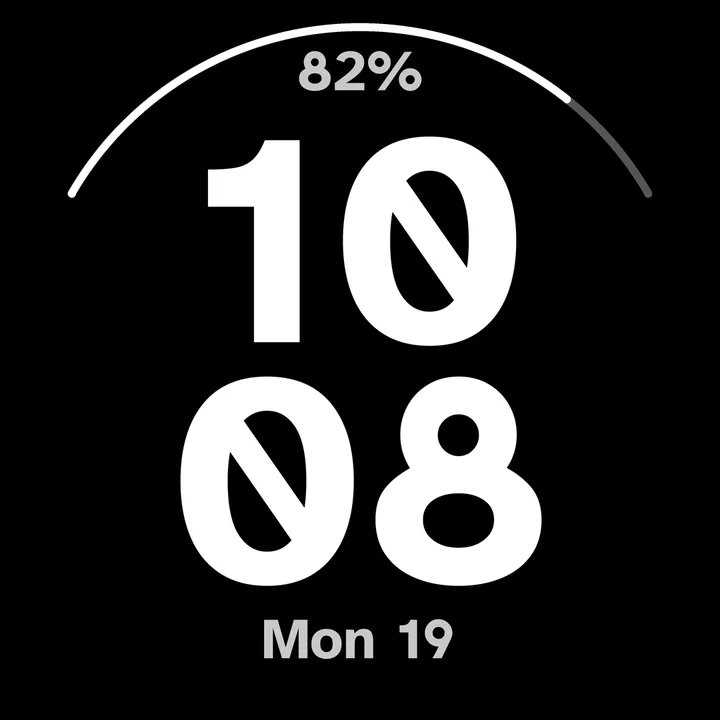
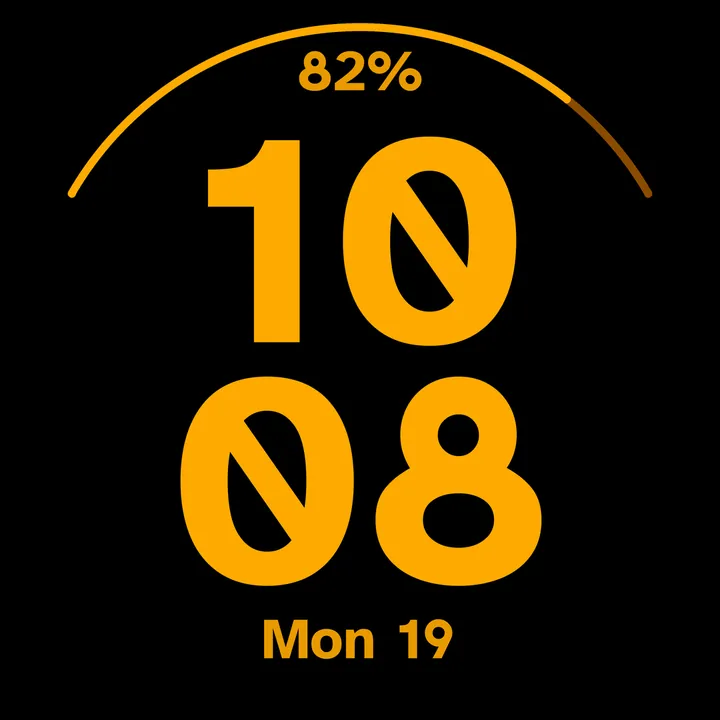
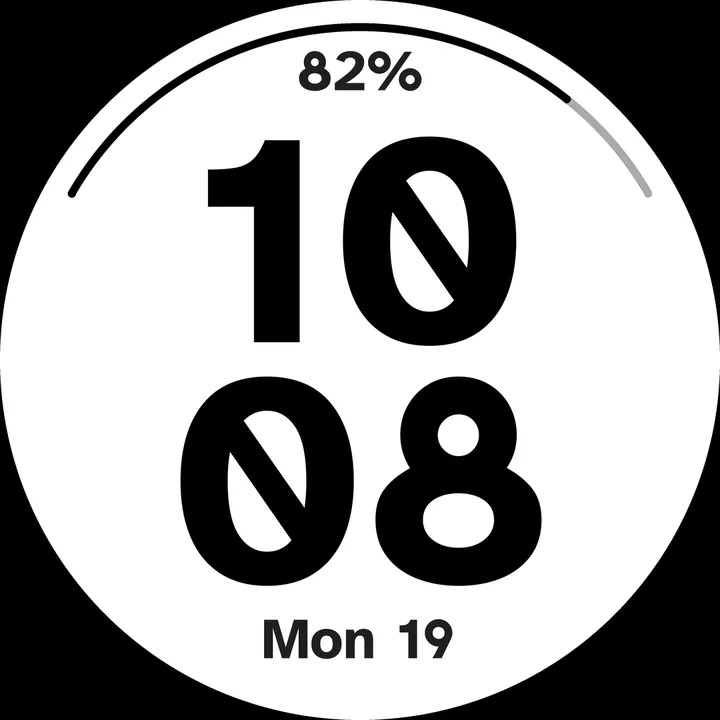
Everything else stays out of the way. A thin arc across the top shows battery, with the percentage beneath it. One short line at the bottom gives the day and date. There are no steps, charts or icons to decode.
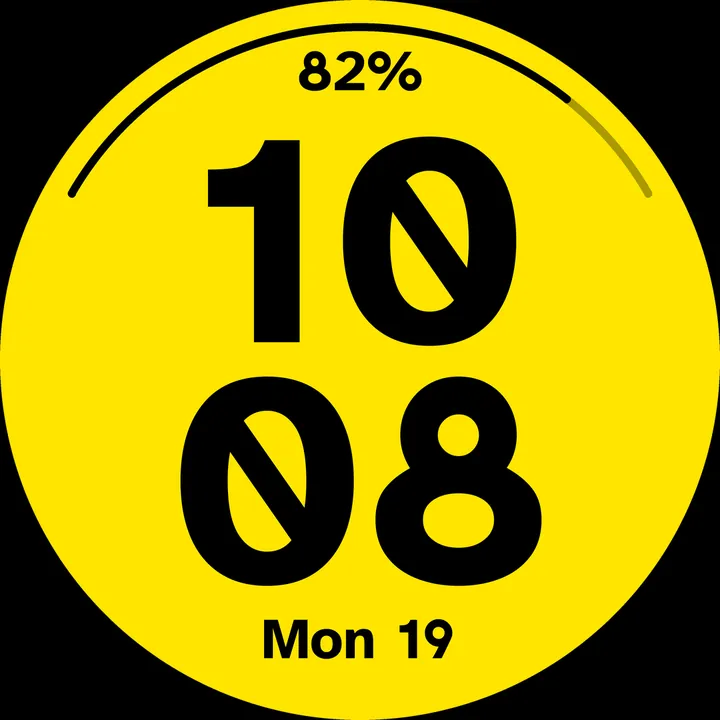
Every theme has a contrast ratio of at least 7:1. Signal, black on yellow, is the strongest choice for bright sun. Lamplight, amber on black, is gentle at night.
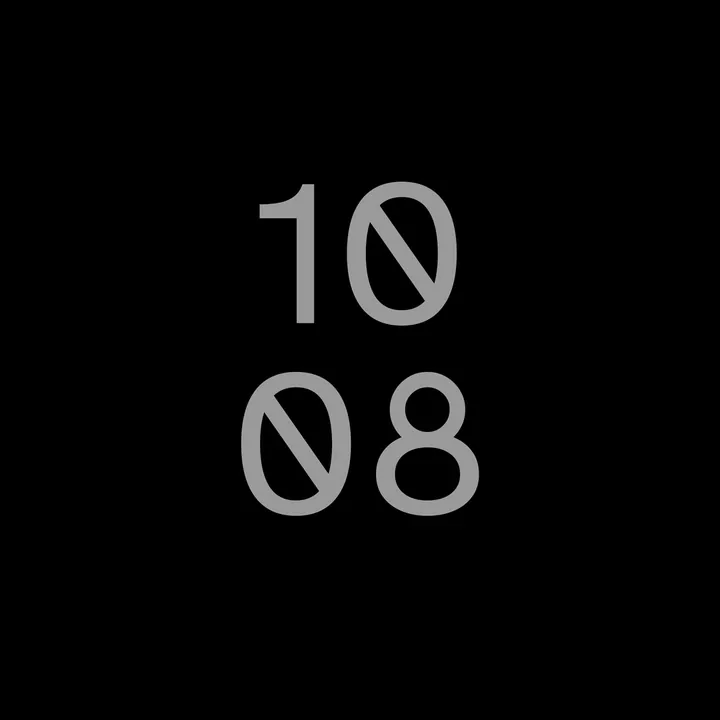
In always-on mode the screen keeps just the time, in a lighter weight and a dimmed colour, to protect your AMOLED display and your battery.
Features
- Hours stacked over minutes, each as large as the round screen allows
- High-legibility digits with a slashed zero
- Battery arc with percentage
- Day of week and date
- Four themes: Chalk (white on black), Signal (black on yellow), Lamplight (amber on black), Paper (black on white)
- Every theme at 7:1 contrast or higher
- Always-on mode shows the time alone, dimmed
- Follows your watch's 12/24-hour setting
How to use
Install on your watch (or from the Play Store on your phone and choose your watch). Touch and hold the current watch face, swipe to Plainsight, then tap the pencil icon to pick a theme.
This is a Watch Face Format watch face: it contains no code and collects no data.
Step by step install guide for Galaxy Watch and Pixel Watch.
Font: Atkinson Hyperlegible, copyright 2020 Braille Institute of America, Inc., SIL Open Font License 1.1.
Themes and always-on view
Captures of the real face. Sample data is shown on the dial; your watch supplies the real values.
More faces
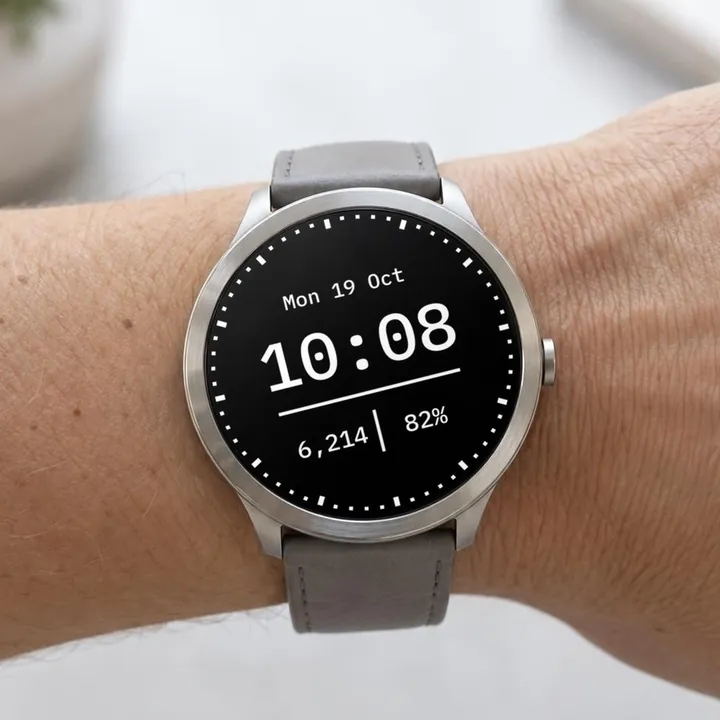
Monoline £0.49
Minimal watch face for Wear OS 4+: strict two colours, ruled layout, two slots.
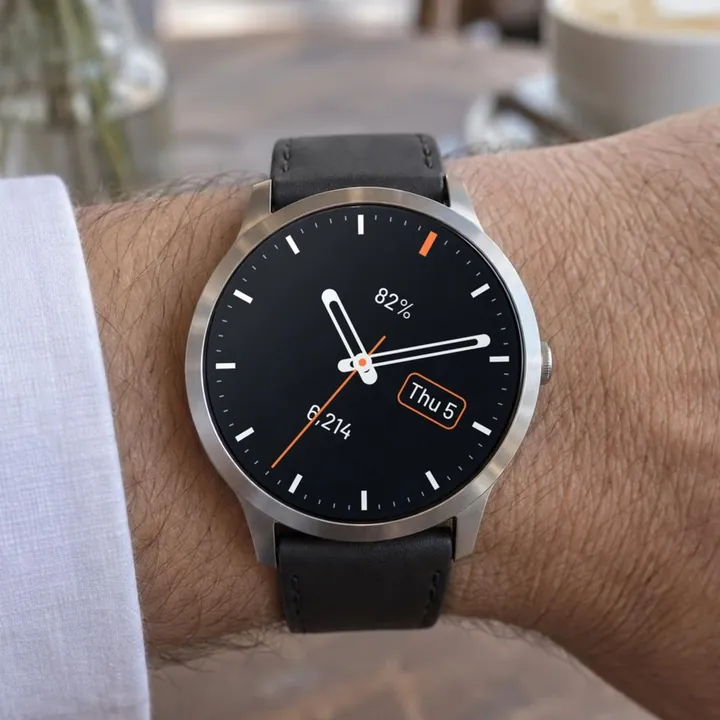
Clearhand Free
Analog watch face for Galaxy & Pixel Watch, Wear OS 4+: outlined hands, a date.
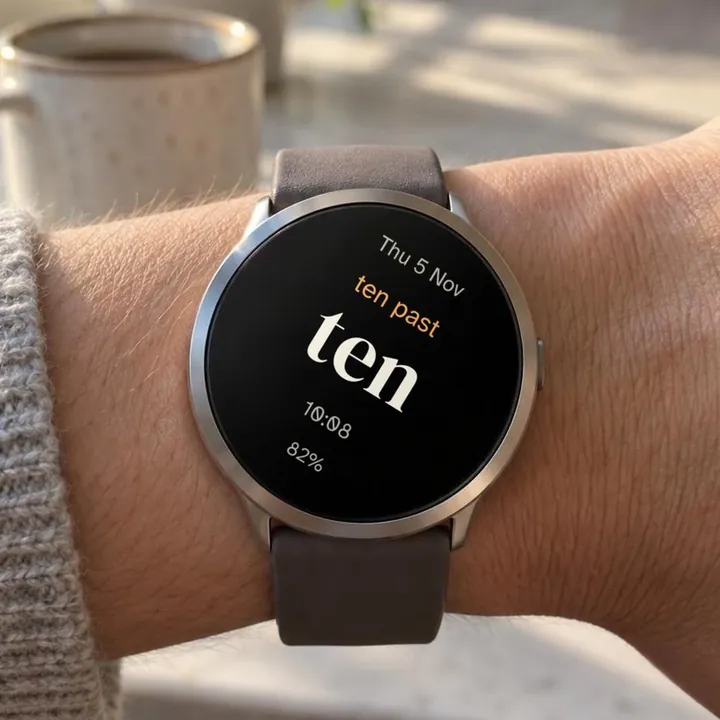
Quarter Past Free
Word clock watch face for Wear OS 4+: the time in words, exact digits below.