Everyday · Words and calendar
Weekline
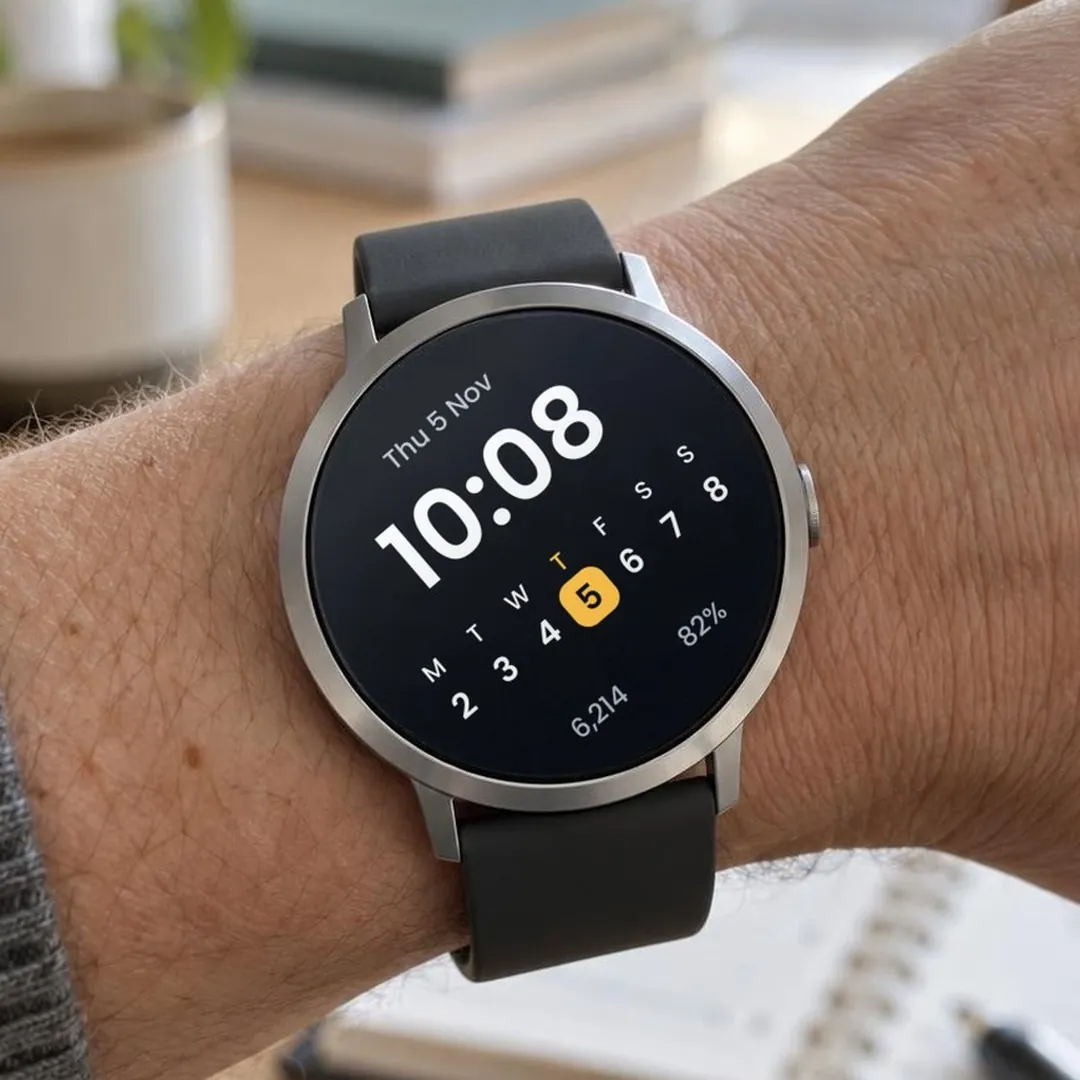
Week calendar watch face for Wear OS 4+: this week's seven days, today lit.
FreeChecked 20 Nov 2026
- On Google Play since
- 6 Nov 2026
- Works on
- Round Wear OS 4 or newer watches. Not for phones or other kinds of smartwatch.
- Built with
- Google's Watch Face Format. The face contains no code and collects no data. No ads and no in-app purchases.
About Weekline
Works on Galaxy Watch 4 or newer and Pixel Watch, on Wear OS 4 or later. Round screens only.
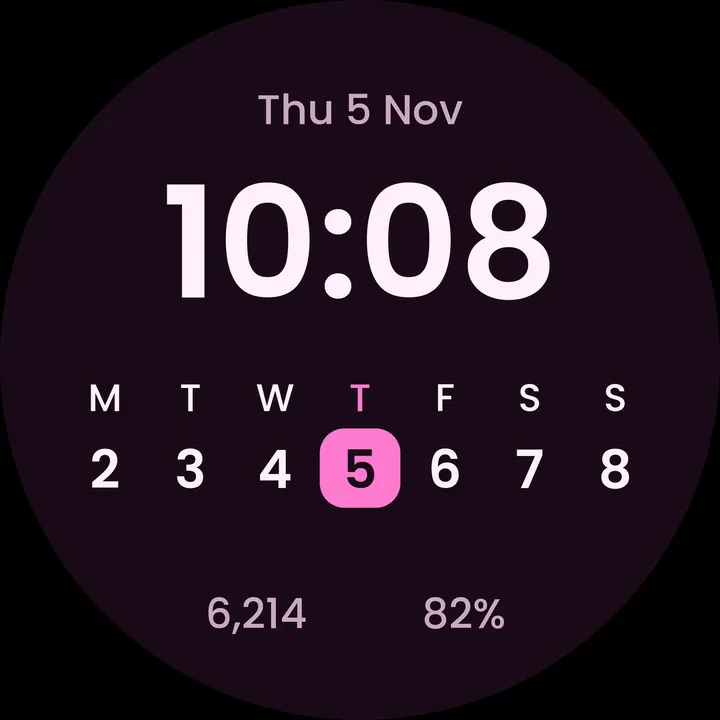
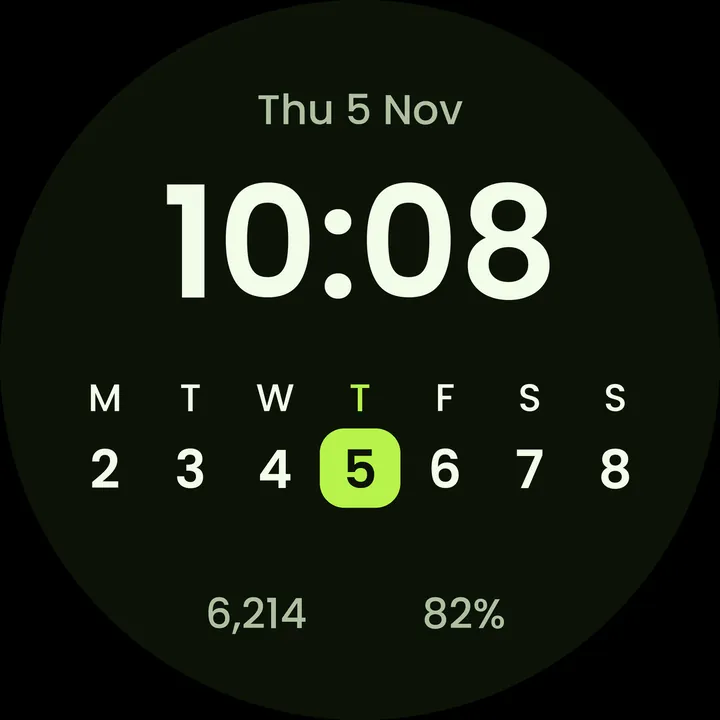
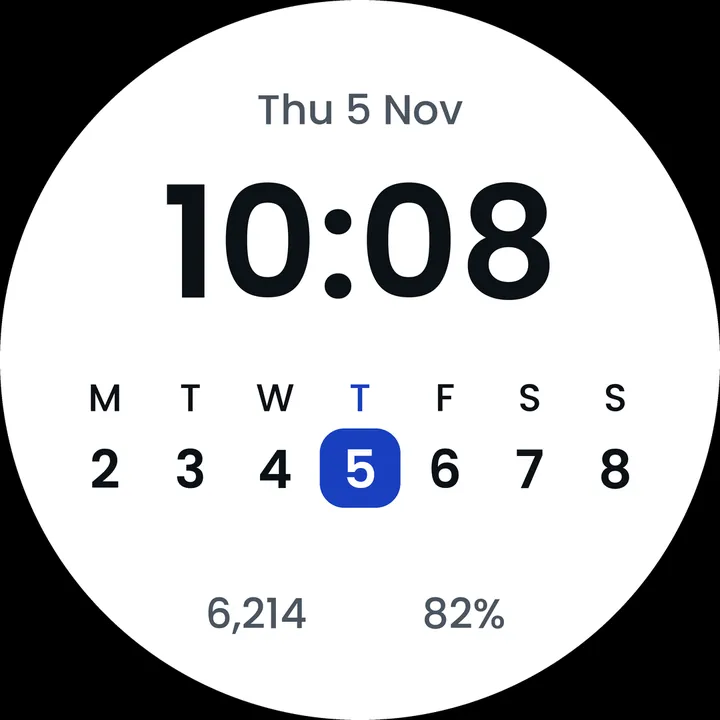
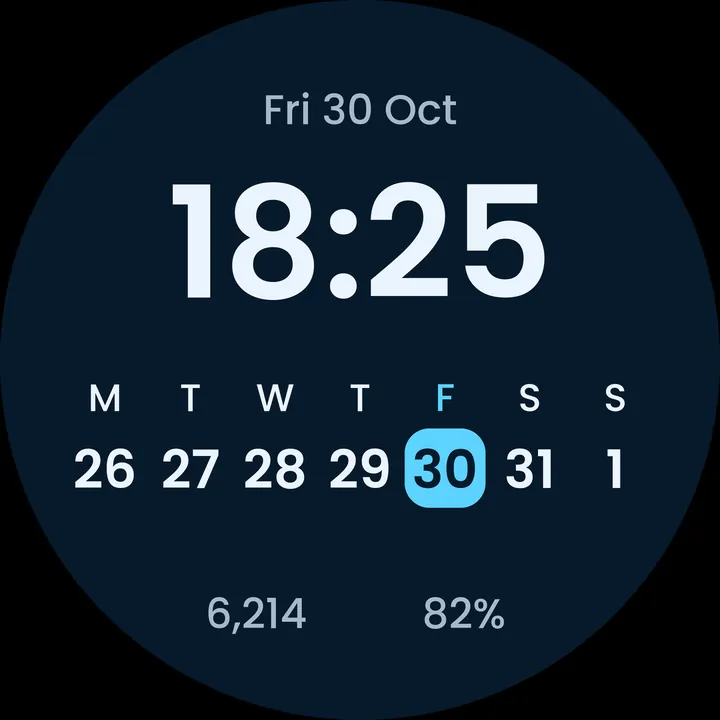
Weekline puts the week on your wrist. The time is large at the top; under it are the seven days of the current week, with their dates, and today sits in a coloured pill. At a glance you can see what day it is, which dates are coming up, and whether the weekend is two days away or four. A watch face by TurboKast.
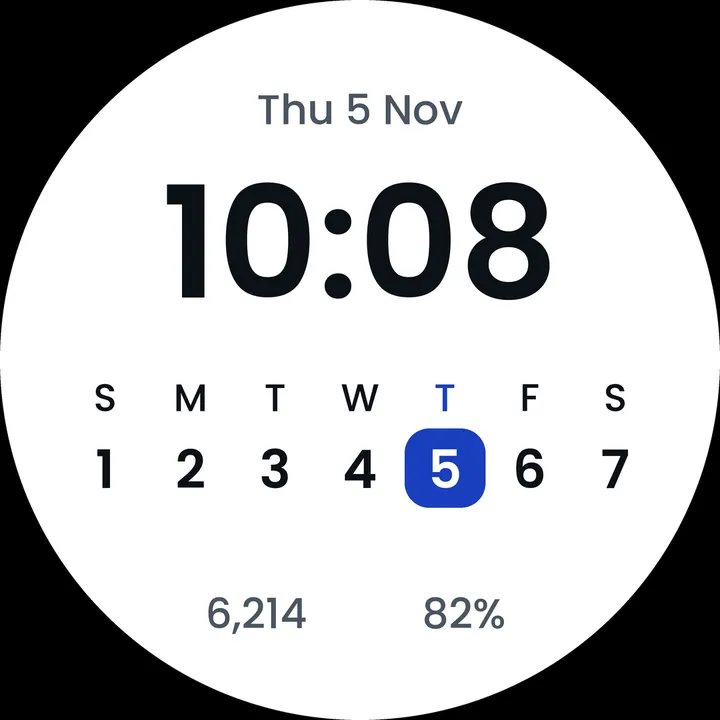
The week can start on Monday or on Sunday: pick it in the face editor. Dates carry over month ends and leap years correctly, so the week that runs from Monday 26 October 2026 reads 26 27 28 29 30 31 1, with no repeated or missing day.
The date (for example Thu 5 Nov) sits above the time. Two complication slots sit under the strip, showing steps and battery until you change them. If your watch has a calendar complication, this is a good place for it.
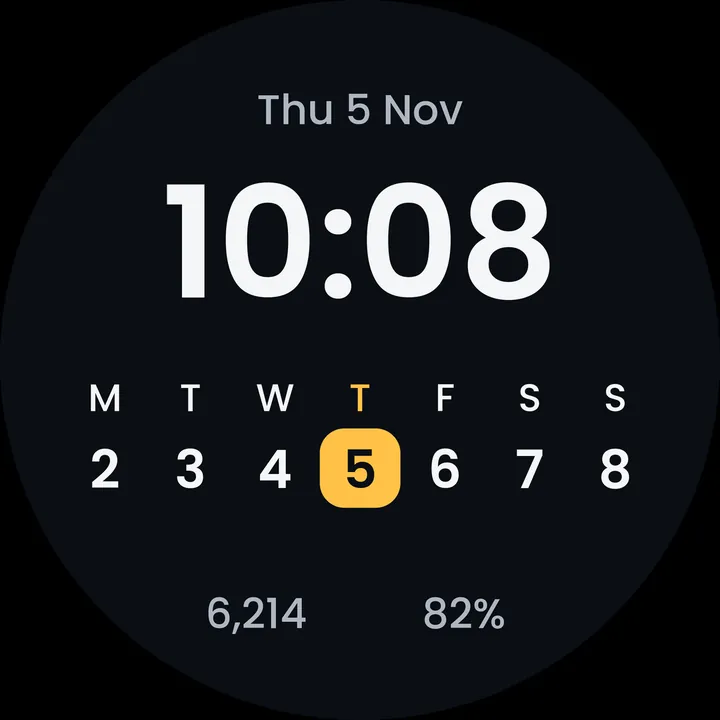
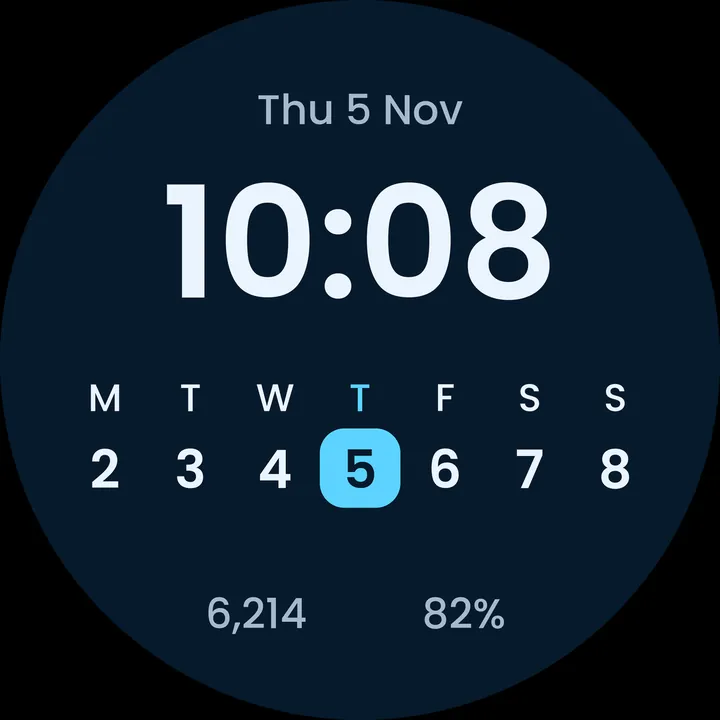
Five themes: Night, Sky, Berry, Lime and Day (dark type on white). Every text colour in every theme has a contrast ratio of at least 7:1 against its background.
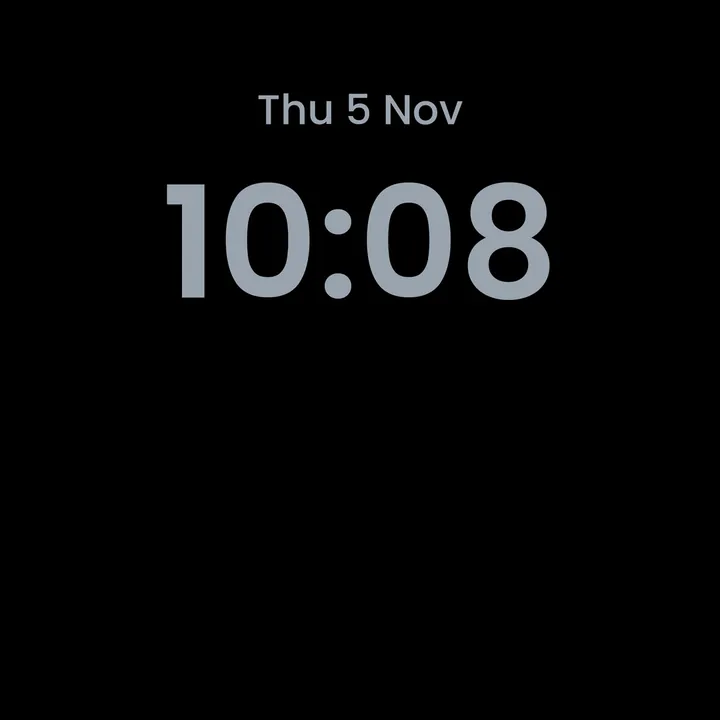
Always-on mode keeps the date line and the time, dimmed, on a black screen. The week strip and slots are shown while the screen is awake.
Free. No ads, no in-app purchases, no data collected and no permissions. This is a Watch Face Format face: it contains no code.
To use it, touch and hold the current watch face, swipe to Weekline, then tap the pencil to choose a theme or the first day of the week, or tap a slot to change its complication.
Weekline does not show calendar events itself: it has no access to your calendar. The weekday letters are English. Screenshots show sample data in the complication slots.
Setting it up
Install it from Google Play on your phone (choose your watch from the device menu) or from the Play Store on the watch. Then touch and hold the current watch face, swipe to Weekline, and tap the pencil or Customize to choose a theme. Step by step for Galaxy Watch and Pixel Watch.
Font: Poppins, copyright 2020 The Poppins Project Authors, SIL Open Font License 1.1.
Themes and always-on view
Captures of the real face. Sample data is shown on the dial; your watch supplies the real values.
More faces
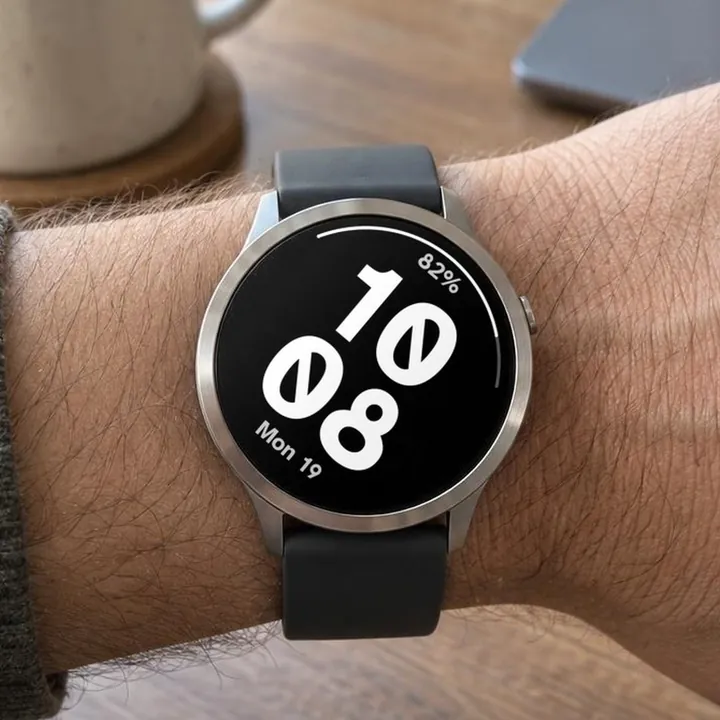
Plainsight £0.79
Large-digit watch face for Galaxy & Pixel Watch, Wear OS 4+: big, clear numbers.
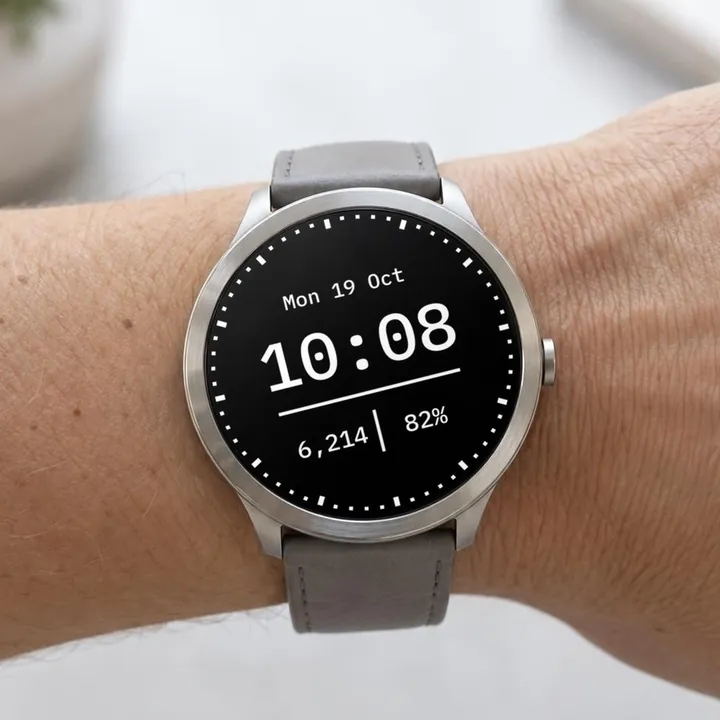
Monoline £0.49
Minimal watch face for Wear OS 4+: strict two colours, ruled layout, two slots.
Clearhand Free
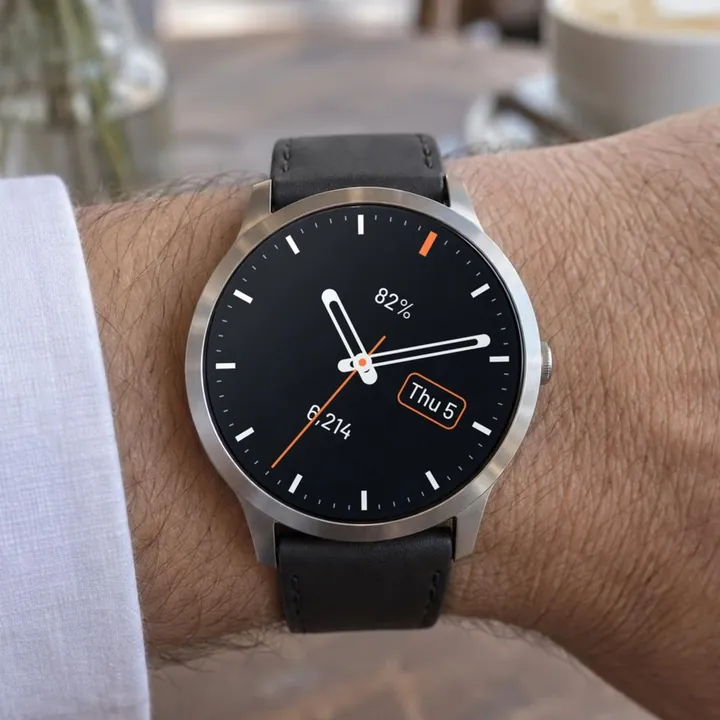
Analog watch face for Galaxy & Pixel Watch, Wear OS 4+: outlined hands, a date.