Sport and outdoors · Digital
Shoreline
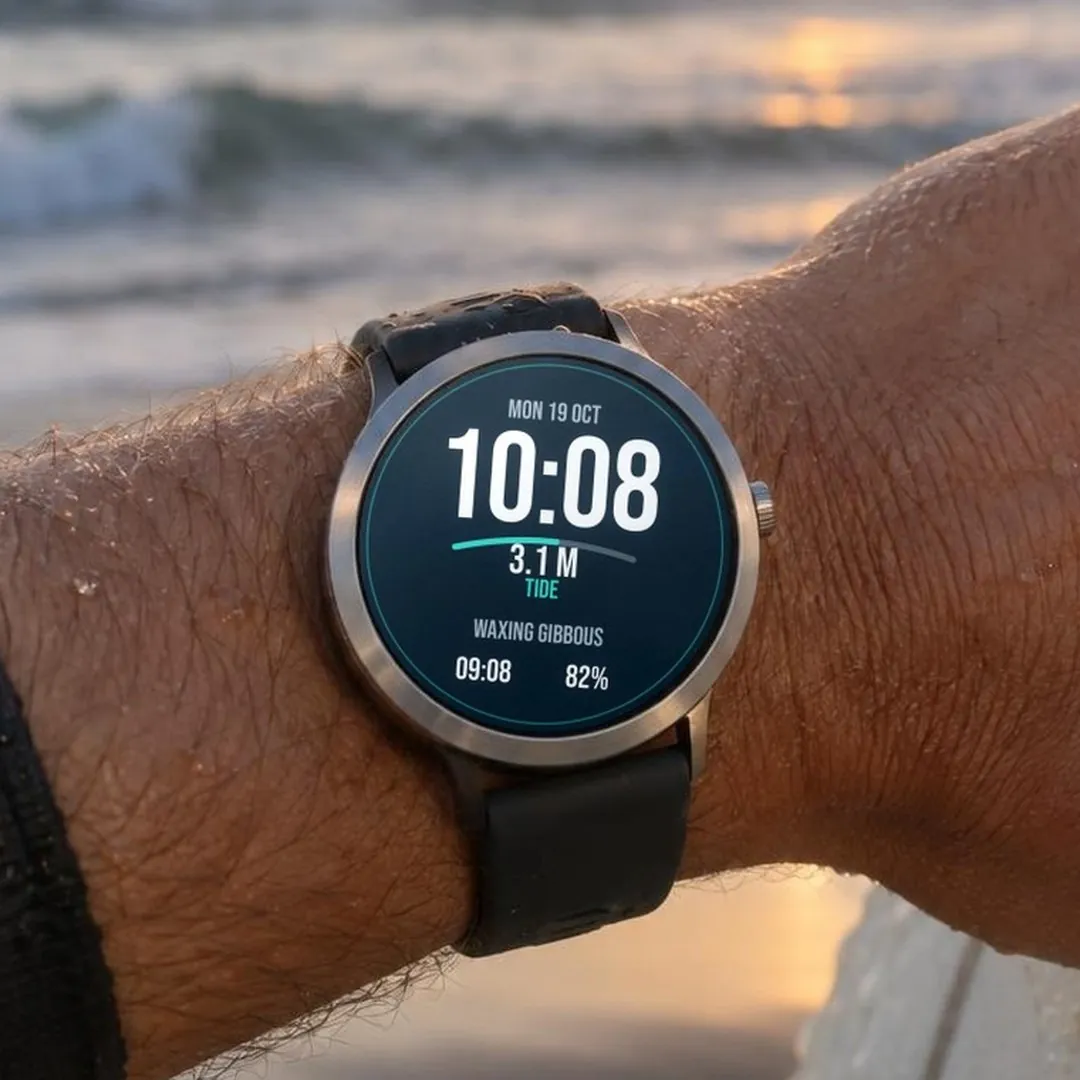
Surf watch face for Wear OS 4+: big slot for your tide app, moon phase, sunrise.
£0.49Checked 20 Nov 2026
- On Google Play since
- 24 Oct 2026
- Works on
- Round Wear OS 4 or newer watches. Not for phones or other kinds of smartwatch.
- Built with
- Google's Watch Face Format. The face contains no code and collects no data.
About Shoreline
Works on Galaxy Watch 4 or newer and Pixel Watch, on Wear OS 4 or later. Round screens only.
Shoreline is a surf watch face for Wear OS, built around a large main slot that shows the tide from an app you choose. Big condensed time, the date above it and the moon phase make up the rest of a face made for surf days. A watch face by TurboKast.
Read this first: where the tide comes from
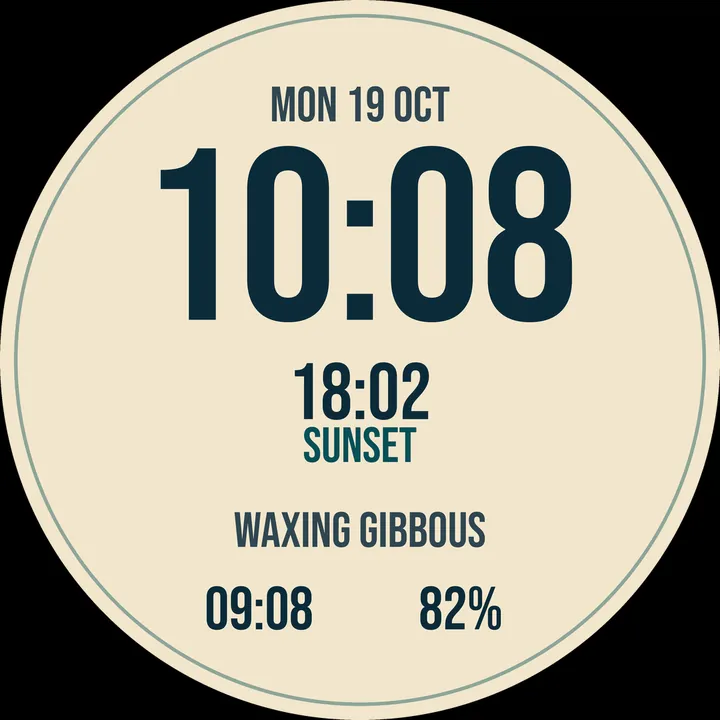
Shoreline has no tide data of its own. A watch face cannot download tide tables, cannot find out where you are and cannot read a tide gauge, so it does not draw a tide curve and never shows an invented tide time. The main slot shows whatever tide app on your watch offers as a complication, if you have one. Until you choose one, the slot shows your watch's sunrise and sunset, which is handy for dawn patrol and last light.
If your tide app offers a complication with a range (for example a tide height with a low and a high), the main slot also draws a small gauge over the text, filling from left to right. If it offers text, you get the text.
To set it up, touch and hold the face, tap the pencil, tap the main slot and pick your tide app's complication. Which apps offer complications depends on the app; check yours before you buy.
What it shows
- Large time (12/24-hour follows your watch), day, date and month
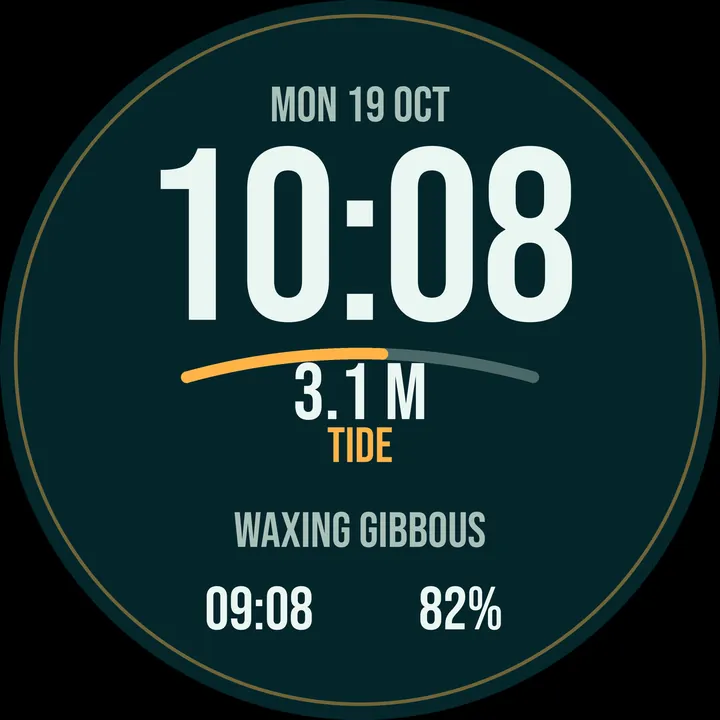
- The main slot: a tide app's text or ranged value, or sunrise/sunset by default
- The current moon phase, for judging springs and neaps. It is the phase only, not a tide table.
- Two small slots: world clock and battery by default, changeable to anything your watch offers
What it does not show
Shoreline does not show tides, swell, wave height, wind or water temperature by itself, and it does not record surf sessions. A watch face is not given that data. Anything like it comes from an app you install, through a slot.
Themes
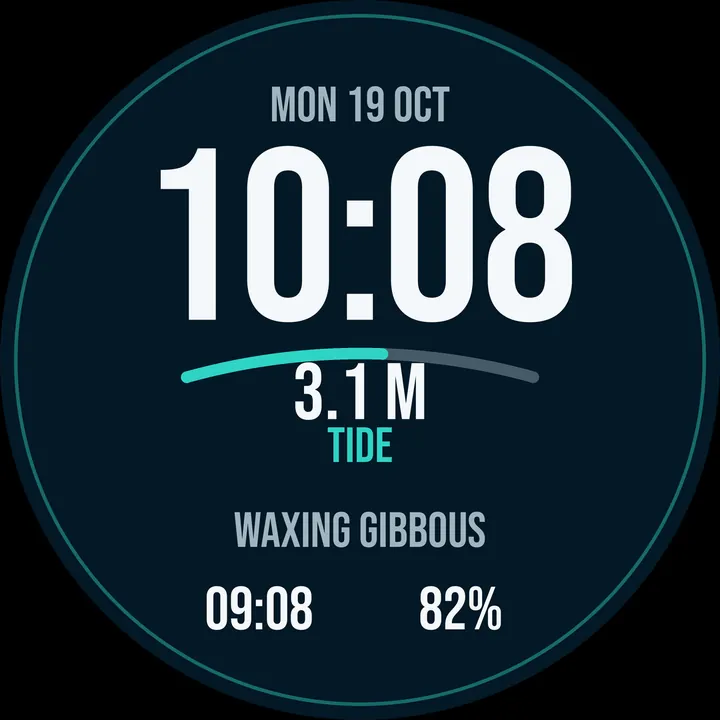
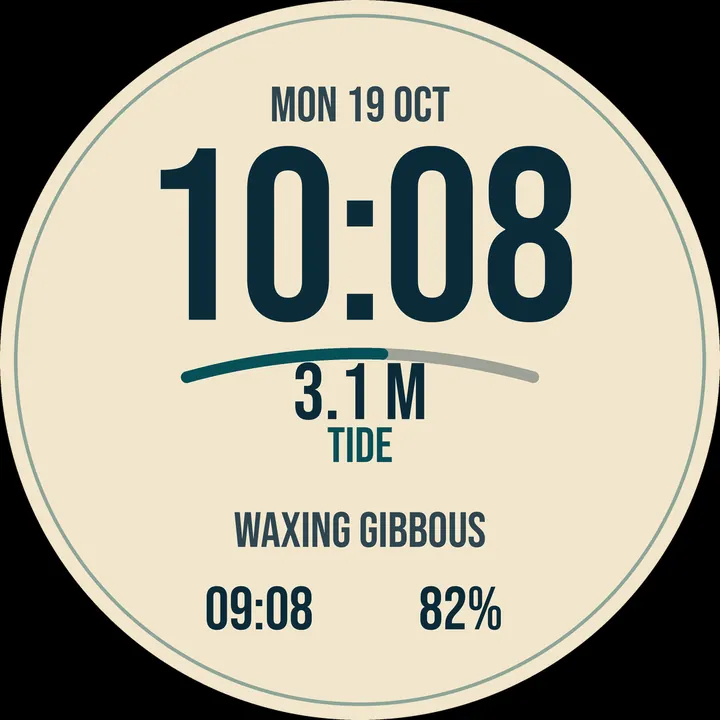
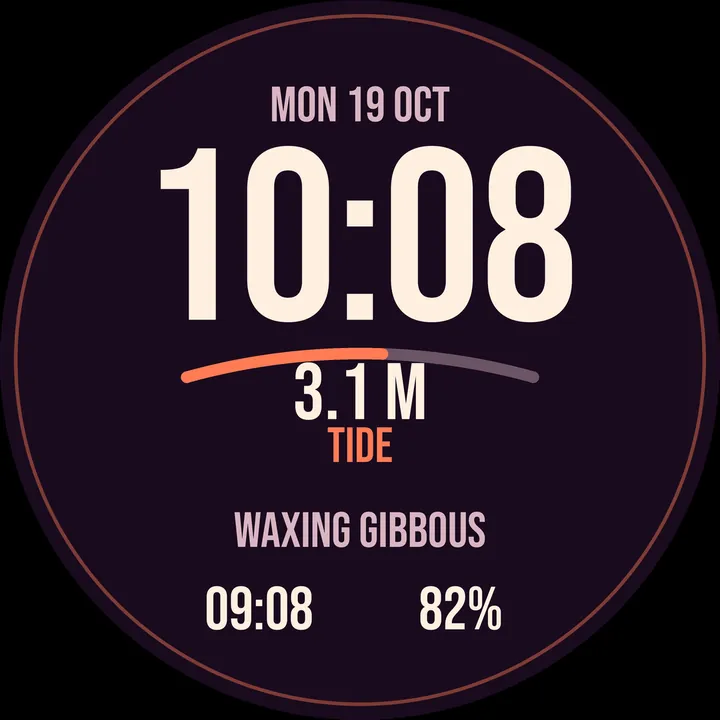
Offshore (navy and teal), Sandbar (sand and deep teal, for bright sun), Reef (dark teal and coral) and Sunset (plum and orange). All text is at a contrast ratio of at least 7:1 (always-on mode is deliberately dimmer).
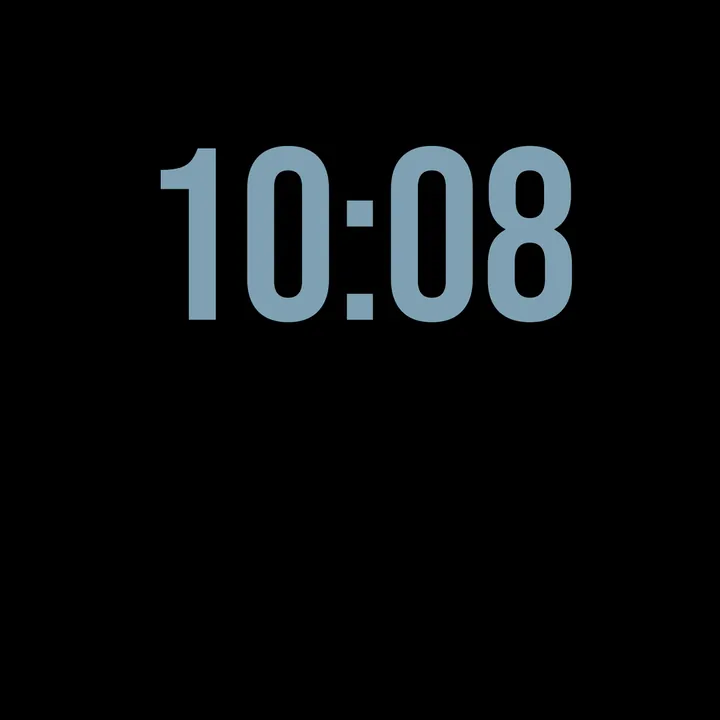
In always-on mode the screen keeps just the time, dimmed, to protect your AMOLED display and your battery. The slots and moon phase are not shown in always-on mode.
How to use
Install on your watch (or from the Play Store on your phone and choose your watch). Touch and hold the current watch face, swipe to Shoreline, then tap the pencil icon. Use Theme for colours and tap a slot to change its complication.
Good to know
- This is a watch face, not a safety device. Do not rely on it for tide, surf or weather decisions; check proper local sources.
- The moon phase wording comes from your watch.
- Screenshots show sample complication data from an imagined tide app, and the default sunrise/sunset slot.
This is a Watch Face Format watch face: it contains no code and collects no data.
Step by step install guide for Galaxy Watch and Pixel Watch.
Font: Bebas Neue, copyright 2019 The Bebas Neue Project Authors, SIL Open Font License 1.1.
Themes and always-on view
Captures of the real face. Sample data is shown on the dial; your watch supplies the real values.
More faces
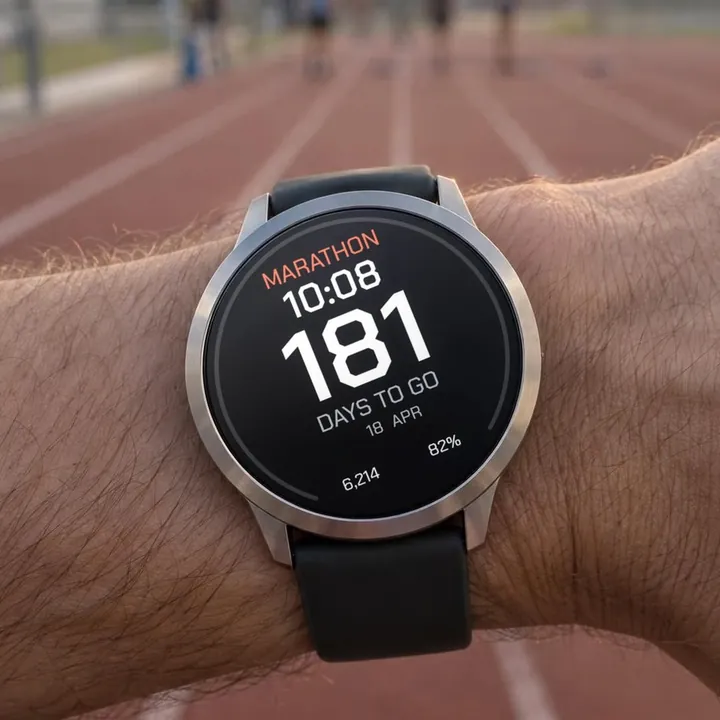
Startline £0.49
Race countdown watch face for Wear OS 4+: days to your marathon, 10K, triathlon.
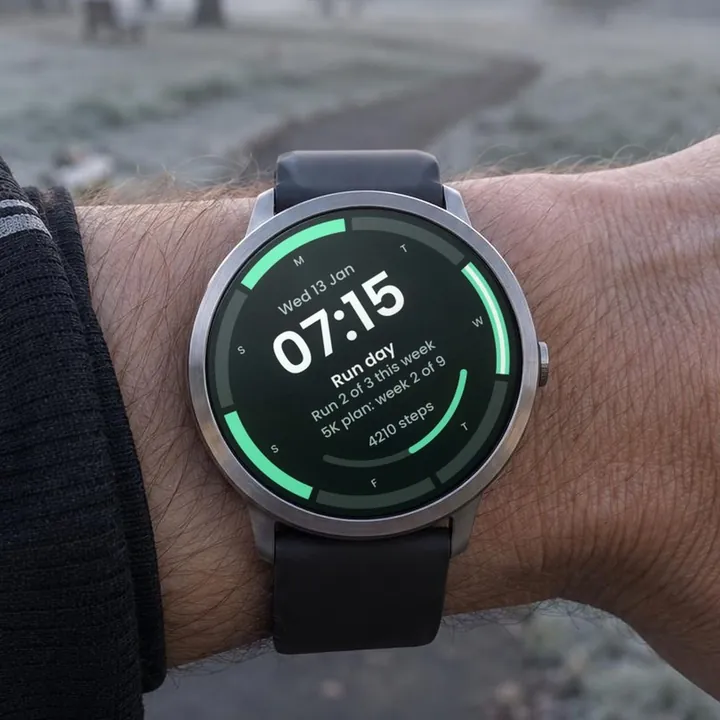
Newpace Free
Running watch face for Wear OS 4+: your run days, a 9-week 5K plan, your steps.
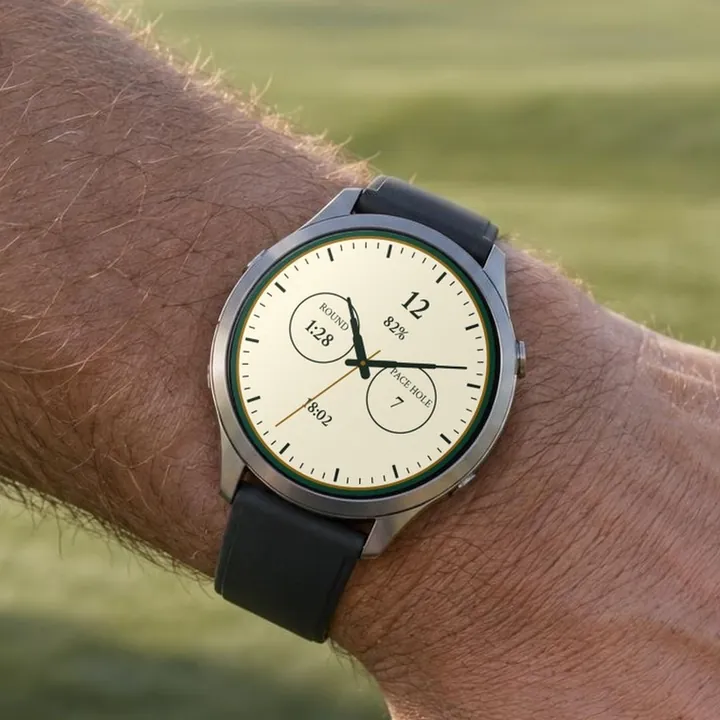
Clubhouse £0.79
Golf watch face for Wear OS 4+: analog dial, round timer, pace-of-play counter.