Everyday · Words and calendar
Quarter Past
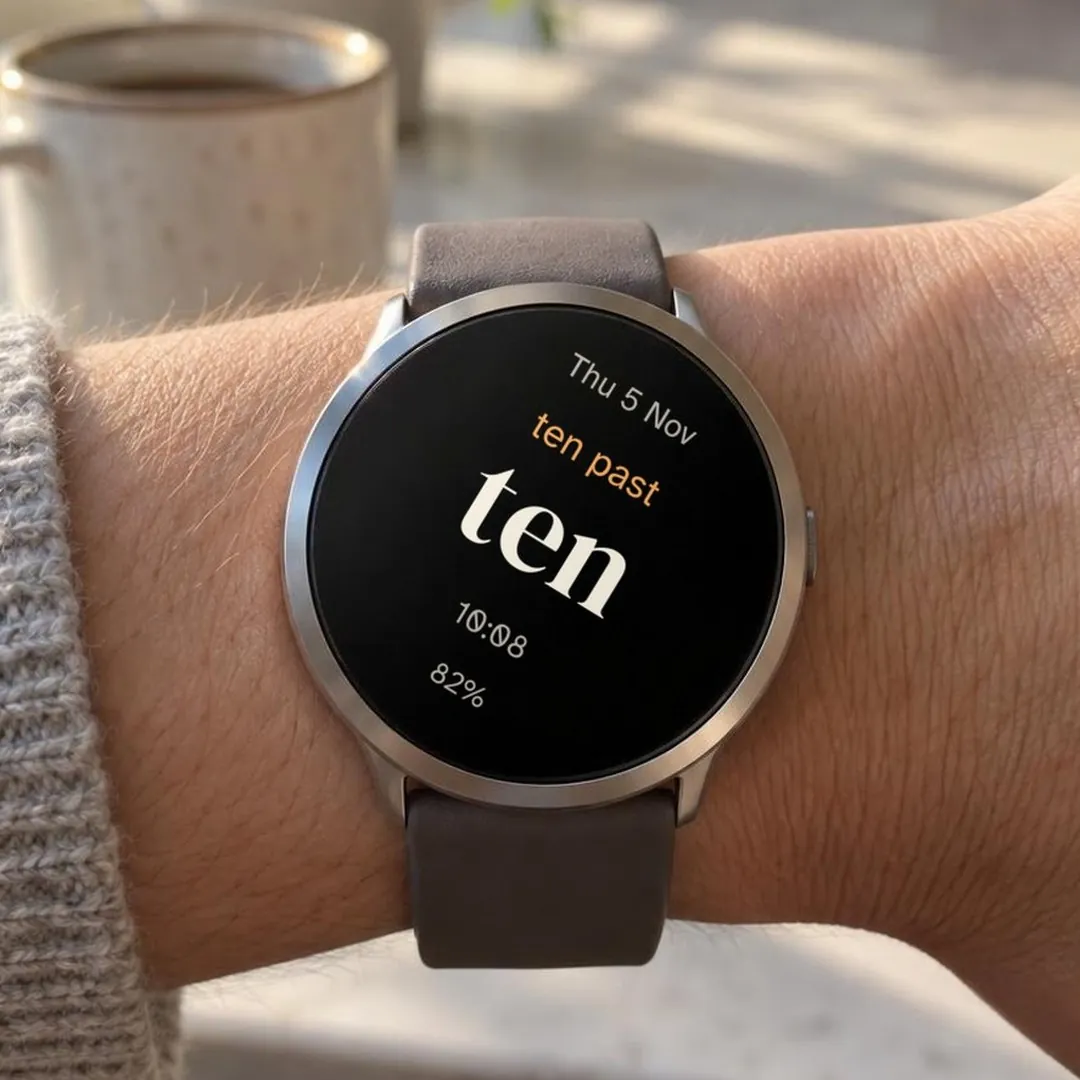
Word clock watch face for Wear OS 4+: the time in words, exact digits below.
FreeChecked 20 Nov 2026
- On Google Play since
- 6 Nov 2026
- Works on
- Round Wear OS 4 or newer watches. Not for phones or other kinds of smartwatch.
- Built with
- Google's Watch Face Format. The face contains no code and collects no data. No ads and no in-app purchases.
About Quarter Past
Works on Galaxy Watch 4 or newer and Pixel Watch, on Wear OS 4 or later. Round screens only.
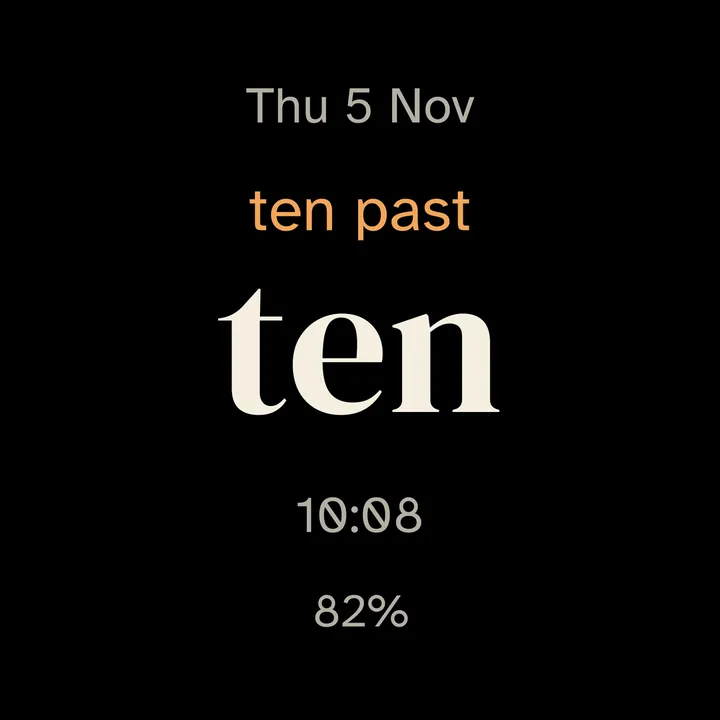
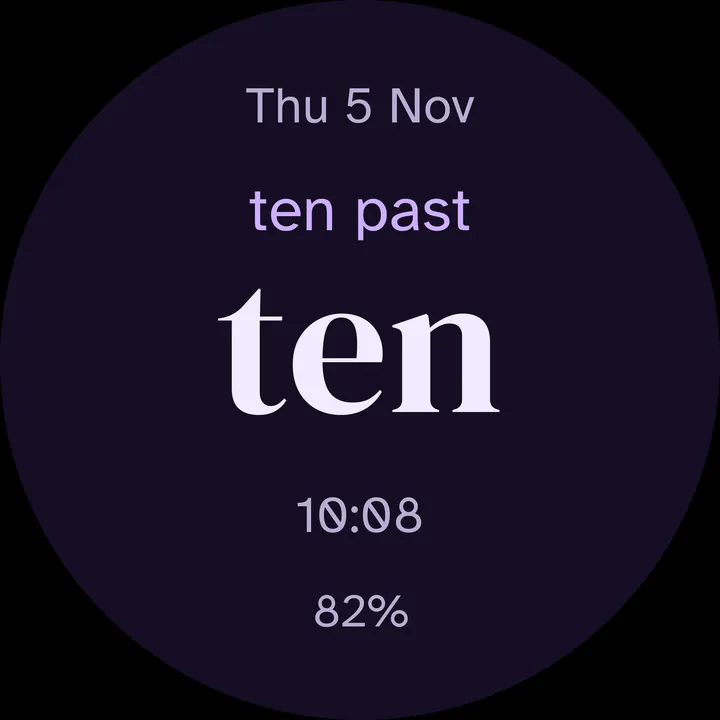
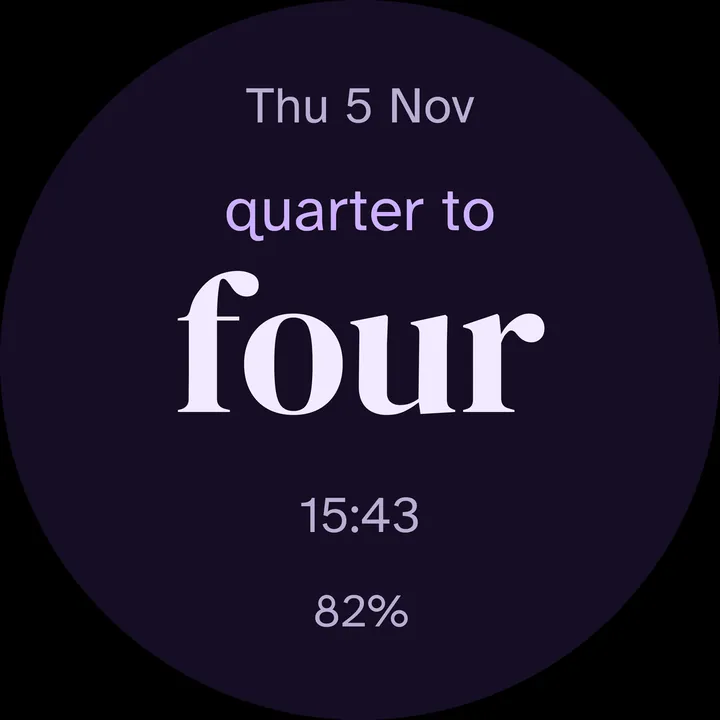
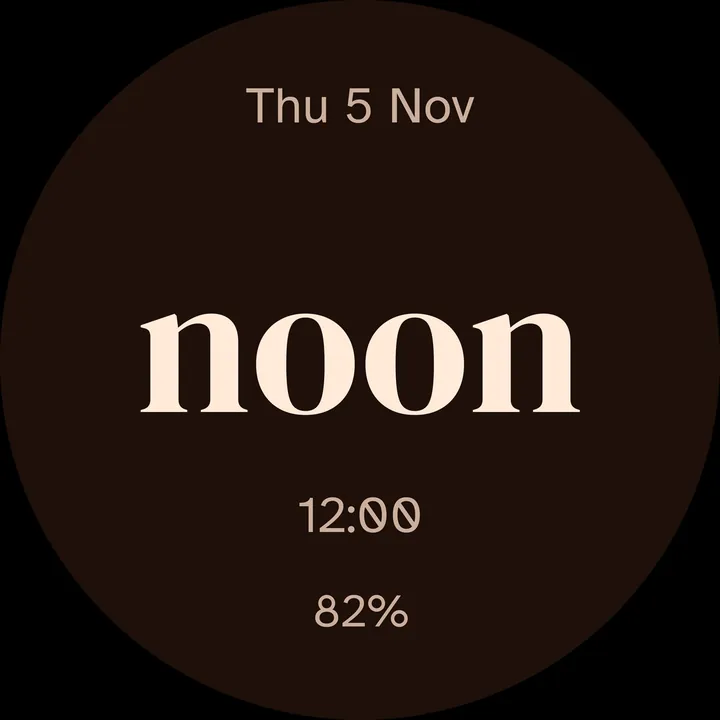
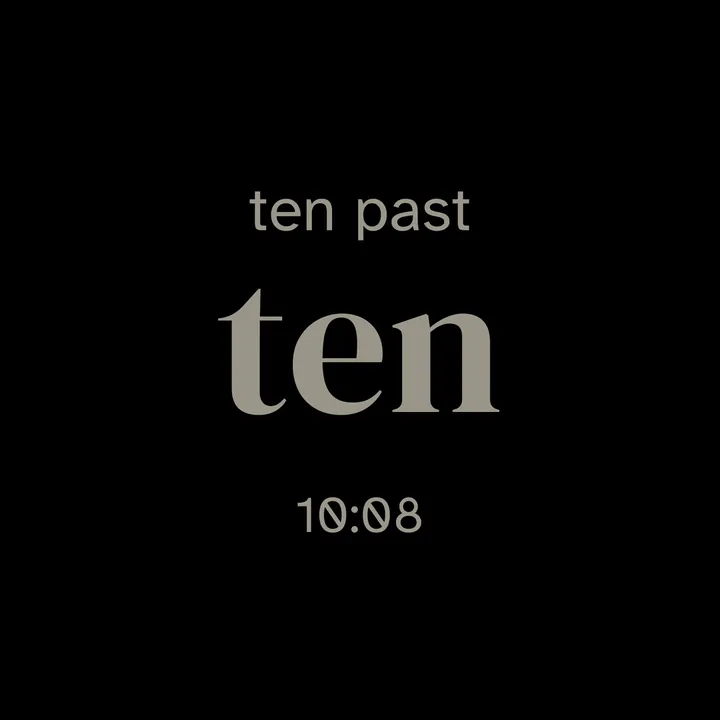
Quarter Past tells the time the way you would say it. At ten past ten the watch reads "ten past" in a small line and "ten" in large serif type underneath. At 3:43 it reads "quarter to / four". At 12:00 it says "noon", and at midnight, "midnight". A watch face by TurboKast.
Words are not precise, so the exact time sits underneath in small digits. The words round to the nearest five minutes; the digits never do. If you only want the words, you can hide the digits in the face editor.
What you see, top to bottom
- the date, written out (Thursday 5 November)
- the minutes phrase, from "o'clock" to "twenty-five past" to "five to"
- the hour in large type
- the exact time in small digits (optional, follows your watch's 12 or 24-hour setting)
- one complication slot at the bottom, showing battery until you change it
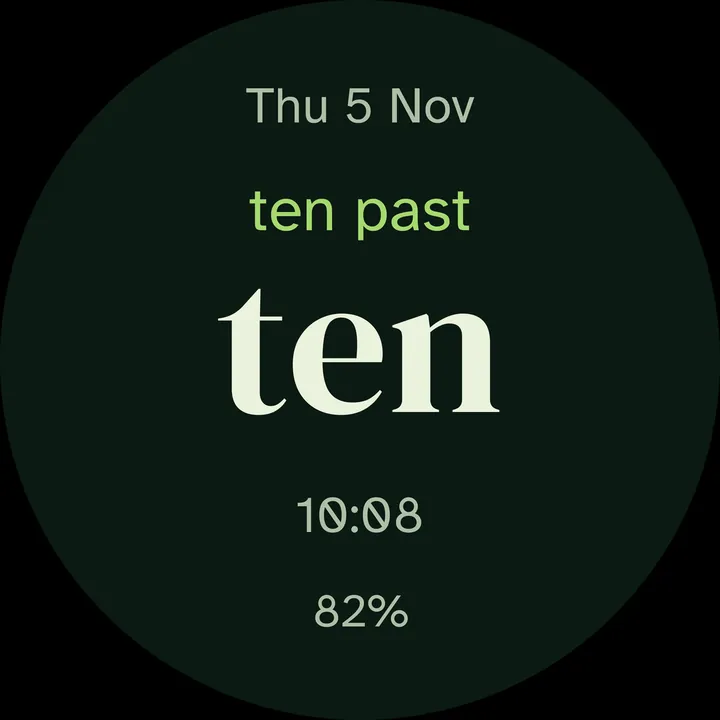
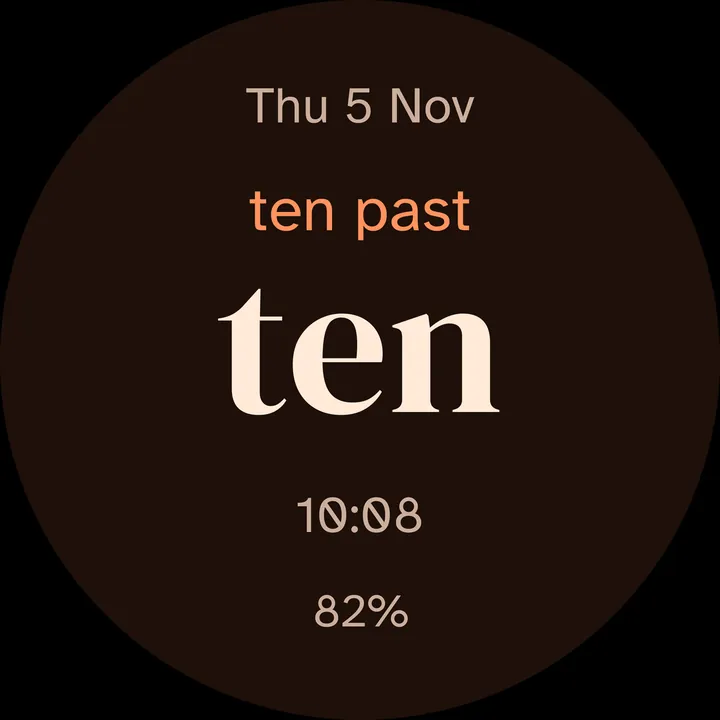
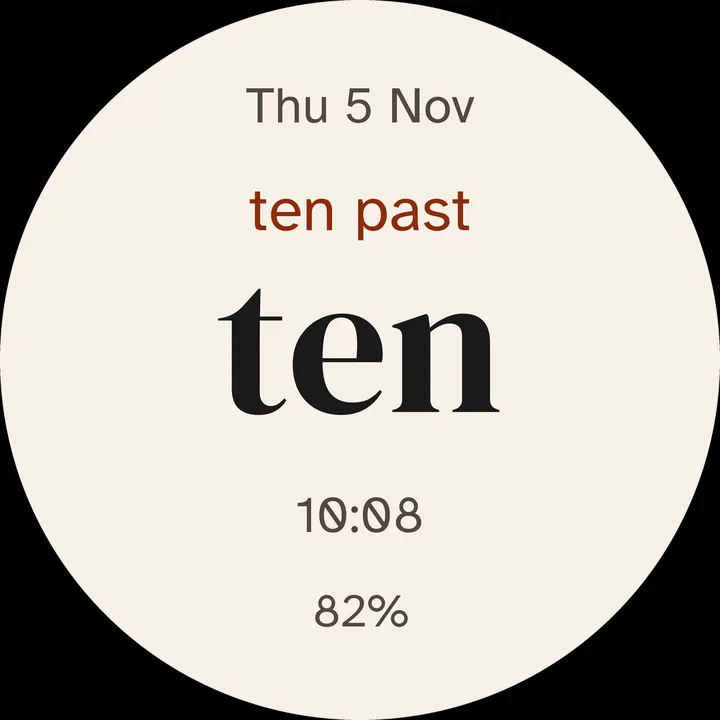
Five themes: Ink, Moss, Dusk, Clay and Paper (dark ink on cream). Every text colour in every theme has a contrast ratio of at least 7:1 against its background.
Always-on mode keeps the words and the small digits, dimmed, on a black screen.
Free. No ads, no in-app purchases, and the face collects no data and asks for no permissions. It is a Watch Face Format face: it contains no code.
To use it, touch and hold the current watch face, swipe to Quarter Past, then tap the pencil to choose a theme, show or hide the small digits, or change the bottom slot.
Quarter Past is in English only: the spoken words are not translated. Screenshots show sample data in the complication slot.
Setting it up
Install it from Google Play on your phone (choose your watch from the device menu) or from the Play Store on the watch. Then touch and hold the current watch face, swipe to Quarter Past, and tap the pencil or Customize to choose a theme. Step by step for Galaxy Watch and Pixel Watch.
Fonts: DM Serif Display (copyright 2014-2018 Adobe, copyright 2019 Google LLC) and Atkinson Hyperlegible (copyright 2020 Braille Institute of America, Inc.), both under the SIL Open Font License 1.1.
Themes and always-on view
Captures of the real face. Sample data is shown on the dial; your watch supplies the real values.
More faces
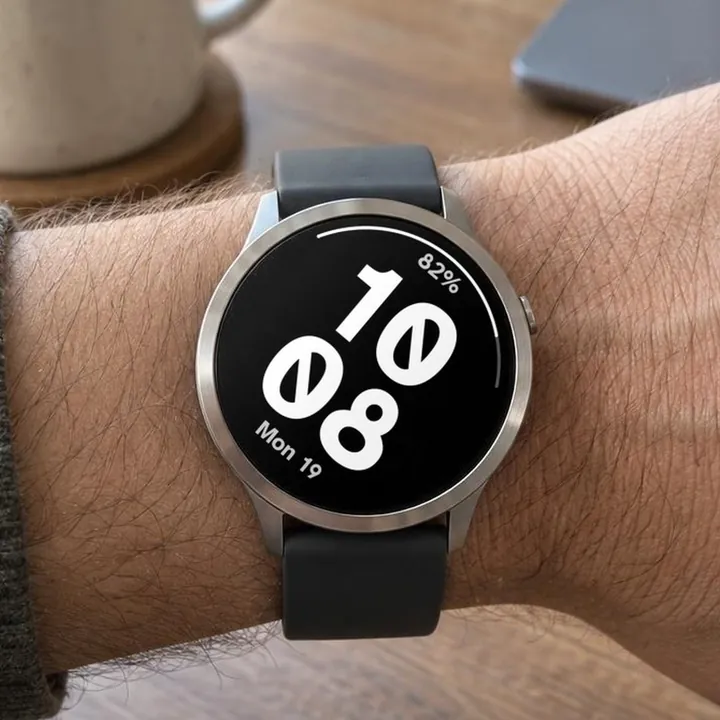
Plainsight £0.79
Large-digit watch face for Galaxy & Pixel Watch, Wear OS 4+: big, clear numbers.
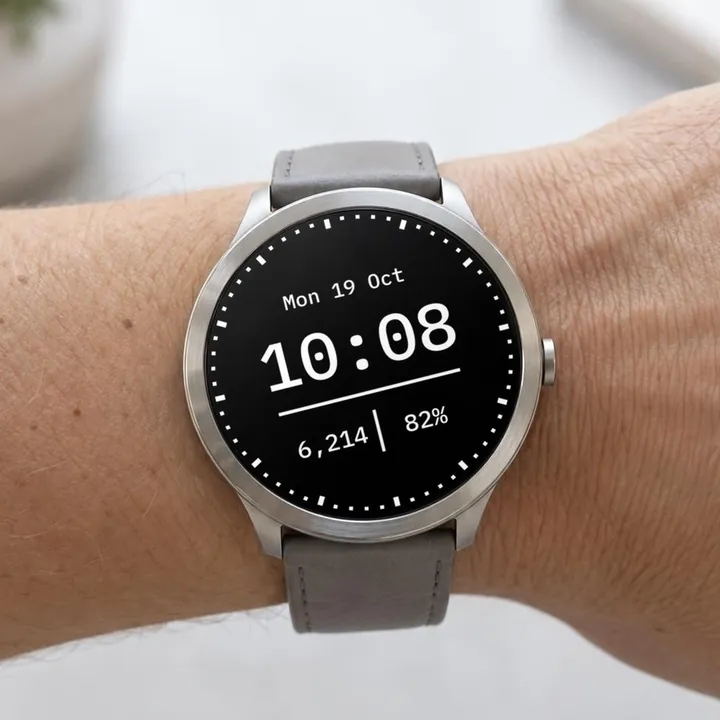
Monoline £0.49
Minimal watch face for Wear OS 4+: strict two colours, ruled layout, two slots.
Clearhand Free
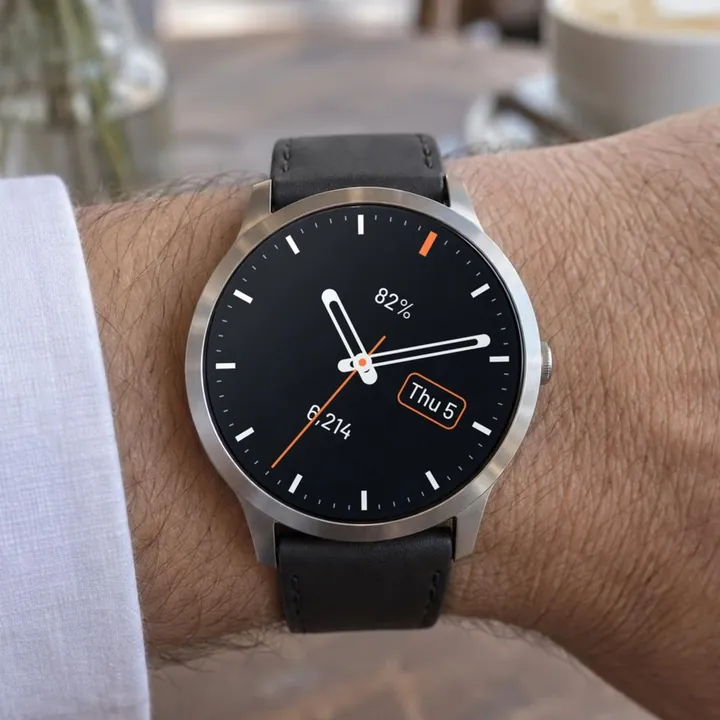
Analog watch face for Galaxy & Pixel Watch, Wear OS 4+: outlined hands, a date.