Sport and outdoors · Digital
Newpace
Running watch face for Wear OS 4+: your run days, a 9-week 5K plan, your steps.

FreeChecked 20 Nov 2026
- On Google Play since
- 10 Nov 2026
- Works on
- Round Wear OS 4 or newer watches. Not for phones or other kinds of smartwatch.
- Built with
- Google's Watch Face Format. The face contains no code and collects no data. No ads and no in-app purchases.
- Best used
- New Year running, January 2027, 1 Jan to 7 Feb
About Newpace
Works on Galaxy Watch 4 or newer and Pixel Watch, on Wear OS 4 or later. Round screens only.
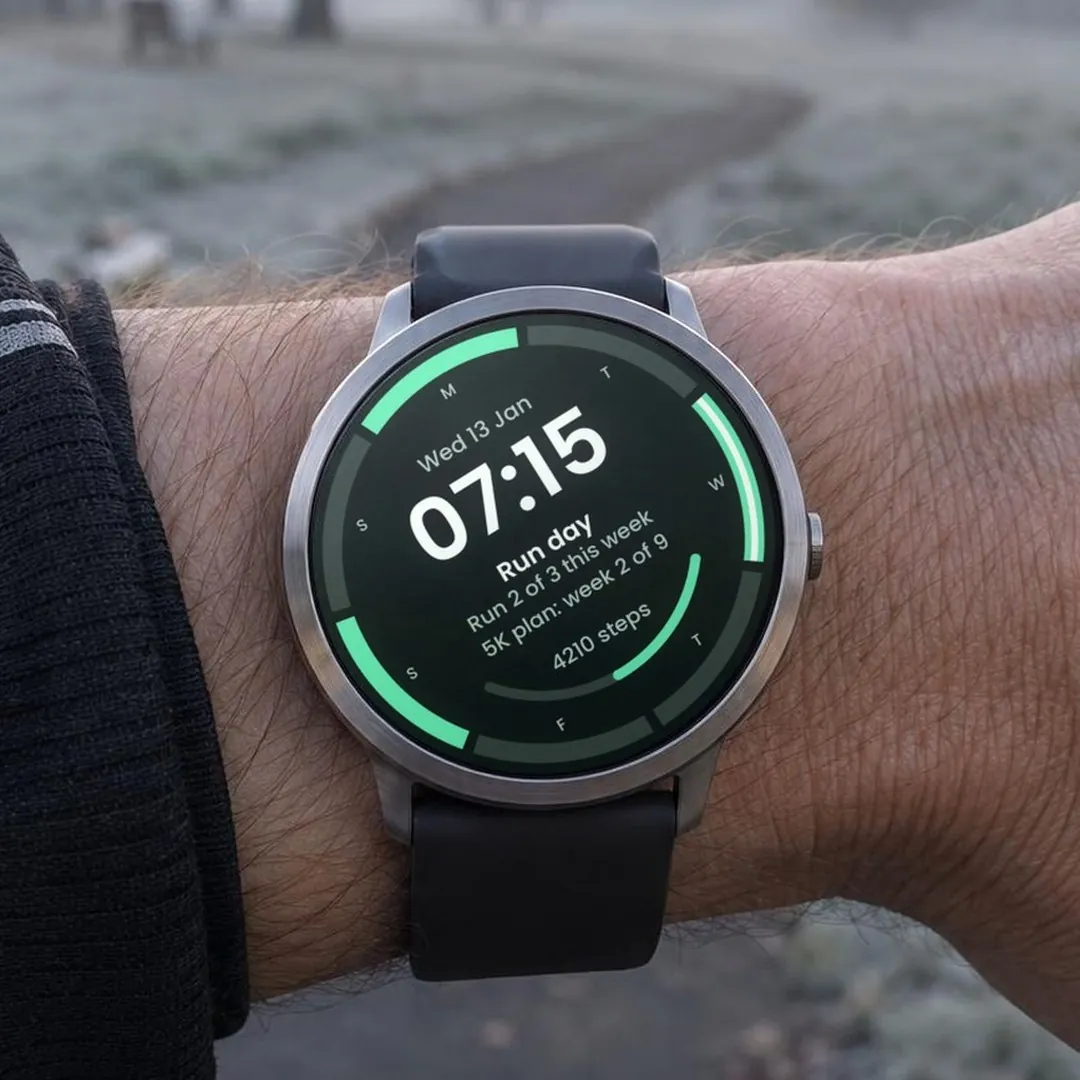
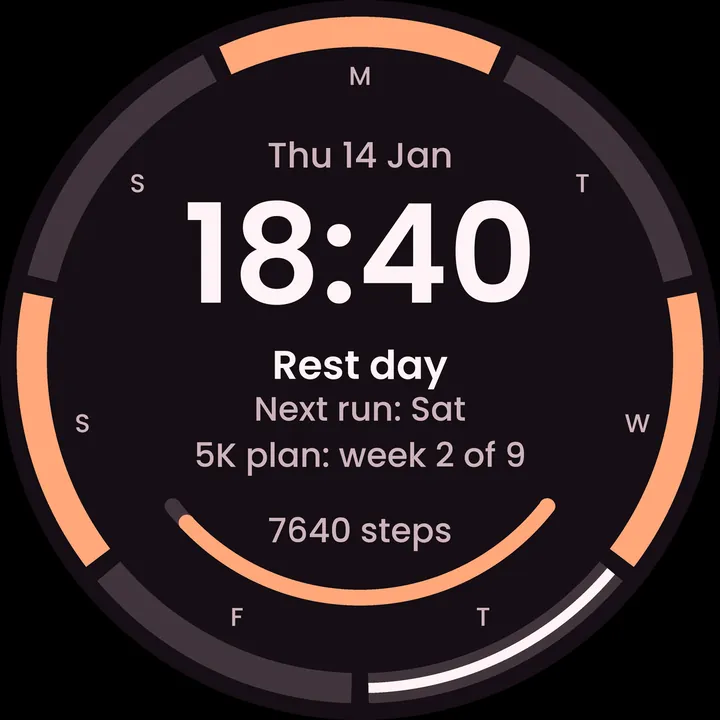
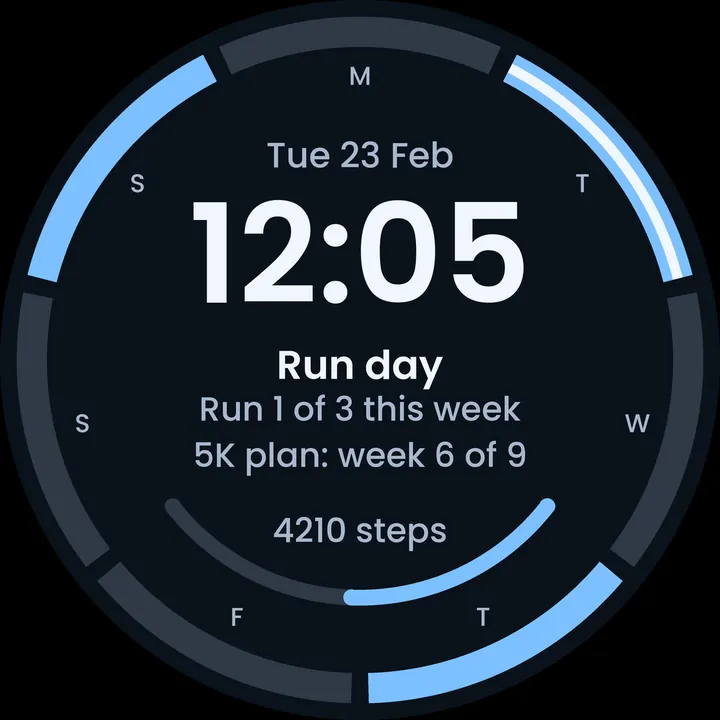
Newpace is a watch face for Wear OS for anyone starting to run, or getting back to it, in the new year. Around the dial is a ring of the seven days of the week, Monday at the top, with your run days lit and today marked. Under the time it says "Run day" or "Rest day", with "Run 2 of 3 this week" or "Next run: Sat".
Your plan, your days
Pick your run days in the face editor: Mon Wed Sat, Tue Thu Sun, Mon Wed Fri, Tue Thu Sat, Mon Thu Sat, Wed Sat Sun, or a gentler Wed Sun. Running, run-walking and walking all count; the plan is yours.
9-week run-walk to 5K counter
If you are following a 9-week beginner 5K plan, choose the Monday you start (4, 11, 18 or 25 January or 1 February 2027) and the face shows "5K plan: week 3 of 9" until the plan ends. Set it to Off if you are not.
Steps
An arc along the bottom fills towards the step goal set on your watch, with today's step count above it.
What it does not do: a watch face cannot read your workouts, so Newpace does not track runs, distances or streaks. The ring shows the days you plan to run, not the runs you have done. Use your usual running app to record runs.
Three themes
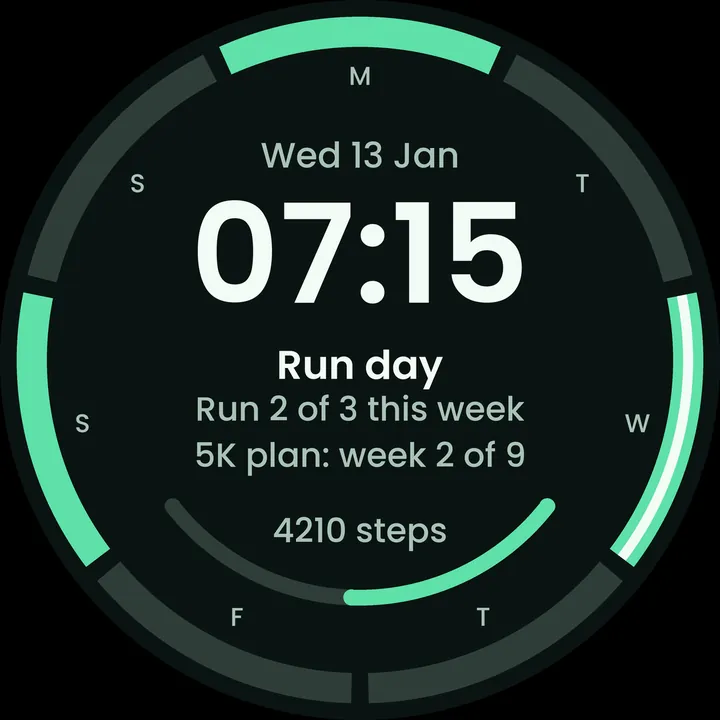
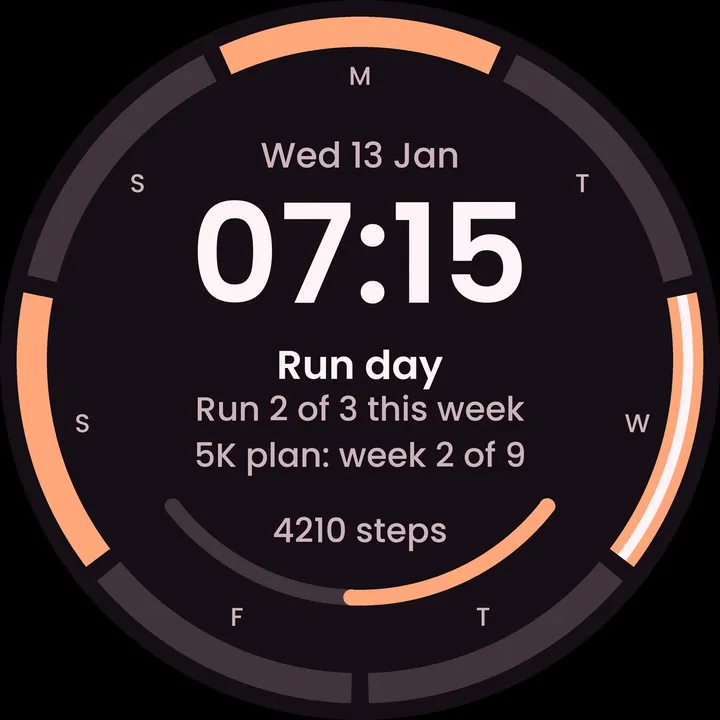
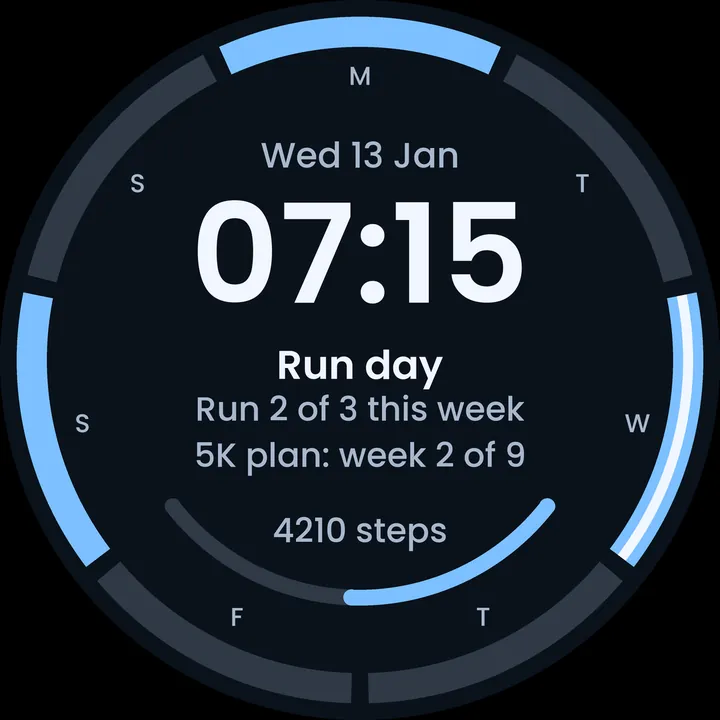
Fresh (mint), Dawn (peach) and Frost (ice blue), all on dark backgrounds. Every text colour in every theme has a contrast ratio of at least 7:1 against its background.
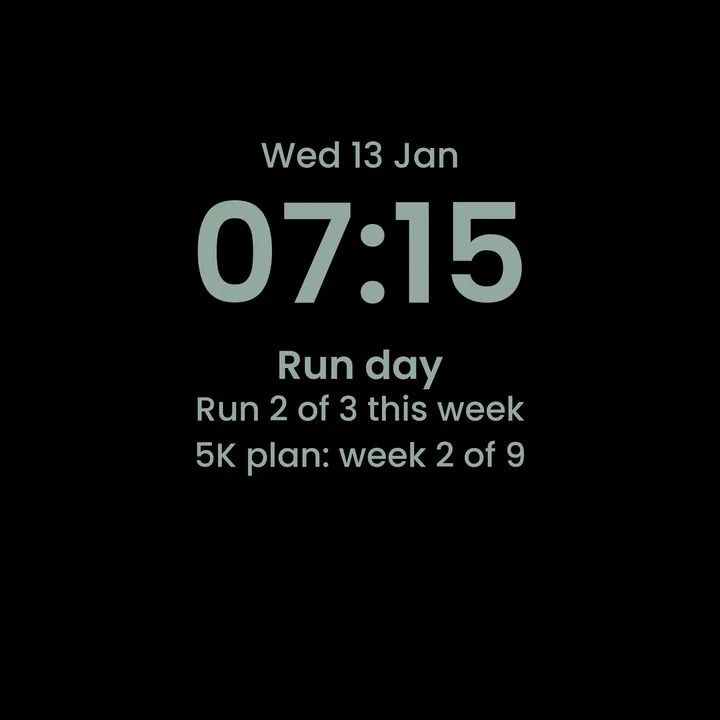
Always-on mode keeps the date, the time and today's plan, dimmed, on a black screen.
Free. No ads, no in-app purchases, no data collected and no permissions. This is a Watch Face Format face: it contains no code.
To use it, touch and hold the current watch face, swipe to Newpace, then tap the pencil to choose a theme, your run days and your 5K plan start.
Good to know: the wording is in English. Newpace is an independent face, not connected with any health service, running programme or event. It gives no medical or training advice: if you are unsure whether running is right for you, check with your GP first. Screenshots show sample dates and step counts.
Setting it up
Install it from Google Play on your phone (choose your watch from the device menu) or from the Play Store on the watch. Then touch and hold the current watch face, swipe to Newpace, and tap the pencil or Customize to choose a theme. Step by step for Galaxy Watch and Pixel Watch.
Font: Poppins, copyright 2020 The Poppins Project Authors, SIL Open Font License 1.1.
Themes and always-on view
Captures of the real face. Sample data is shown on the dial; your watch supplies the real values.
More faces
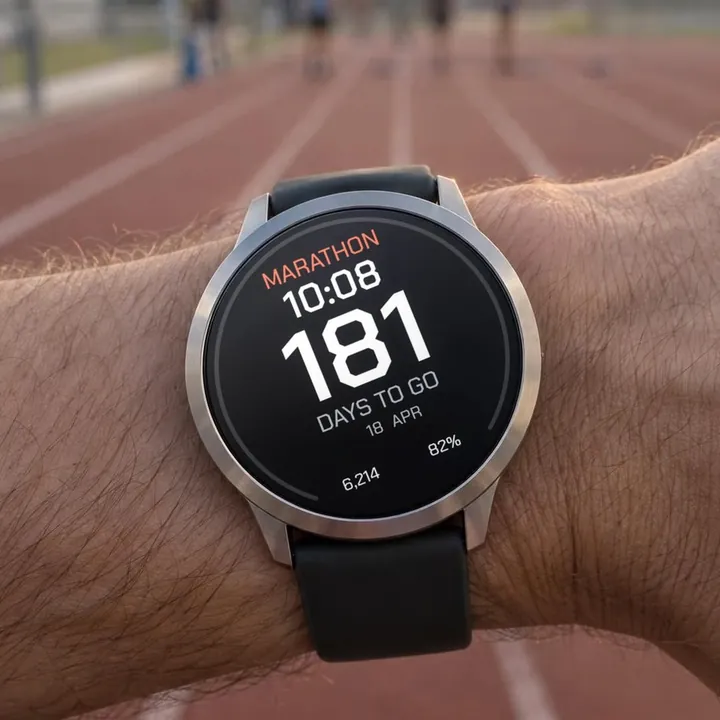
Startline £0.49
Race countdown watch face for Wear OS 4+: days to your marathon, 10K, triathlon.
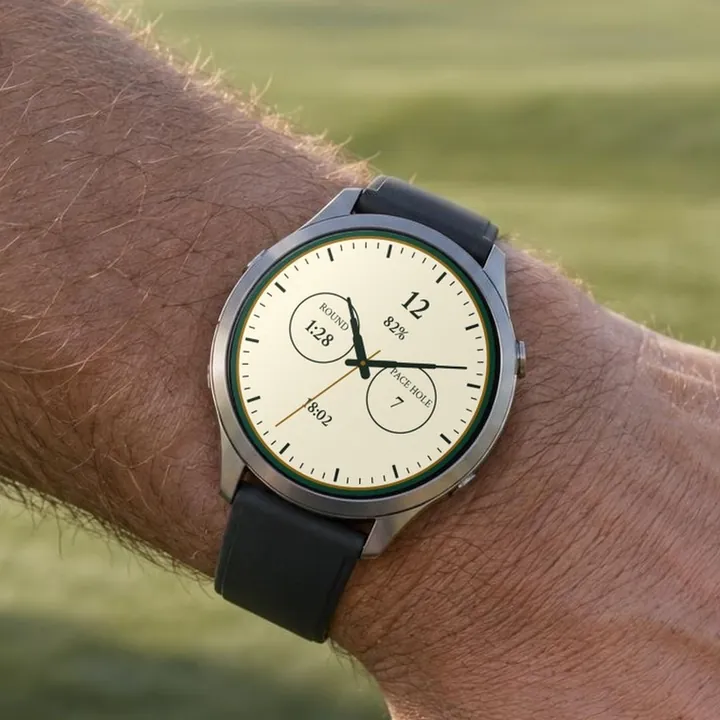
Clubhouse £0.79
Golf watch face for Wear OS 4+: analog dial, round timer, pace-of-play counter.
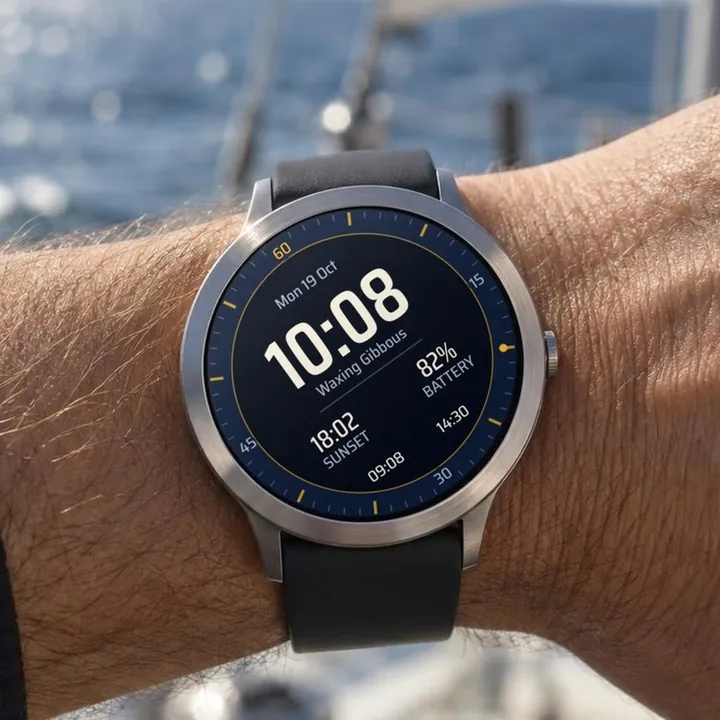
Leeward £0.79
Sailing watch face for Wear OS 4+: race-start seconds ring, moon phase, 4 slots.