Dates and seasons · Digital
Saltire
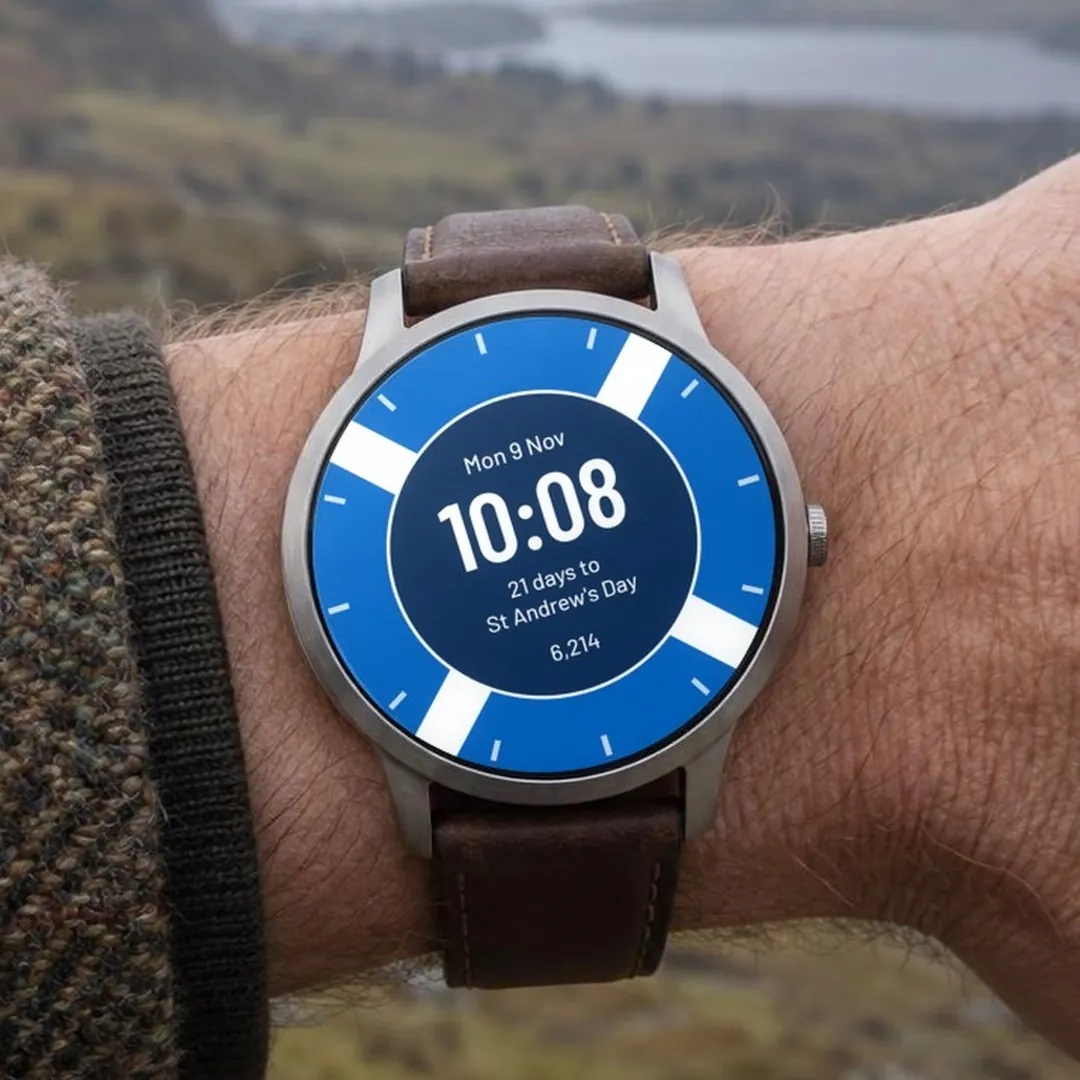
Scotland saltire watch face for Wear OS 4+ with a St Andrew's Day countdown.

FreeChecked 20 Nov 2026
- On Google Play since
- 10 Nov 2026
- Works on
- Round Wear OS 4 or newer watches. Not for phones or other kinds of smartwatch.
- Built with
- Google's Watch Face Format. The face contains no code and collects no data. No ads and no in-app purchases.
- Best used
- St Andrew's Day, 30 November, 1 Oct to 30 Nov
About Saltire
Works on Galaxy Watch 4 or newer and Pixel Watch, on Wear OS 4 or later. Round screens only.
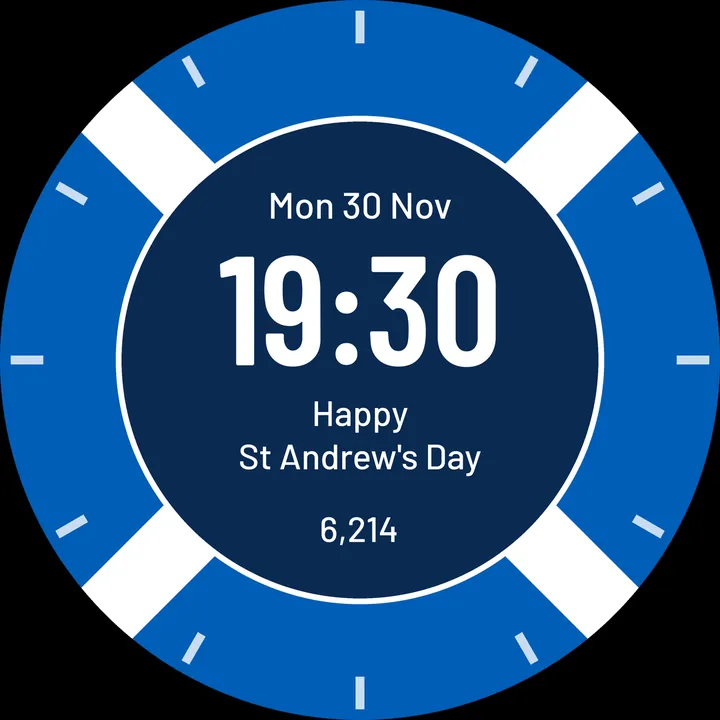
Saltire is a watch face for Wear OS with the plain saltire, the white diagonal cross on blue, across the whole dial. A dark roundel in the middle holds the date, the time and a countdown to St Andrew's Day on 30 November.
The countdown
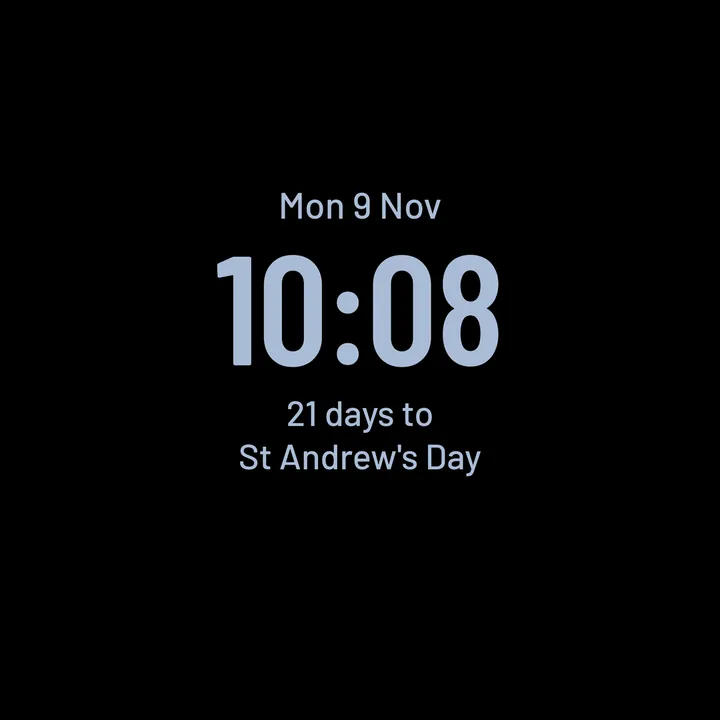
From 1 October it reads, for example, "21 days to St Andrew's Day". On 29 November it reads "Tomorrow is St Andrew's Day", and on 30 November "Happy St Andrew's Day". The number comes from your watch's own date, so there is nothing to set. On any other date the countdown is hidden and Saltire is a time-and-date face in the flag's colours, so you can wear it all year without an out-of-date number.
Three themes
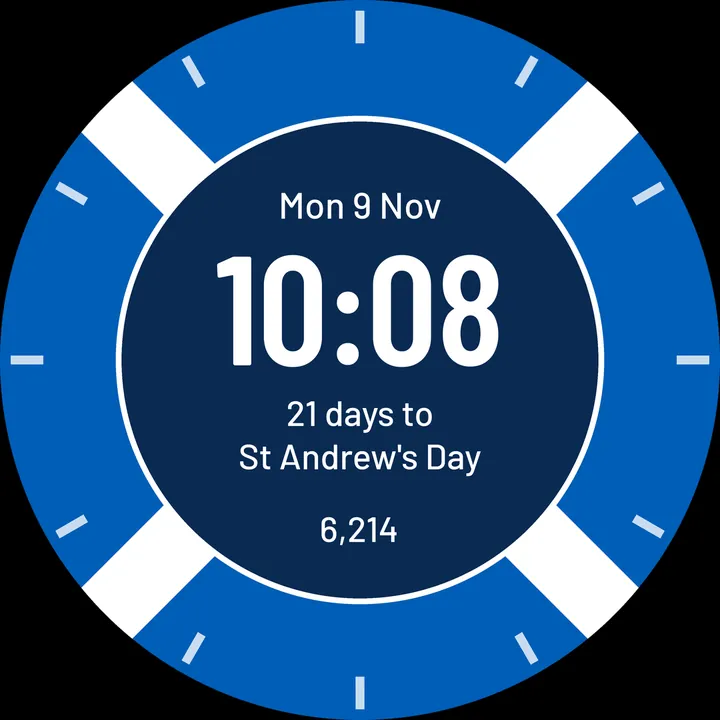
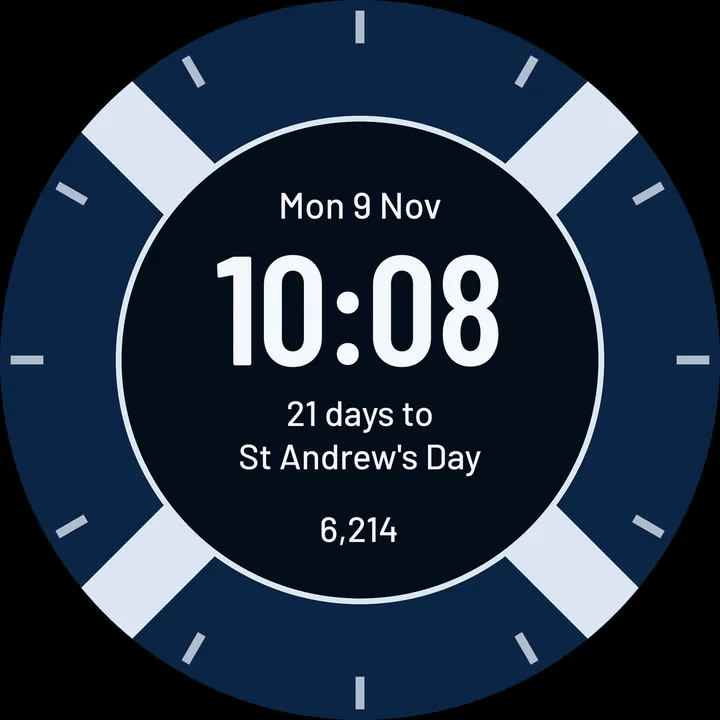
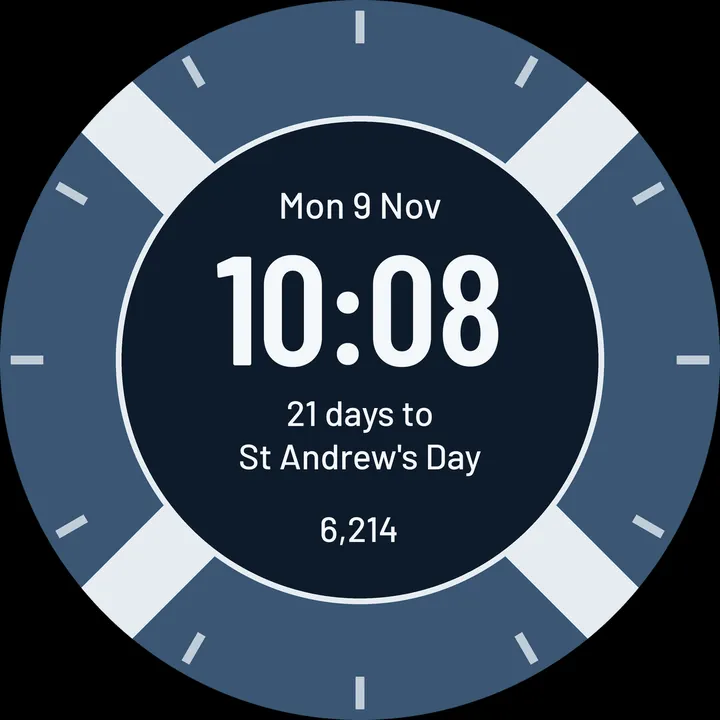
Choose in the face editor: Saltire (the flag's blue, web colour #005EB8, with white), Midnight (deep navy) and Slate (blue-grey). All the words sit on the dark roundel, where every text colour has a contrast ratio of at least 7:1.
One slot
A complication slot under the countdown shows your steps until you change it to anything your watch offers.
Always-on mode keeps the date, the time and the countdown wording, dimmed, on a black screen. The flag and the slot are shown while the screen is awake.
Free. No ads, no in-app purchases, no data collected and no permissions. This is a Watch Face Format face: it contains no code.
To use it, touch and hold the current watch face, swipe to Saltire, then tap the pencil to choose a theme, or tap the slot to change its complication.
Good to know: the wording is in English. The face shows only the plain saltire; it is not connected with any government body, tourist board or event. Screenshots show sample data (a date of 9 November, so the countdown reads 21 days) and a sample step count; your watch supplies the real ones.
Setting it up
Install it from Google Play on your phone (choose your watch from the device menu) or from the Play Store on the watch. Then touch and hold the current watch face, swipe to Saltire, and tap the pencil or Customize to choose a theme. Step by step for Galaxy Watch and Pixel Watch.
Fonts: Barlow and Barlow Condensed, copyright 2017 The Barlow Project Authors, SIL Open Font License 1.1.
Themes and always-on view
Captures of the real face. Sample data is shown on the dial; your watch supplies the real values.
More faces
Ninelight Free
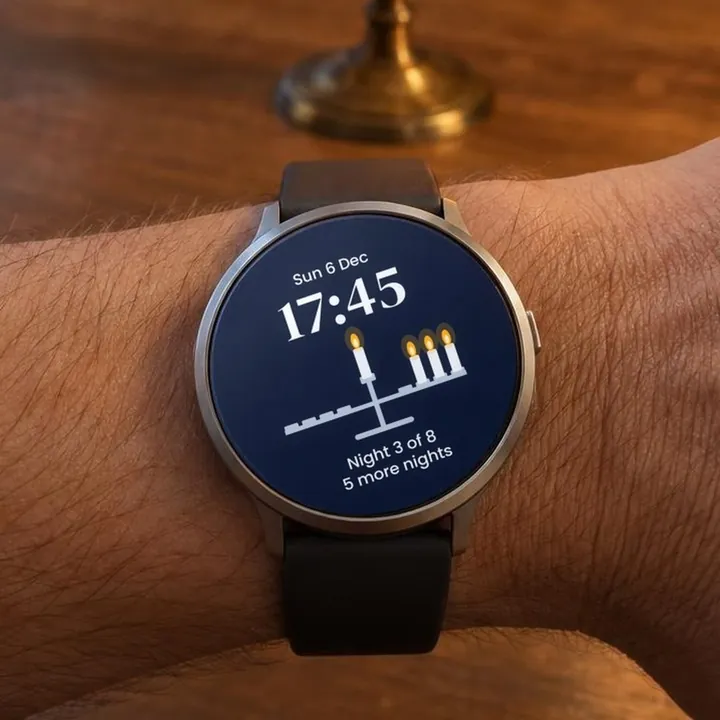
Hanukkah watch face for Wear OS 4+: a hanukkiah that gains a candle each night.
Treble Ring Free
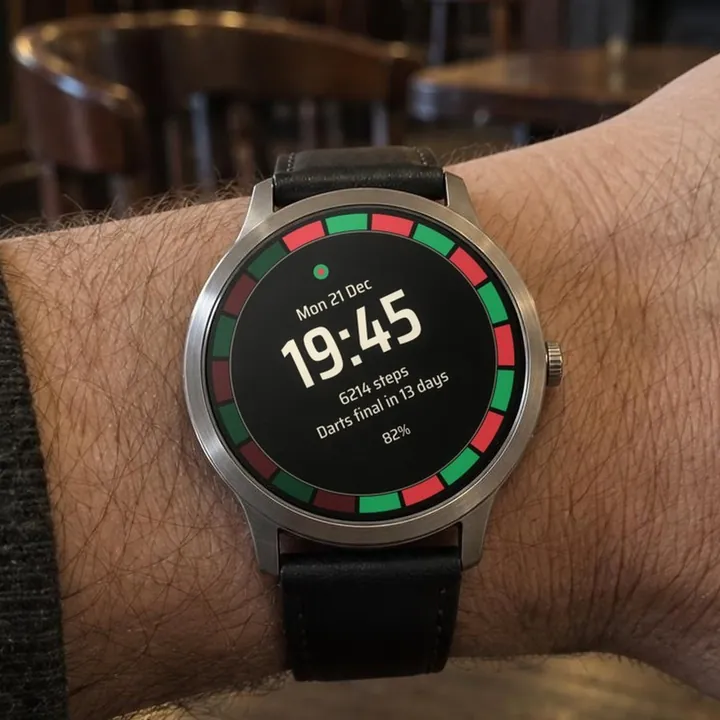
Darts watch face for Wear OS 4+: dartboard colours, ring fills with steps.

Thirtyfirst Free
Self Assessment deadline watch face for Wear OS 4+: days to 31 January.