Everyday · Digital
Quartz 84
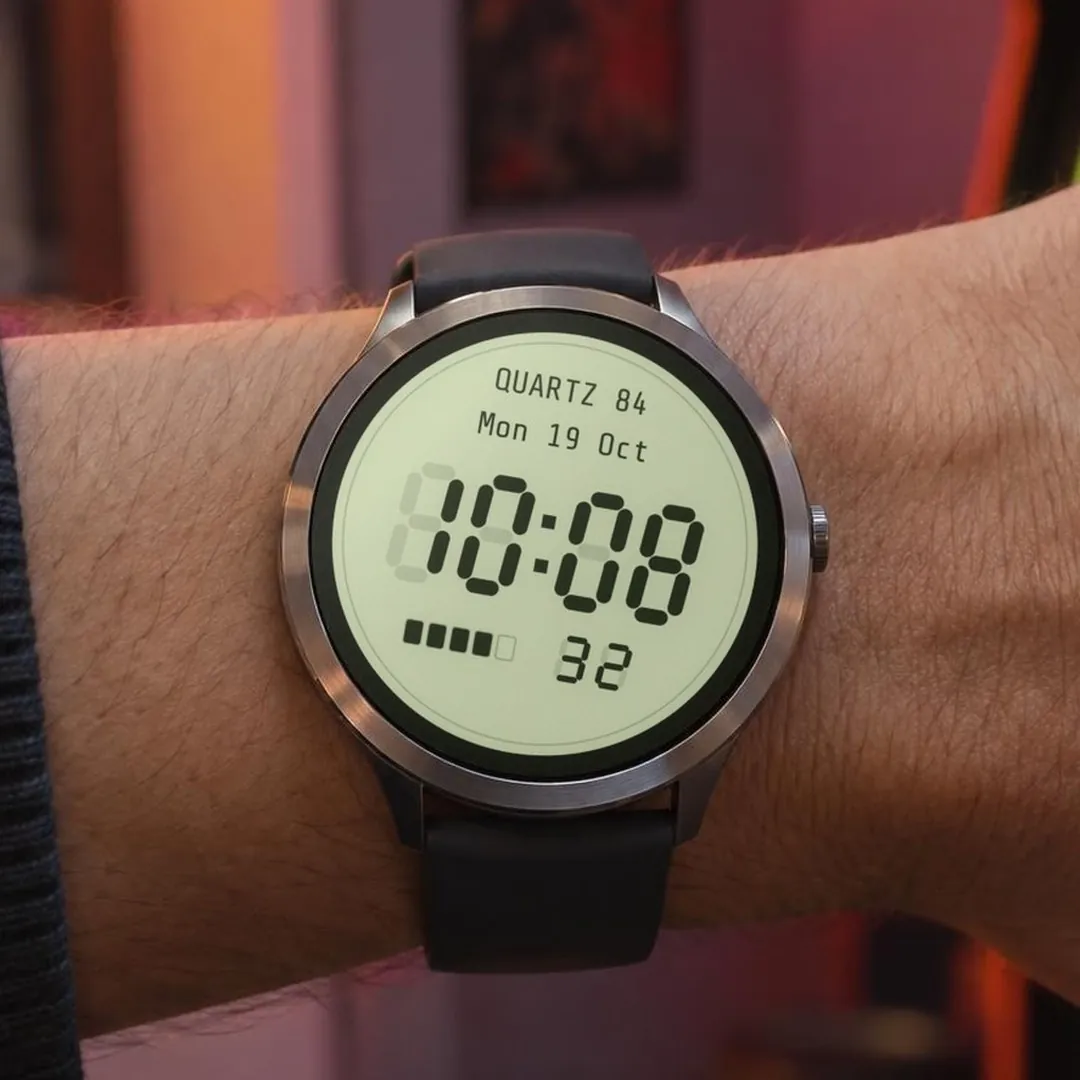
Retro LCD watch face for Wear OS 4+: 80s seven-segment digits, seconds, battery.
£0.49Checked 20 Nov 2026
- On Google Play since
- 24 Oct 2026
- Works on
- Round Wear OS 4 or newer watches. Not for phones or other kinds of smartwatch.
- Built with
- Google's Watch Face Format. The face contains no code and collects no data.
About Quartz 84
Works on Galaxy Watch 4 or newer and Pixel Watch, on Wear OS 4 or later. Round screens only.
Quartz 84 is a retro LCD watch face for Wear OS: the digital watch from a drawer of 1980s keepsakes, redrawn for a round AMOLED screen. Slanted seven-segment digits sit over faint ghost segments on a glass-coloured disc, the colon blinks every second, and the date sits above. It is not copied from any watch or brand, and there are no logos on it. A watch face by TurboKast.
What it shows
- Hours and minutes in large seven-segment digits (12/24-hour follows your watch; the leading zero is blanked in 12-hour mode, with a PM marker)
- Seconds in smaller digits, shown while the screen is on
- Blinking colon
- Day, date and month
- A five-block battery gauge
There are no complication slots and no step or heart-rate data. It is a clock, and it keeps to that.
Themes
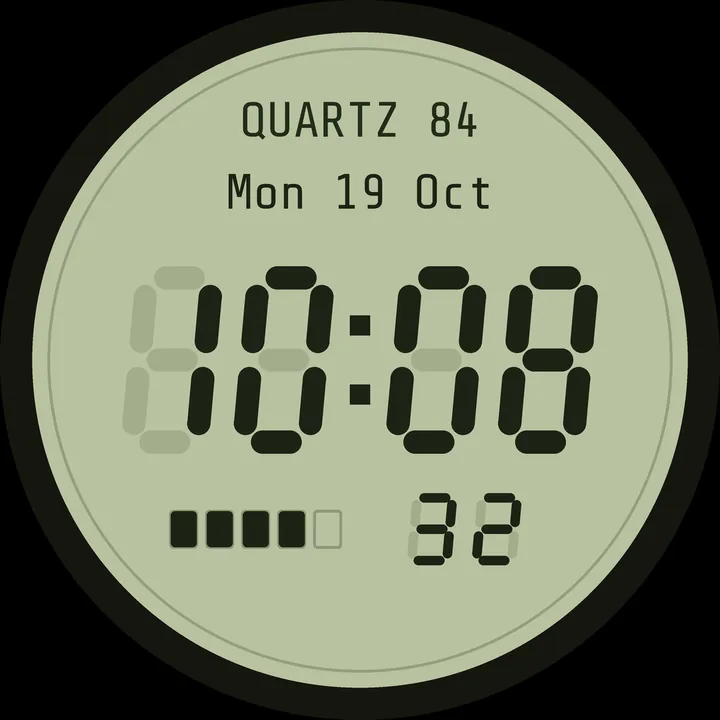
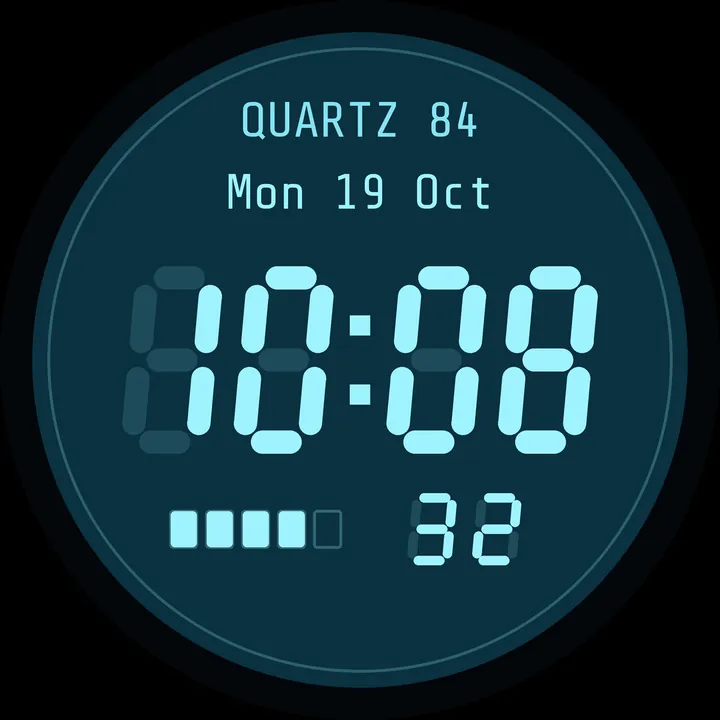
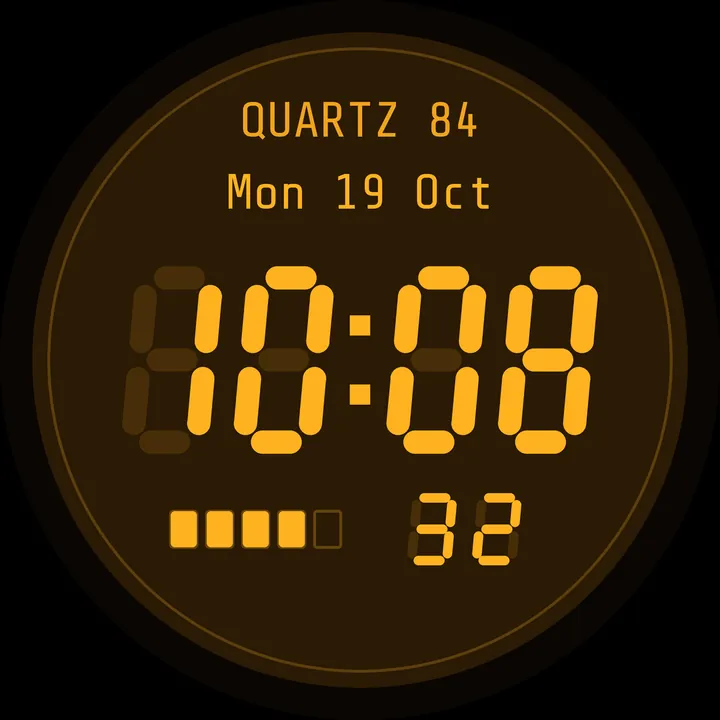
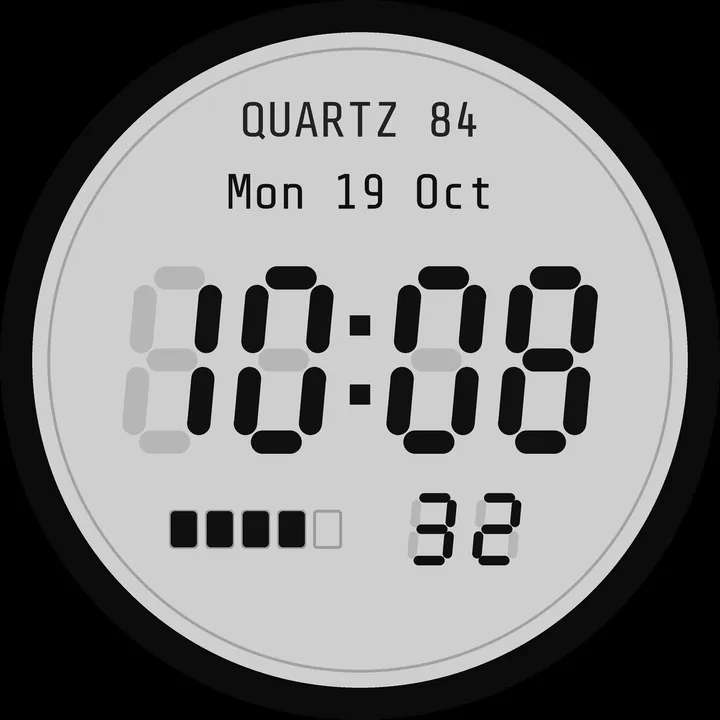
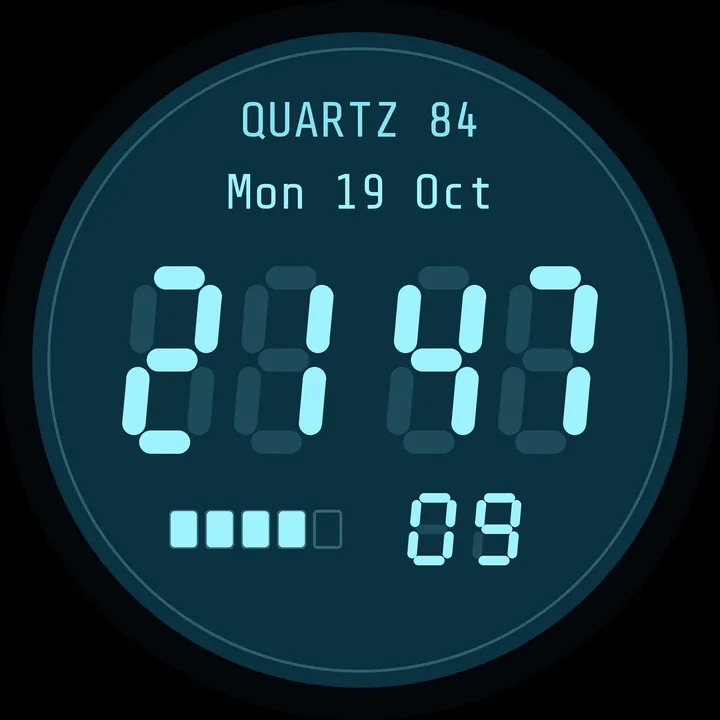
Classic LCD (dark segments on pale green glass), Backlit (ice blue on deep teal), Amber (amber on brown-black) and Steel (black on light grey). All text and digits are at a contrast ratio of at least 7:1 (always-on mode is deliberately dimmer).
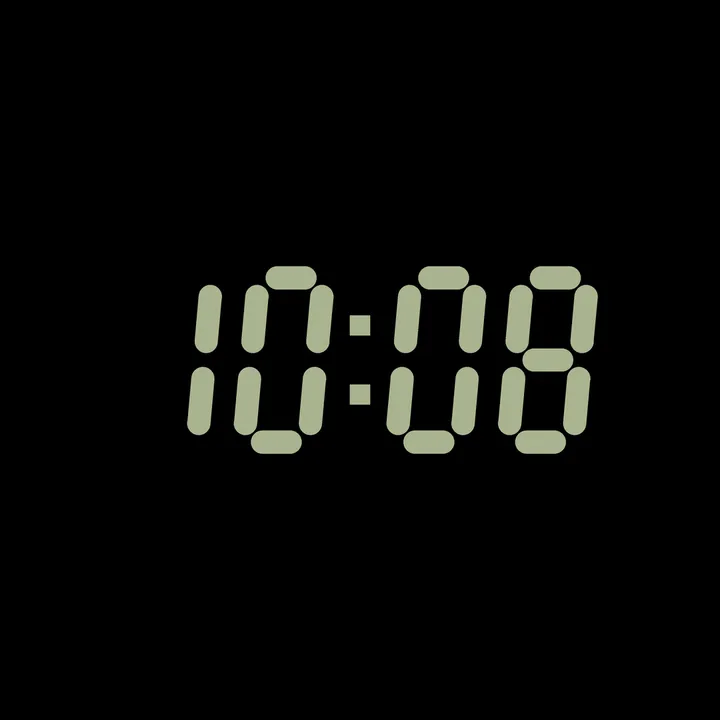
In always-on mode the glass goes black and the screen keeps just the hours and minutes, dimmed, with a steady colon. That keeps the lit area small to protect your AMOLED display and your battery.
How to use
Install on your watch (or from the Play Store on your phone and choose your watch). Touch and hold the current watch face, swipe to Quartz 84, then tap the pencil icon to pick a theme.
Good to know
- The digits are drawn shapes, not a font. A hidden clock element is included so the system still knows this is a clock.
- The look is a drawing of an LCD. Your screen is AMOLED, and the glass colour is not a reflective LCD.
This is a Watch Face Format watch face: it contains no code and collects no data.
Font (labels): Share Tech Mono, copyright 2012 Carrois Type Design, SIL Open Font License 1.1.
Step by step install guide for Galaxy Watch and Pixel Watch.
Themes and always-on view
Captures of the real face. Sample data is shown on the dial; your watch supplies the real values.
More faces
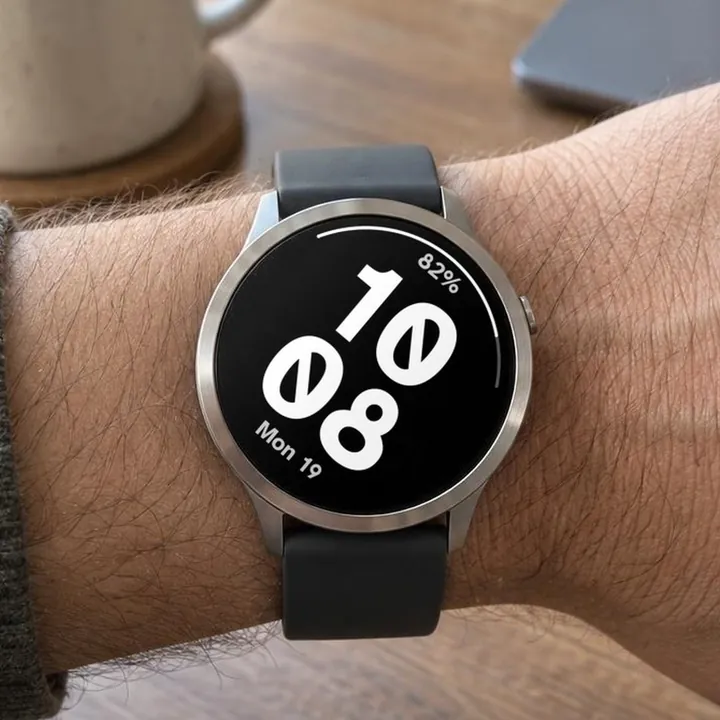
Plainsight £0.79
Large-digit watch face for Galaxy & Pixel Watch, Wear OS 4+: big, clear numbers.
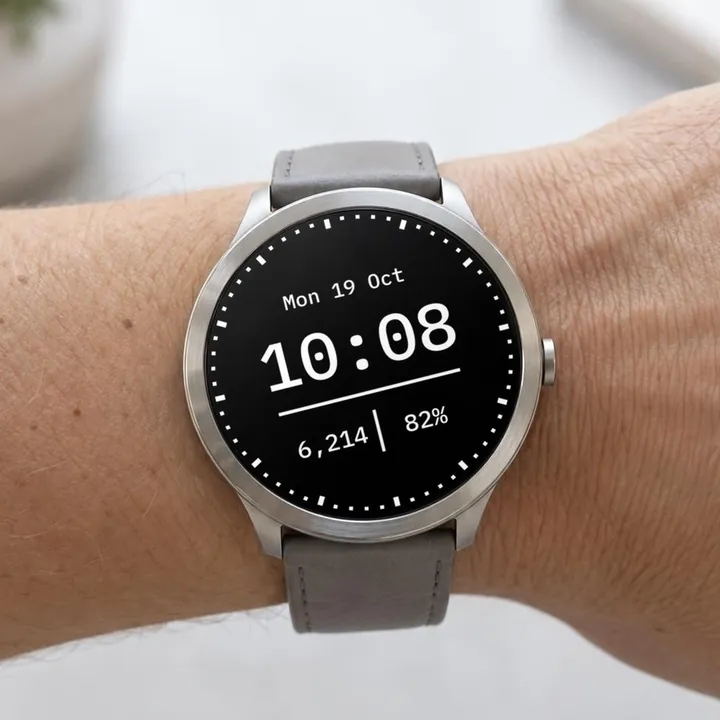
Monoline £0.49
Minimal watch face for Wear OS 4+: strict two colours, ruled layout, two slots.
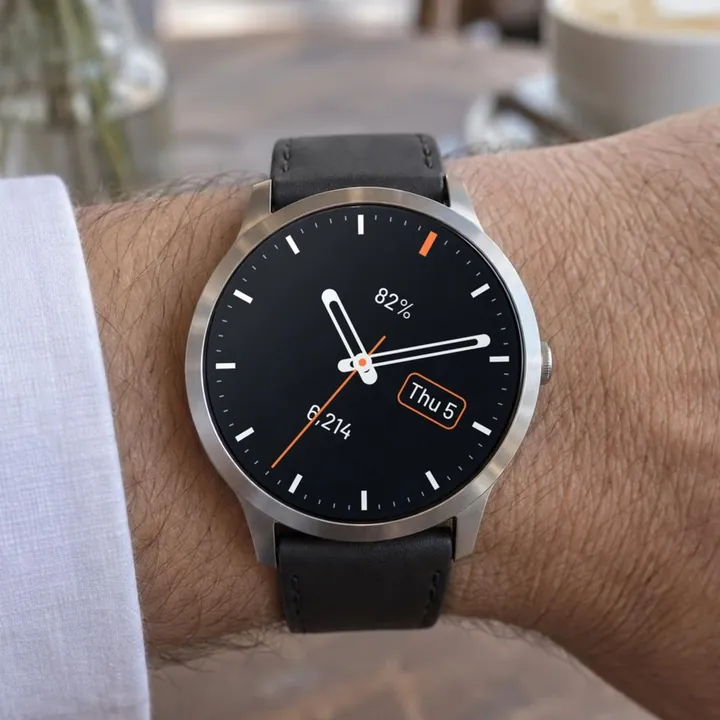
Clearhand Free
Analog watch face for Galaxy & Pixel Watch, Wear OS 4+: outlined hands, a date.