Everyday · Analog
Clearhand
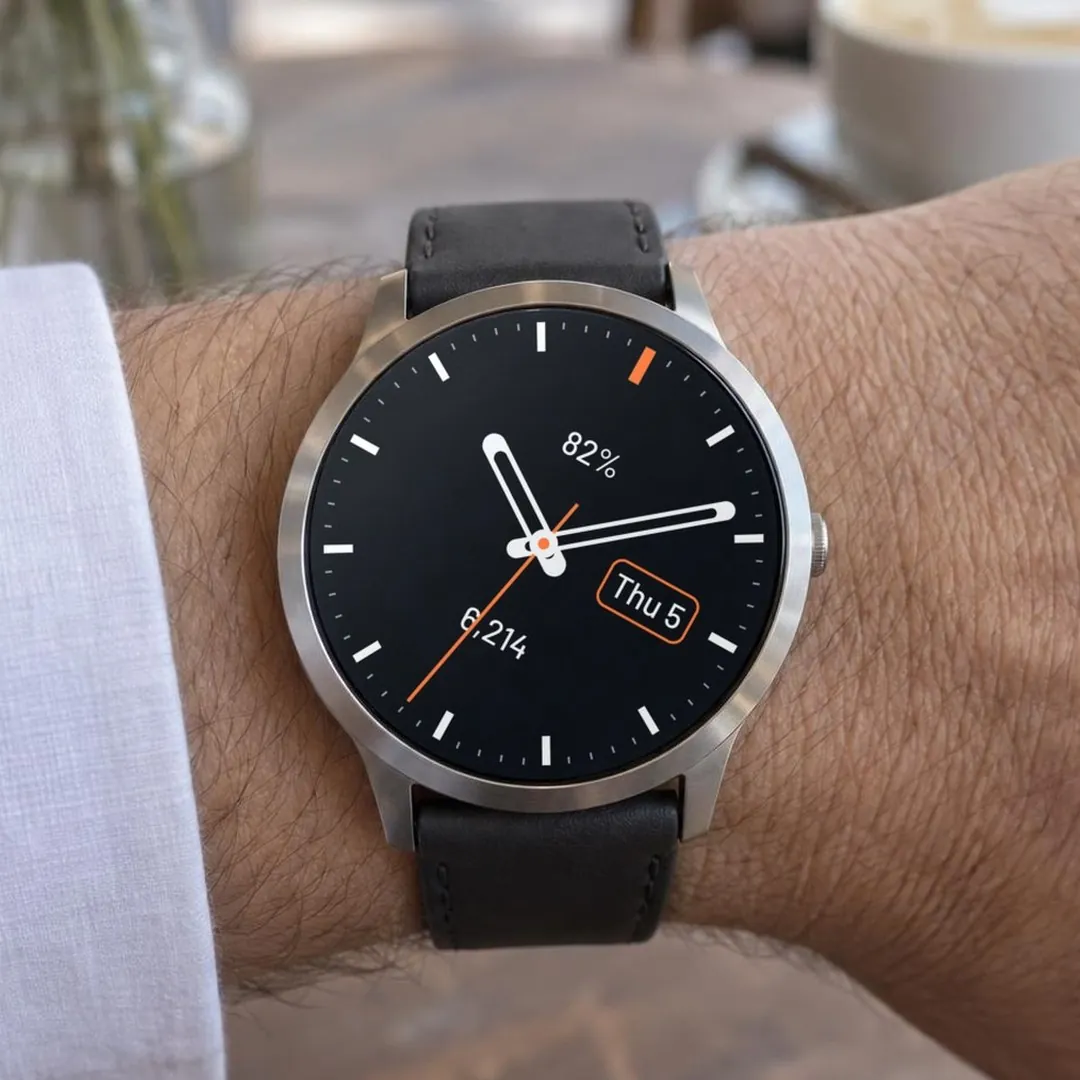
Analog watch face for Galaxy & Pixel Watch, Wear OS 4+: outlined hands, a date.
FreeChecked 20 Nov 2026
- On Google Play since
- 6 Nov 2026
- Works on
- Round Wear OS 4 or newer watches. Not for phones or other kinds of smartwatch.
- Built with
- Google's Watch Face Format. The face contains no code and collects no data.
About Clearhand
Works on Galaxy Watch 4 or newer and Pixel Watch, on Wear OS 4 or later. Round screens only.
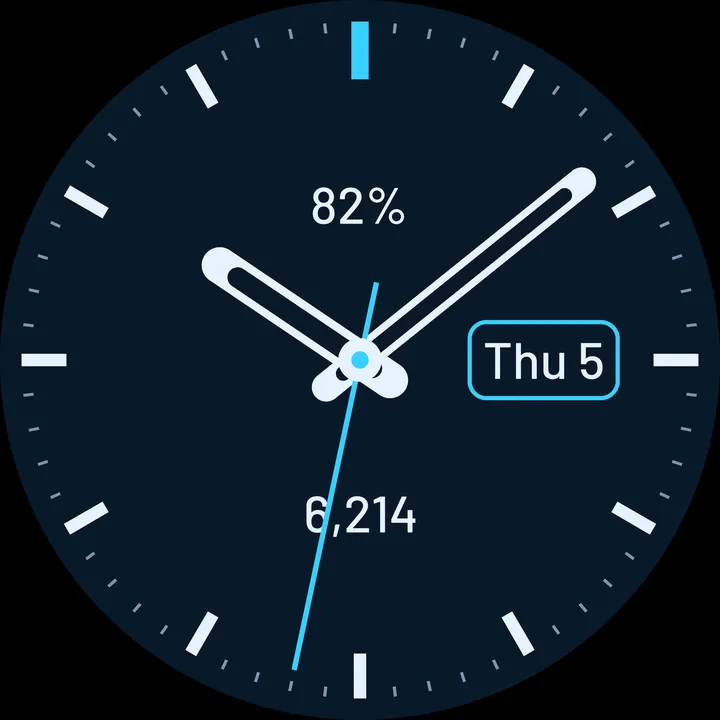
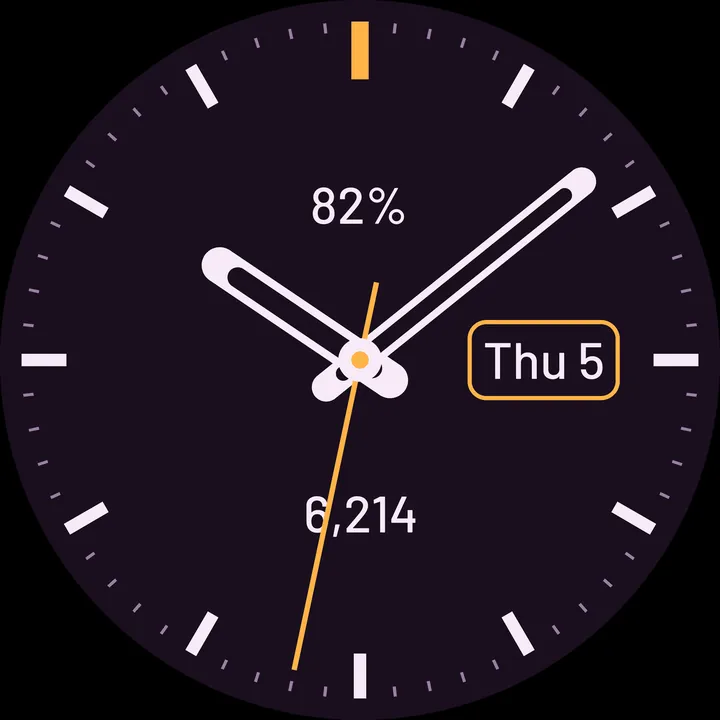
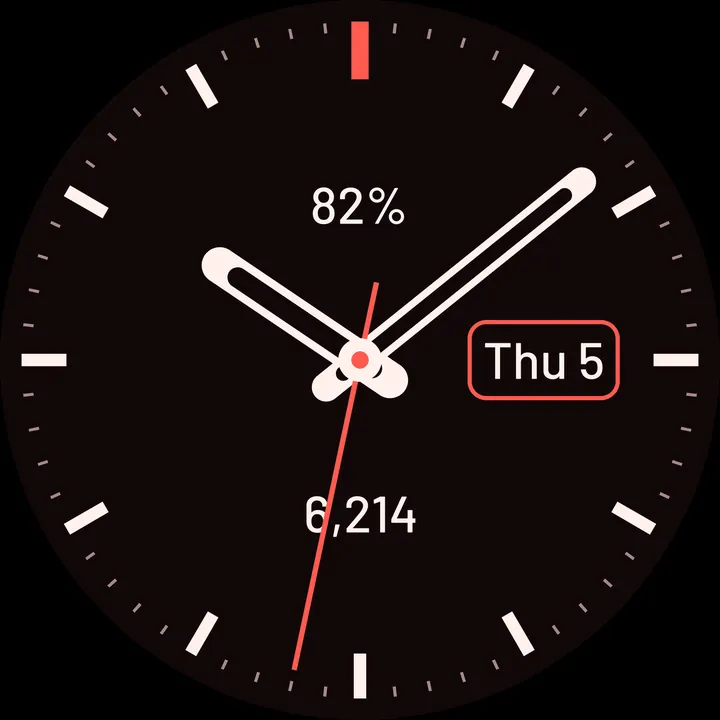
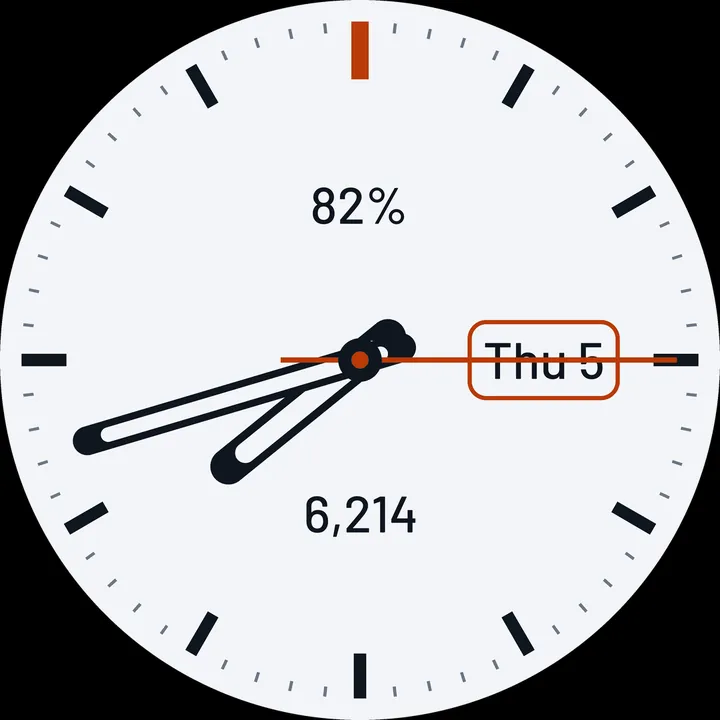
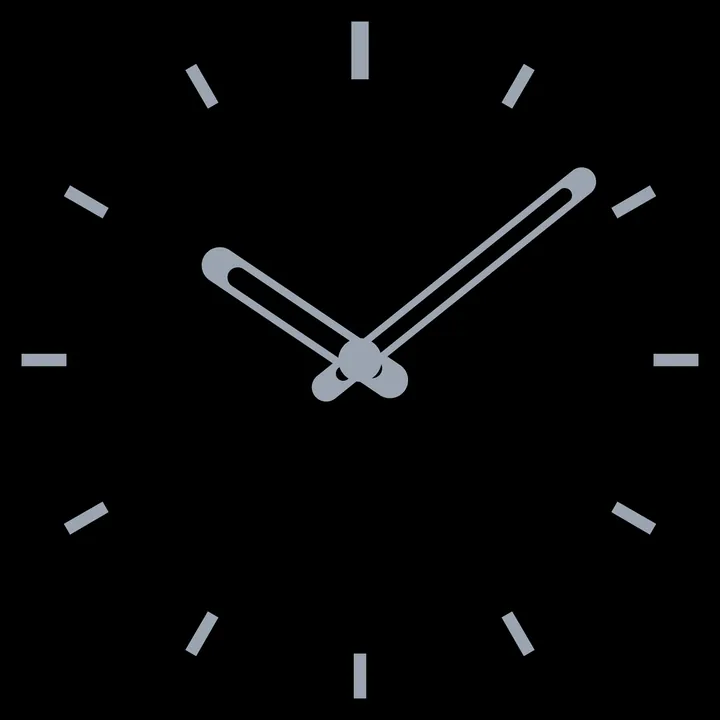
Clearhand is a plain analog watch face built to be read quickly. The hour and minute hands are drawn as outlines, so they stay clear against the dial and don't hide the text behind them. Twelve square bars mark the hours, with the 12 longer and in the accent colour, and a fine track marks the minutes. A watch face by TurboKast.
The date sits in a small window at three o'clock. Two complication slots, above and below the hub, show battery and steps until you change them to anything your watch offers. That is all: no numerals, no sub-dials, no clutter.
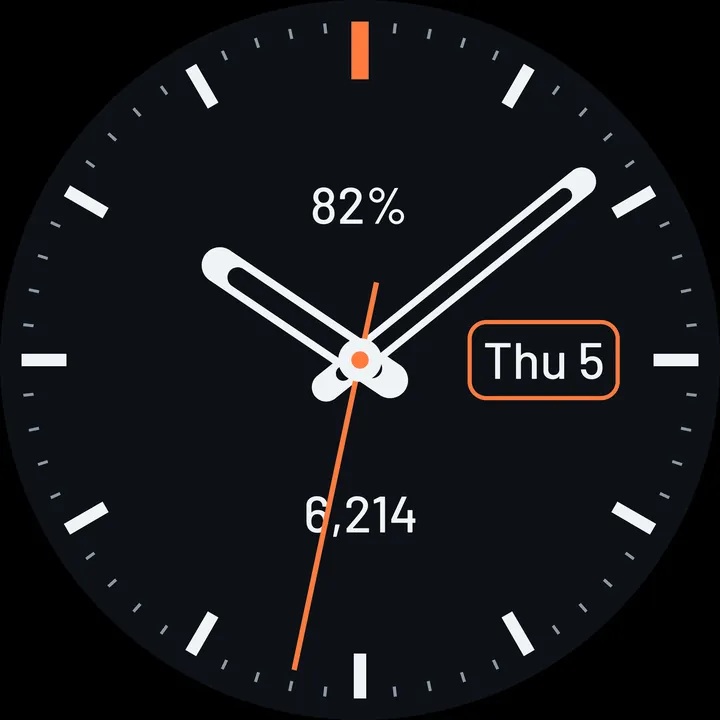
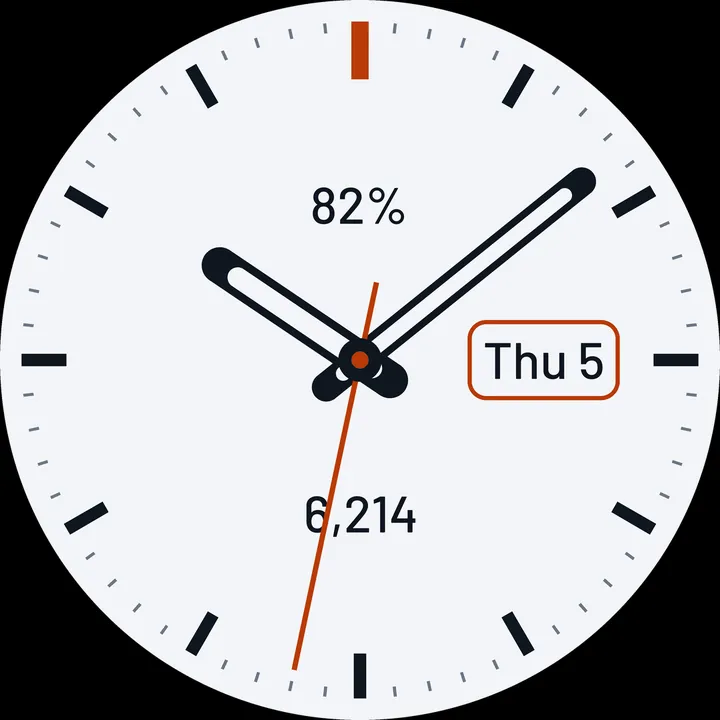
Five themes: Slate, Paper (dark ink on a light dial), Ocean, Plum and Ember. Every text colour in every theme has a contrast ratio of at least 7:1 against the dial.
Always-on mode keeps only the outlined hands and the twelve hour bars, dimmed, on a black screen. The seconds hand, minute track, date and slots are shown while the screen is awake.
What you get
- hollow hour and minute hands, a thin seconds hand
- twelve hour bars and a minute track
- day and date window
- two complication slots
- five themes
- free, no ads, no in-app purchases, no data collected, no permissions
To use it, touch and hold the current watch face, swipe to Clearhand, then tap the pencil to change the theme or tap a slot to change its complication. This is a Watch Face Format face: it contains no code. Screenshots show sample data in the complication slots.
Setting it up
Install it from Google Play on your phone (choose your watch from the device menu) or from the Play Store on the watch. Then touch and hold the current watch face, swipe to Clearhand, and tap the pencil or Customize to choose a theme. Step by step for Galaxy Watch and Pixel Watch.
Font: Barlow, copyright 2017 The Barlow Project Authors, SIL Open Font License 1.1.
Themes and always-on view
Captures of the real face. Sample data is shown on the dial; your watch supplies the real values.
More faces
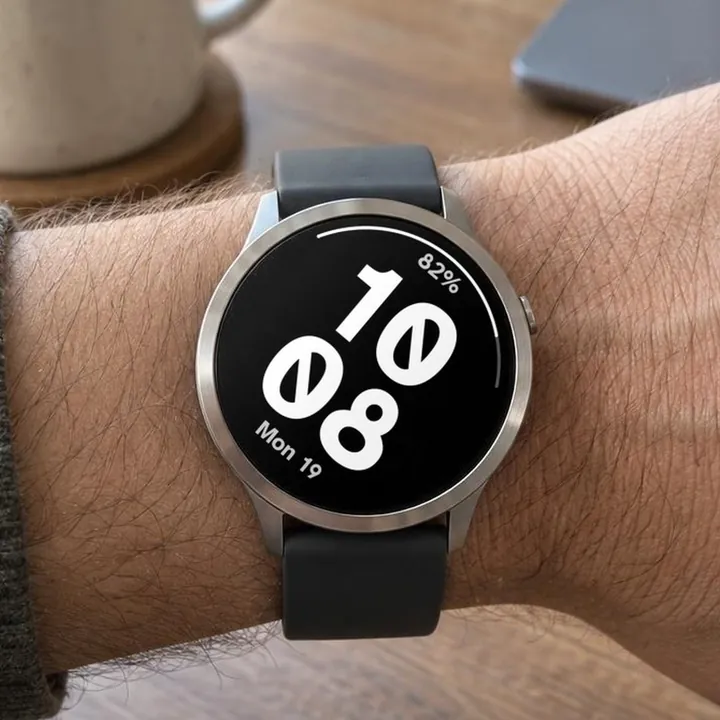
Plainsight £0.79
Large-digit watch face for Galaxy & Pixel Watch, Wear OS 4+: big, clear numbers.
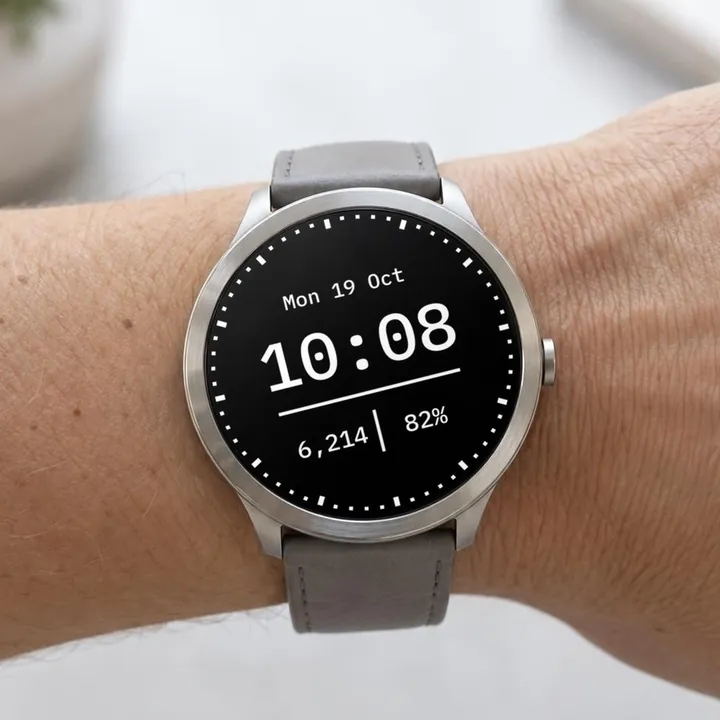
Monoline £0.49
Minimal watch face for Wear OS 4+: strict two colours, ruled layout, two slots.
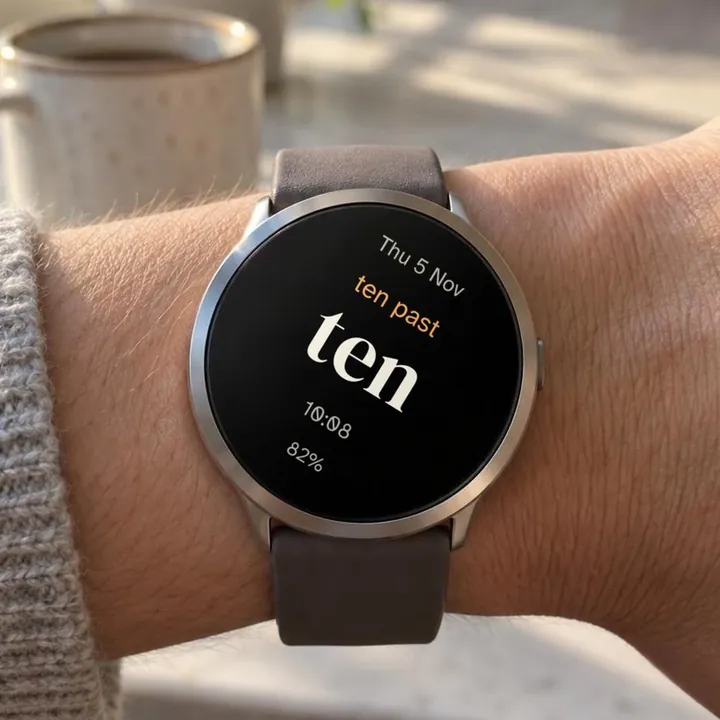
Quarter Past Free
Word clock watch face for Wear OS 4+: the time in words, exact digits below.