Sport and outdoors · Analog
Clubhouse
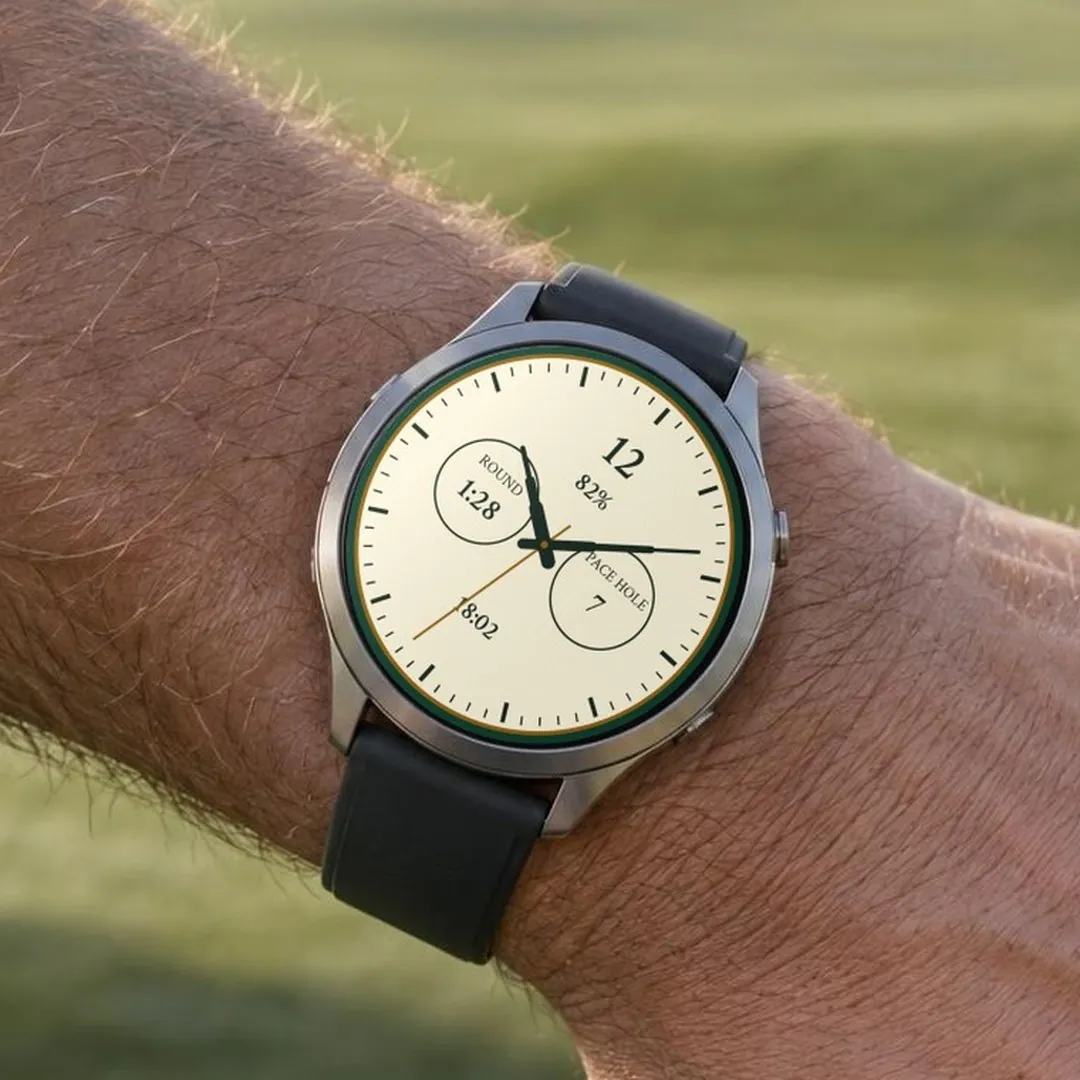
Golf watch face for Wear OS 4+: analog dial, round timer, pace-of-play counter.

£0.79Checked 20 Nov 2026
- On Google Play since
- 24 Oct 2026
- Works on
- Round Wear OS 4 or newer watches. Not for phones or other kinds of smartwatch.
- Built with
- Google's Watch Face Format. The face contains no code and collects no data.
About Clubhouse
Works on Galaxy Watch 4 or newer and Pixel Watch, on Wear OS 4 or later. Round screens only.
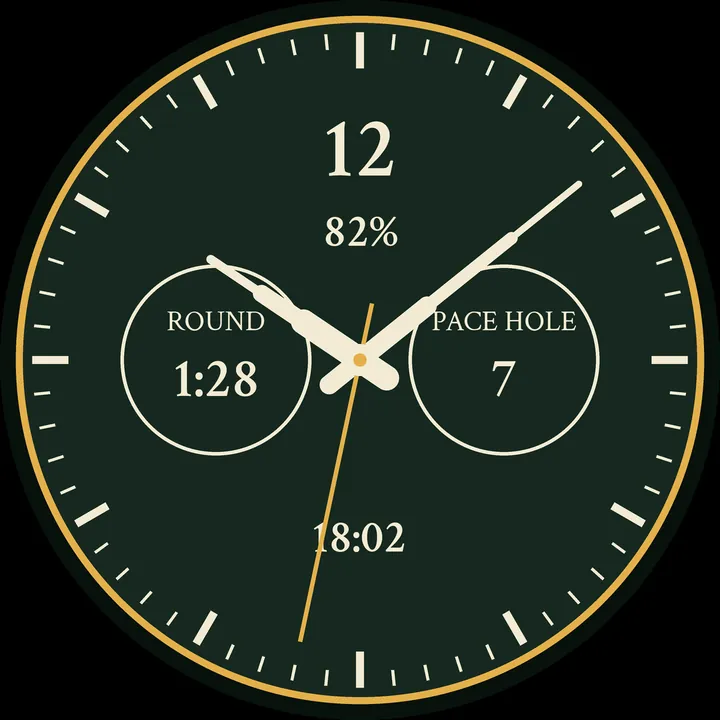
Clubhouse is a classic analog golf watch face for Wear OS in cream and forest green, with sword-shaped hands, a fine minute track and a brass rim. It looks right at the bar and does one useful thing on the course: it keeps your pace. A watch face by TurboKast.
Pace of play
Touch and hold the face, tap the pencil, and set your Tee-off time (05:00 to 18:00 in 10-minute steps) and the Pace for 18 holes you are aiming for, from 3 h 30 to 5 h 00. Two small registers on the dial then use your watch's own clock:
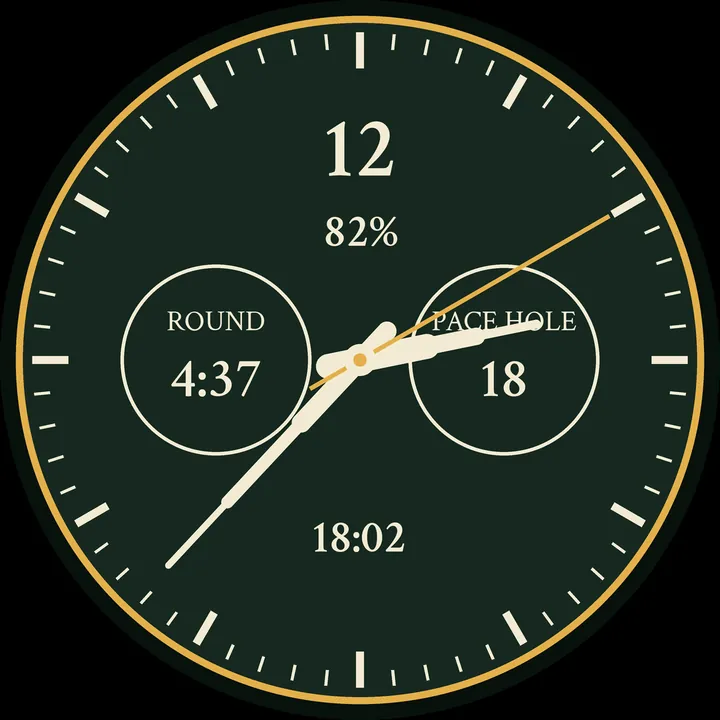
- ROUND shows the time since your tee-off, in hours and minutes. Before tee-off it reads TEE.
- PACE HOLE shows the hole you should be on to stay on schedule at that pace, from 1 to 18.
This is a schedule, not a tracker. The watch face cannot tell which hole you are actually on, so PACE HOLE is arithmetic: time since tee-off divided by your target pace. If you are behind it will say so by being ahead of you.
What it does not do
Clubhouse has no GPS, so no yardages and no hole maps. It does not show wind, and it does not keep score. A watch face is not given that data. If your watch has a golf or weather app that offers a complication, you can put it in one of the two slots.
What else it shows
- Analog time with a sweeping seconds hand (not shown in always-on mode)
- Two complication slots on the dial: battery at the top and sunrise/sunset at the bottom by default, changeable to anything your watch offers
Themes
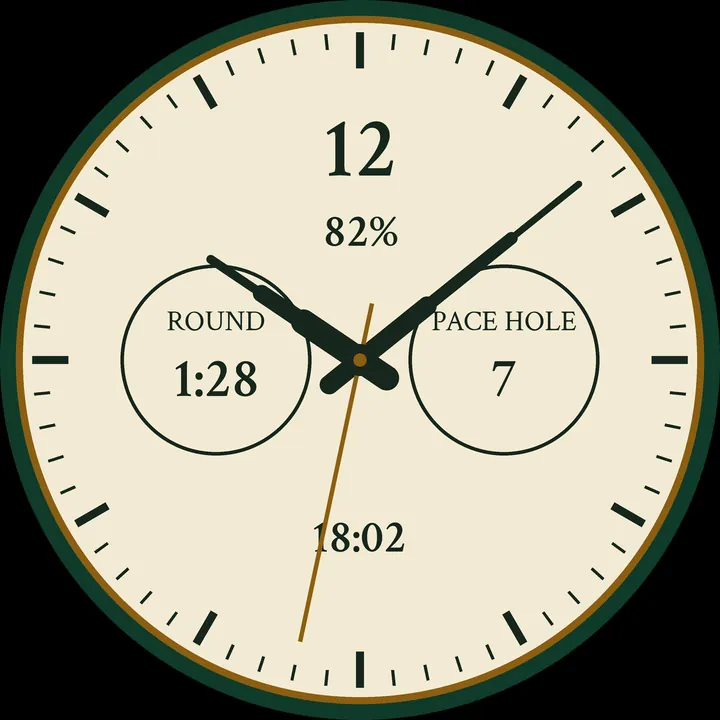
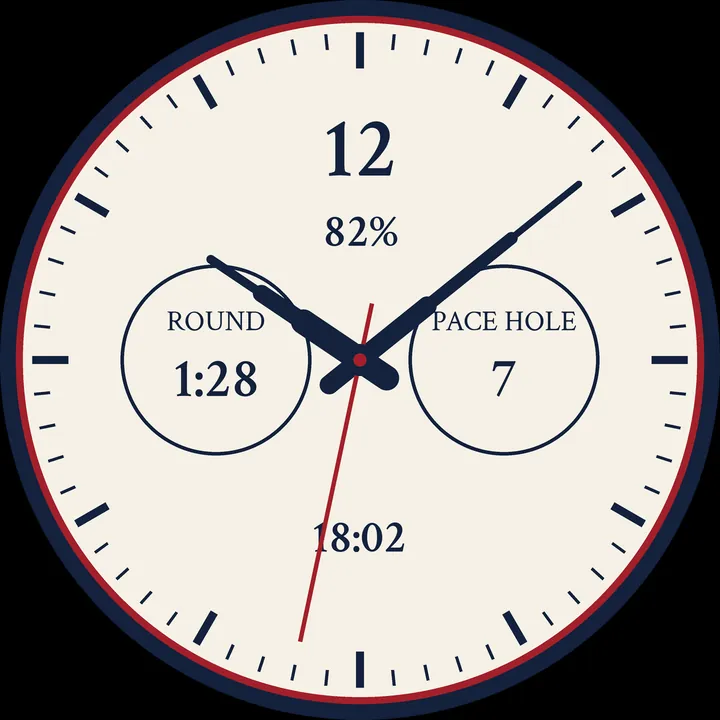
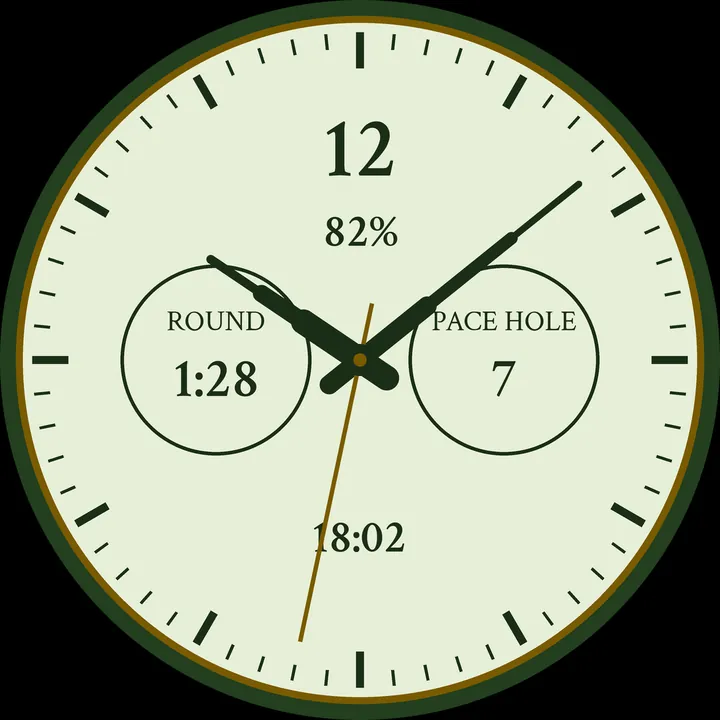
Clubhouse (cream on forest green with a brass rim), Links (ivory and navy with a red seconds hand), Fairway (pale green) and Night Round (cream on dark green, for evening rounds). All print on the dial is at a contrast ratio of at least 7:1 (always-on mode is deliberately dimmer).
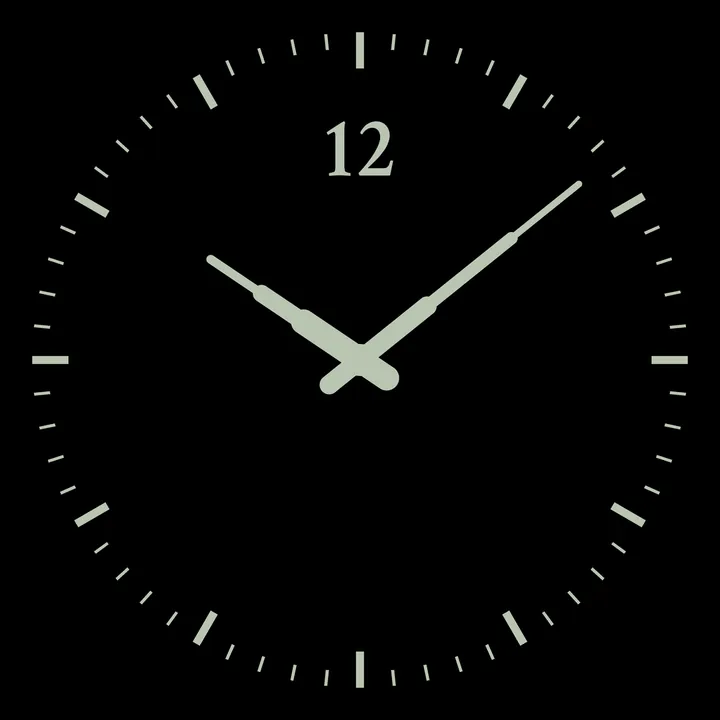
In always-on mode the screen goes black and keeps just the hands, the hour markers and the 12, dimmed, to protect your AMOLED display and your battery.
How to use
Install on your watch (or from the Play Store on your phone and choose your watch). Touch and hold the current watch face, swipe to Clubhouse, then tap the pencil icon. Use Theme for colours, Tee-off time and Pace for 18 holes for the registers, and tap a slot to change its complication.
Good to know
- Tee-off time is a list of fixed times. Watch faces cannot take a typed-in time. Set it before you start each round.
- The round timer shows END after 12 hours.
- Screenshots show sample complication data.
This is a Watch Face Format watch face: it contains no code and collects no data.
Step by step install guide for Galaxy Watch and Pixel Watch.
Font: Crimson Text, copyright 2010 The Crimson Text Project Authors, SIL Open Font License 1.1.
Themes and always-on view
Captures of the real face. Sample data is shown on the dial; your watch supplies the real values.
More faces
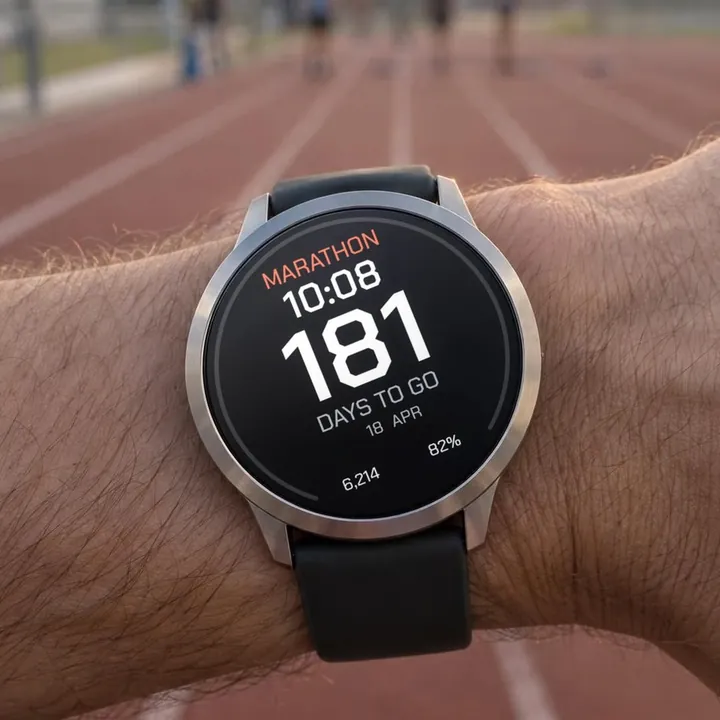
Startline £0.49
Race countdown watch face for Wear OS 4+: days to your marathon, 10K, triathlon.
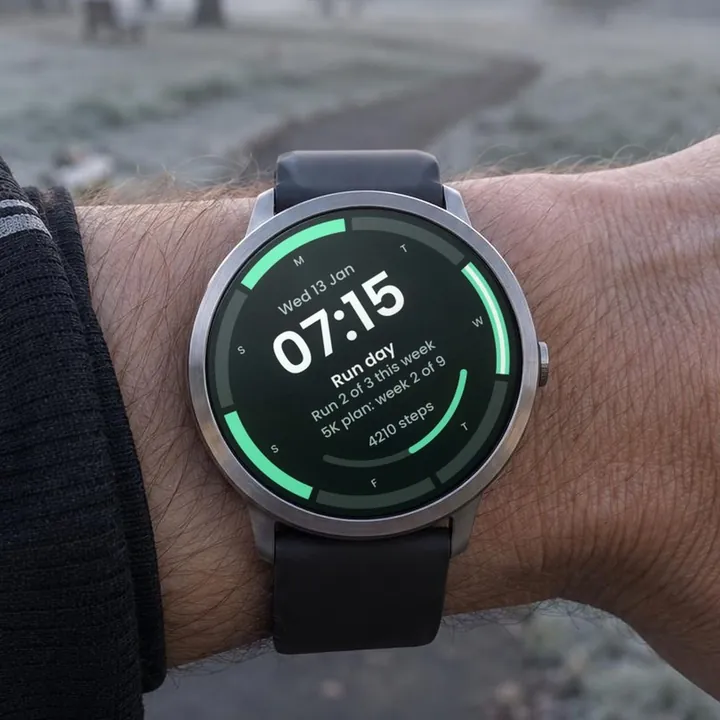
Newpace Free
Running watch face for Wear OS 4+: your run days, a 9-week 5K plan, your steps.
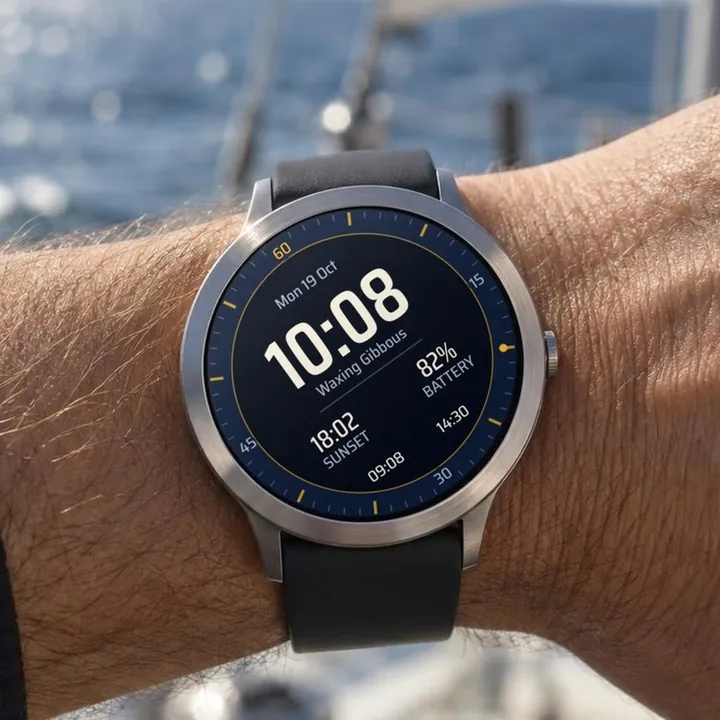
Leeward £0.79
Sailing watch face for Wear OS 4+: race-start seconds ring, moon phase, 4 slots.