Everyday · Digital
Monoline
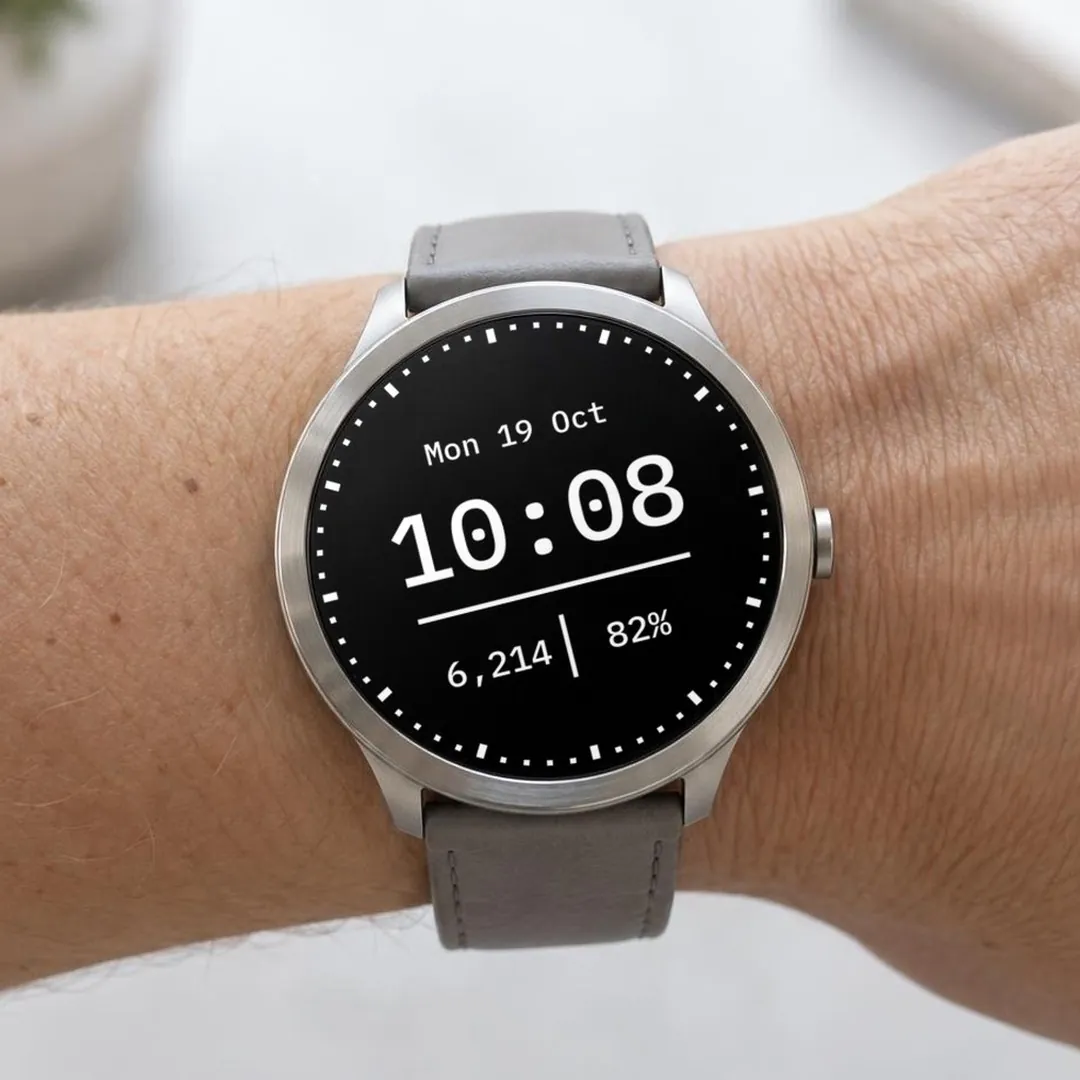
Minimal watch face for Wear OS 4+: strict two colours, ruled layout, two slots.
£0.49Checked 20 Nov 2026
- On Google Play since
- 24 Oct 2026
- Works on
- Round Wear OS 4 or newer watches. Not for phones or other kinds of smartwatch.
- Built with
- Google's Watch Face Format. The face contains no code and collects no data.
About Monoline
Works on Galaxy Watch 4 or newer and Pixel Watch, on Wear OS 4 or later. Round screens only.
Monoline is a minimal watch face for Wear OS with a strict rule: every theme uses exactly two colours, one ink on one paper, with hard edges and nothing in between. There are no gradients, no tints and no transparency to squint through, so it reads cleanly in bright sun. A watch face by TurboKast.
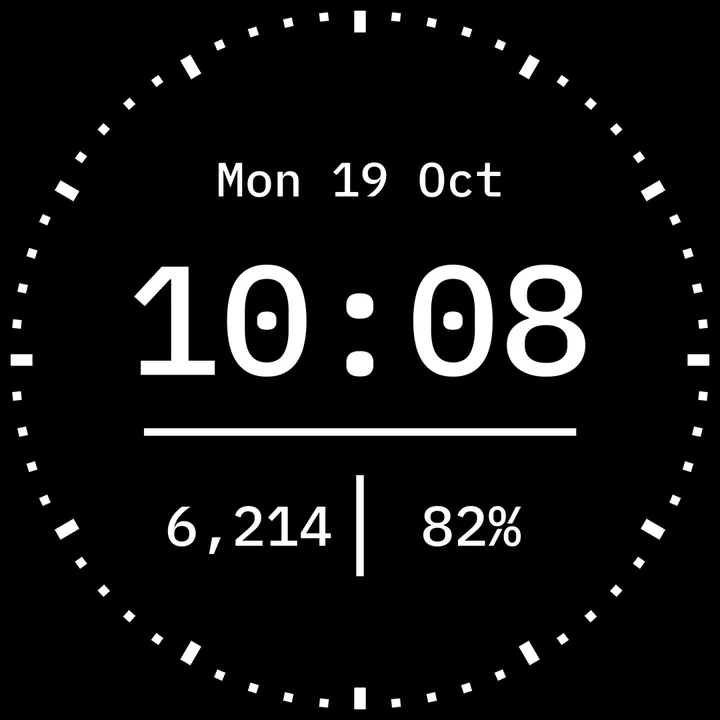
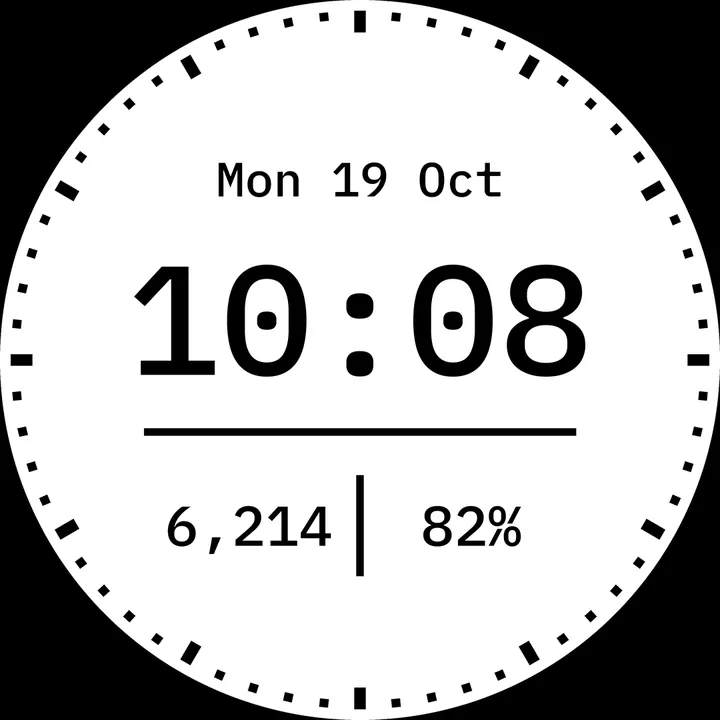
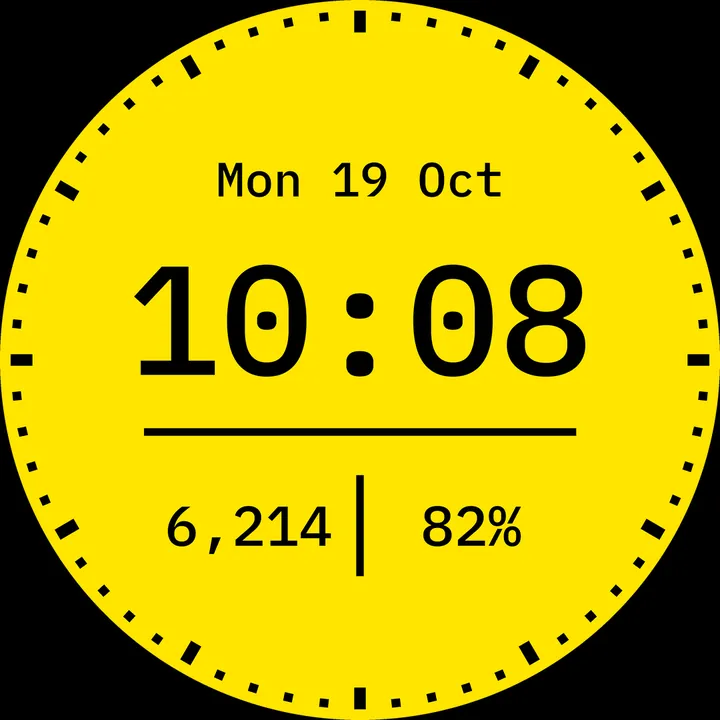
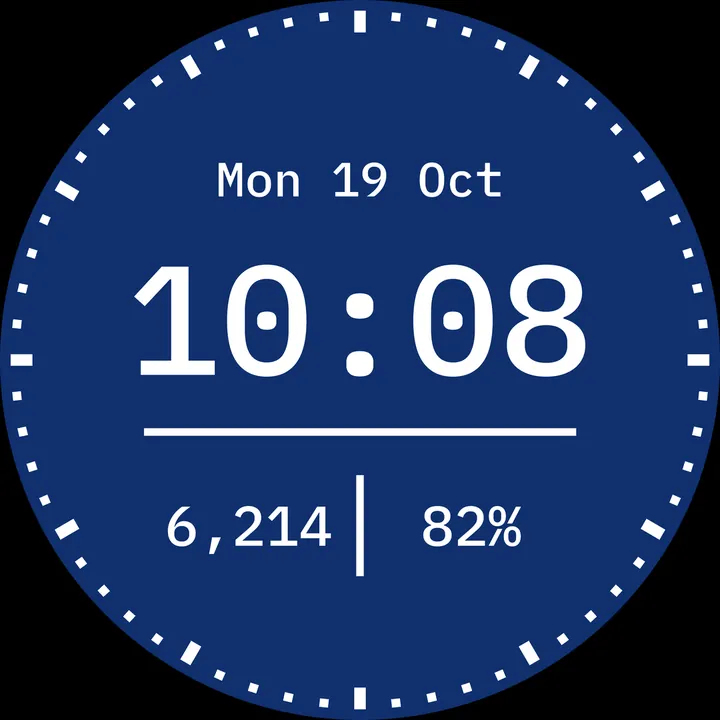
The look is a technical drawing. A ring of square pixel ticks runs round the edge, the date sits on top, the time is large and in a monospace typeface, and a ruled line separates it from two data slots, split by a vertical rule.
What it shows
- Large time (12/24-hour follows your watch)
- Day, date and month
- Two complication slots: steps and battery by default, changeable to anything your watch offers
It deliberately shows little else.
Themes
Ink (white on black), Paper (black on white), Signal (black on yellow) and Blueprint (white on blue). Each theme is two colours and clears a contrast ratio of at least 7:1. Always-on mode is deliberately dimmer.
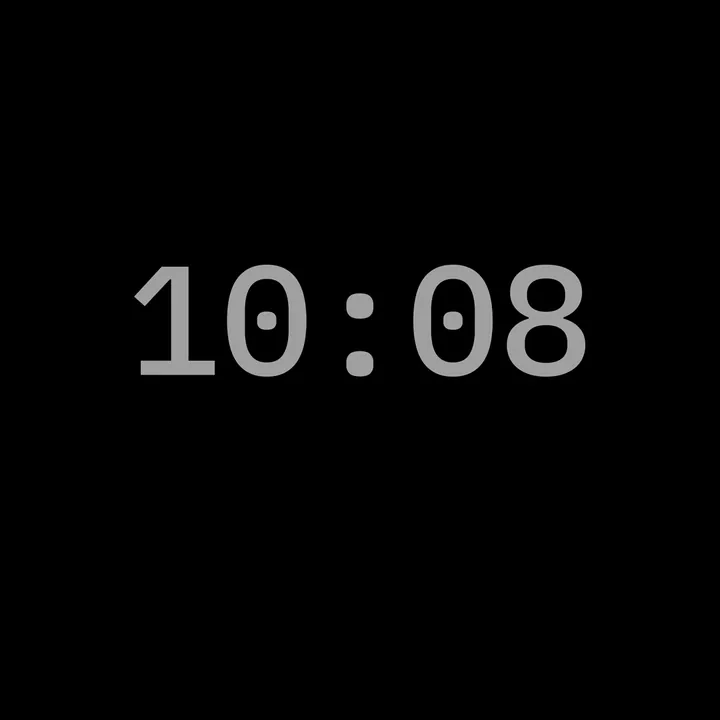
In always-on mode the screen keeps just the time, in a dimmed colour on black, to protect your AMOLED display and your battery.
How to use
Install on your watch (or from the Play Store on your phone and choose your watch). Touch and hold the current watch face, swipe to Monoline, then tap the pencil icon to pick a theme or change a slot.
Good to know
- Wear OS watches have AMOLED screens. The two-colour style is a design choice, not a special mode for any other kind of display.
- Screenshots show sample complication data.
This is a Watch Face Format watch face: it contains no code and collects no data.
Step by step install guide for Galaxy Watch and Pixel Watch.
Font: IBM Plex Mono, copyright 2017 IBM Corp., SIL Open Font License 1.1.
Themes and always-on view
Captures of the real face. Sample data is shown on the dial; your watch supplies the real values.
More faces
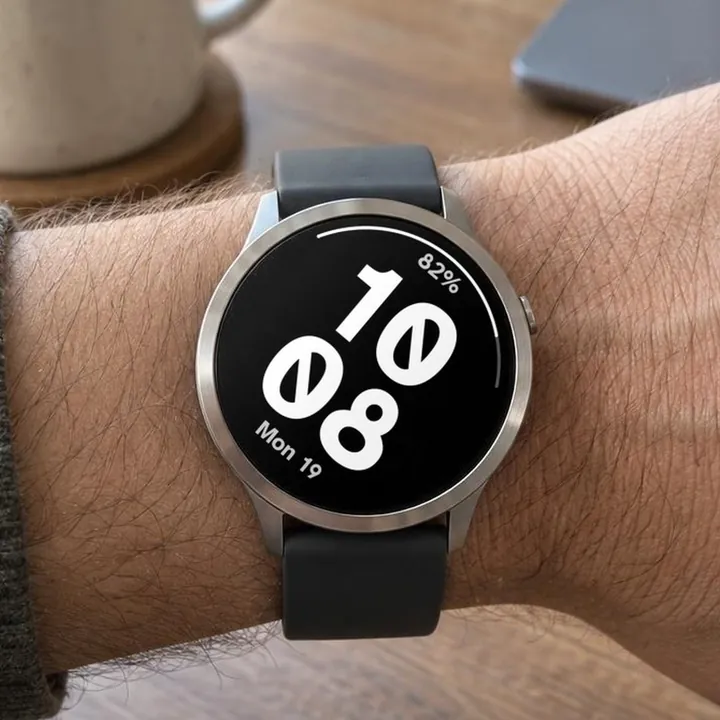
Plainsight £0.79
Large-digit watch face for Galaxy & Pixel Watch, Wear OS 4+: big, clear numbers.
Clearhand Free
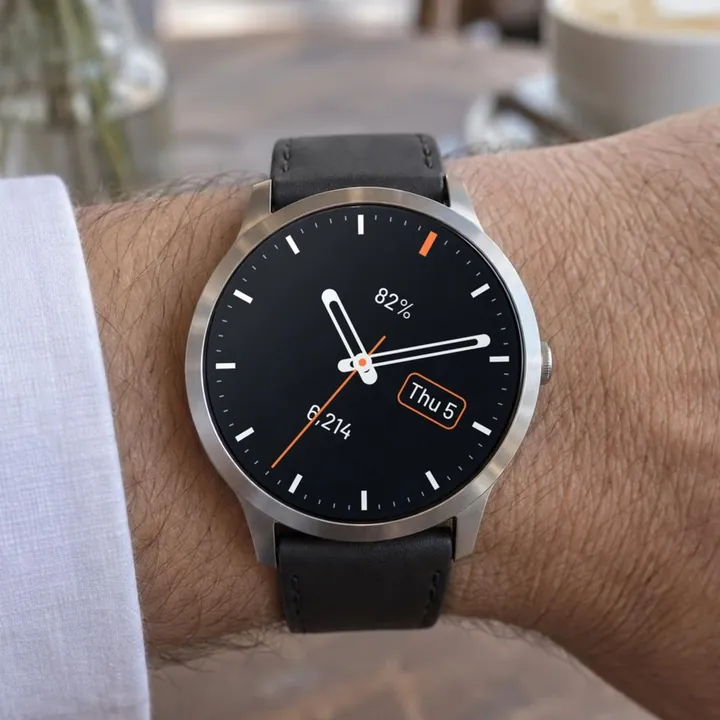
Analog watch face for Galaxy & Pixel Watch, Wear OS 4+: outlined hands, a date.
Quarter Past Free
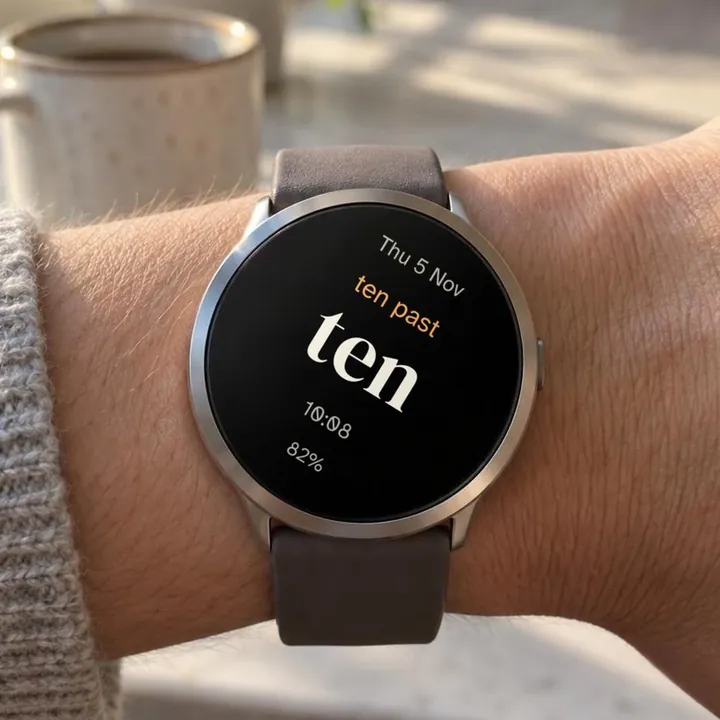
Word clock watch face for Wear OS 4+: the time in words, exact digits below.