Everyday · Digital
Darkroom
Red night watch face for Wear OS 4+: stargazing, night shifts, nothing blinks.
£0.49Checked 20 Nov 2026
- On Google Play since
- 24 Oct 2026
- Works on
- Round Wear OS 4 or newer watches. Not for phones or other kinds of smartwatch.
- Built with
- Google's Watch Face Format. The face contains no code and collects no data.
About Darkroom
Works on Galaxy Watch 4 or newer and Pixel Watch, on Wear OS 4 or later. Round screens only.
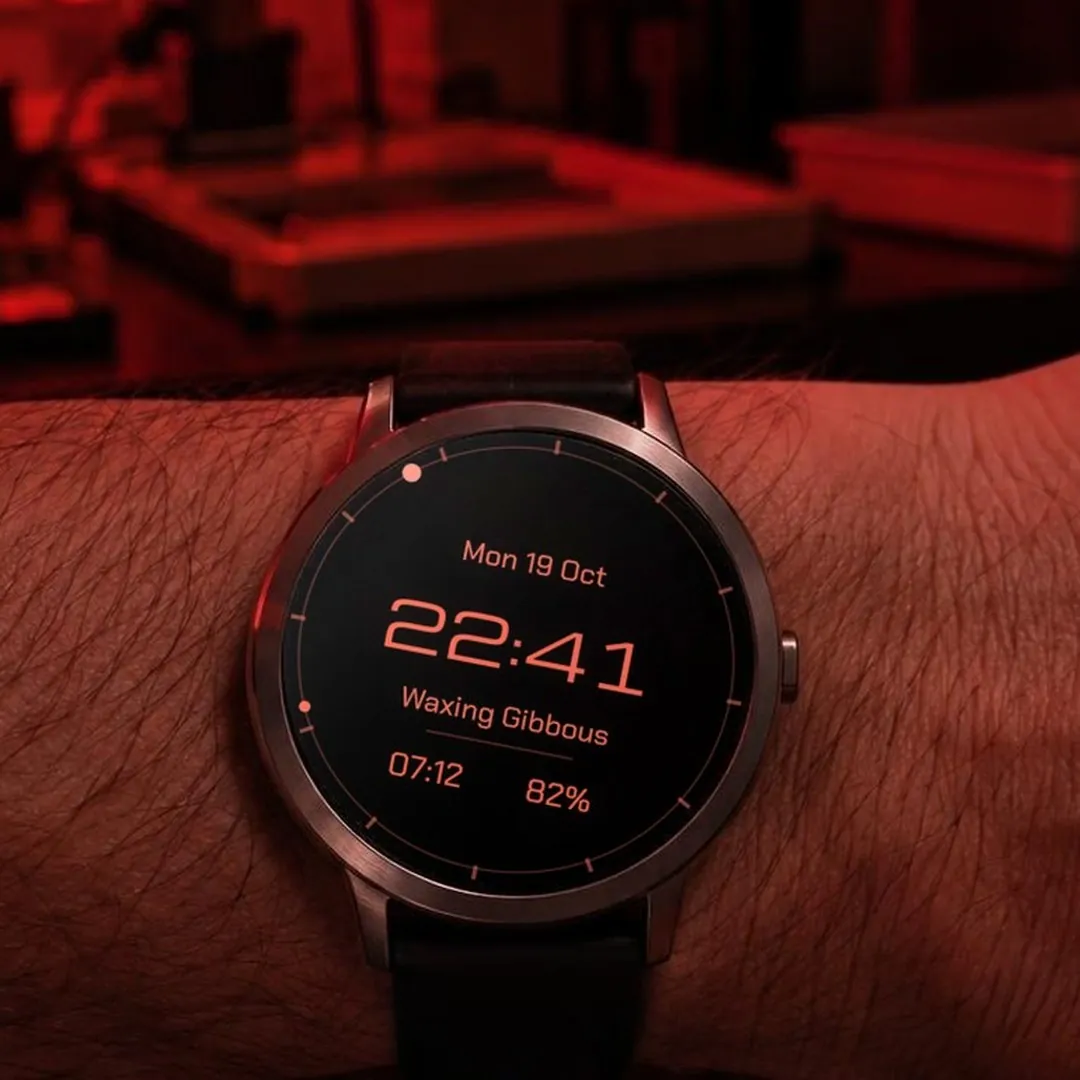
Darkroom is a red night watch face for stargazing, night shifts, night walks, camping and waking in a dark bedroom, where a bright white watch face ruins your night vision. It has a pure black background, red light only, and nothing that moves or blinks while the screen is on. A watch face by TurboKast.
Red light affects your dark-adapted eyes far less than white or blue light does. Darkroom uses red for everything and leaves every unused pixel switched off, because on an AMOLED screen black is simply unlit.
What it shows
- Large time (12/24-hour follows your watch)
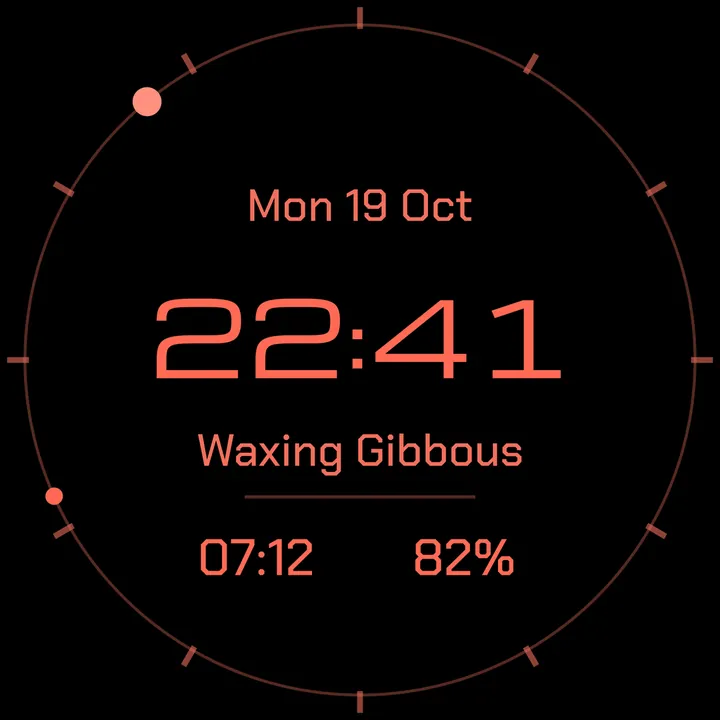
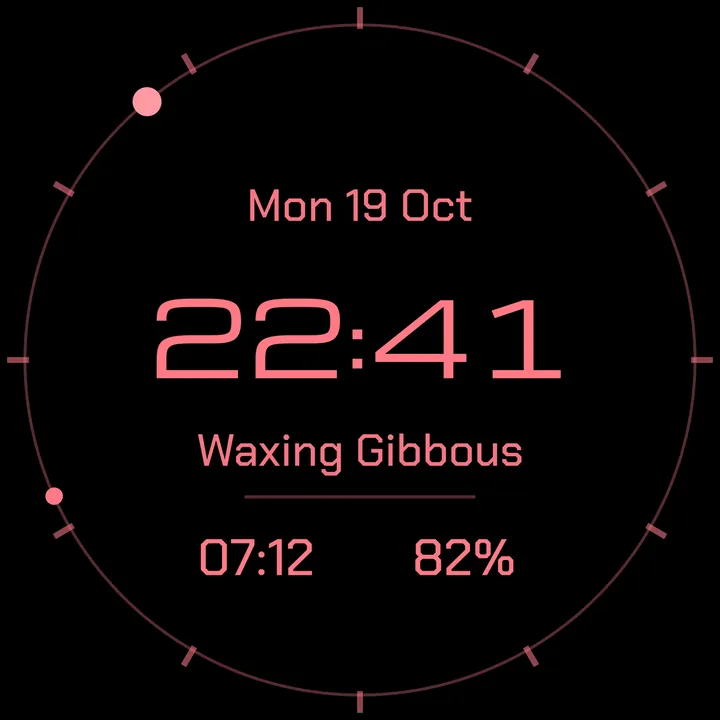
- A thin ring with two dots: the larger dot is the hour, the smaller one the minute, so you can read the time by position at the lowest brightness
- Day, date and month
- The current moon phase, which is useful for deciding how dark tonight will be
- Two complication slots: sunrise/sunset and battery by default, changeable to anything your watch offers
Themes
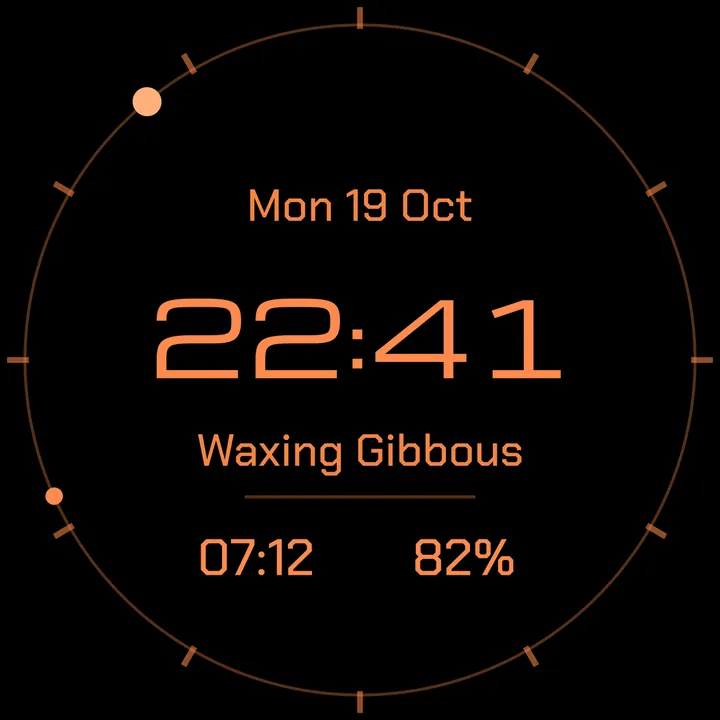
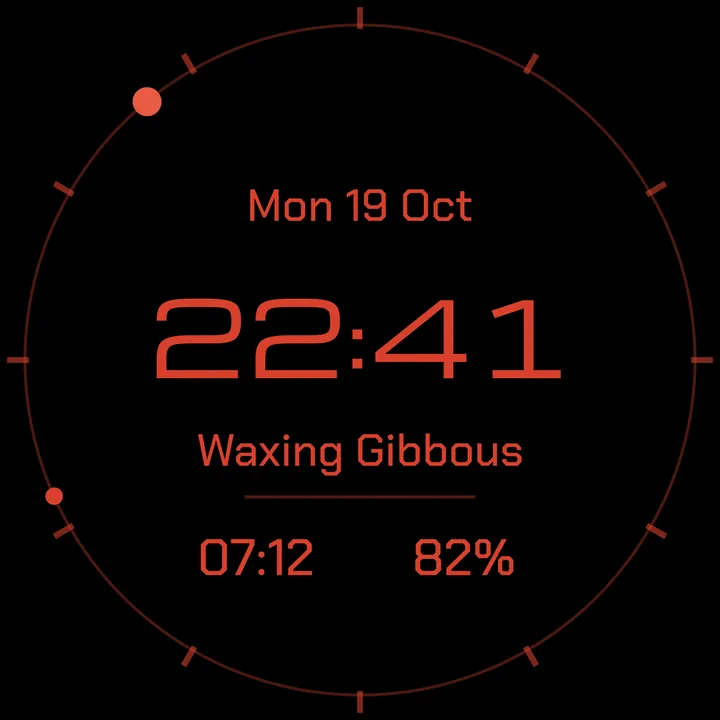
Safelight (red), Ember (orange-red), Crimson (pink-red) and Deep. The first three keep a contrast ratio of at least 7:1 on black. Deep is deliberately dimmer, at about 4.7:1, for the darkest conditions when readability matters less than protecting your eyes. Always-on mode is dimmer still.
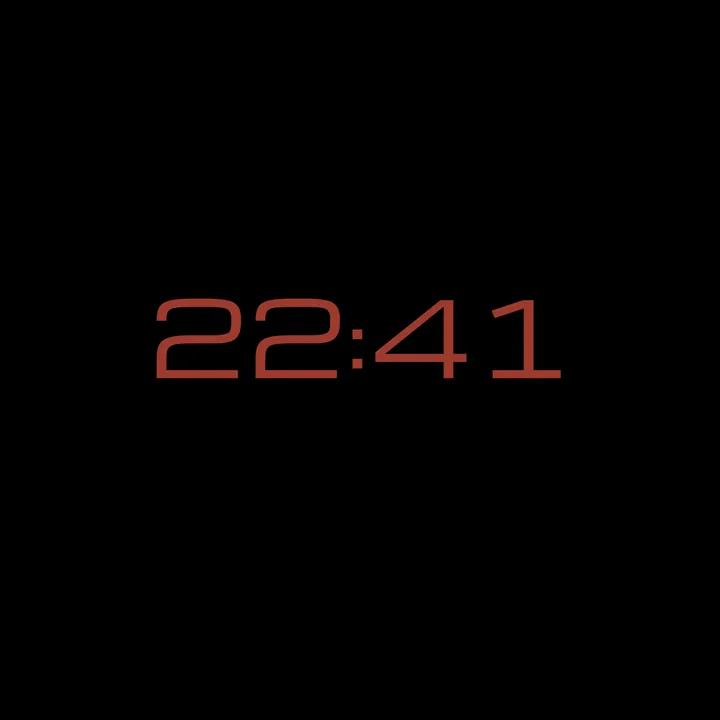
In always-on mode the screen keeps just the time, in a dim red, to protect your AMOLED display and your battery. There are no seconds and no animation at any time.
How to use
Install on your watch (or from the Play Store on your phone and choose your watch). Touch and hold the current watch face, swipe to Darkroom, then tap the pencil icon to pick a theme or change a slot. For the best effect lower your watch's own brightness too.
Good to know
- A watch face controls colour, not the brightness of your screen. Use your watch's brightness setting as well.
- Red light helps your eyes stay adapted. It does not make an AMOLED screen invisible to other people or wildlife.
- The moon phase wording comes from your watch.
- Screenshots show sample complication data.
This is a Watch Face Format watch face: it contains no code and collects no data.
Step by step install guide for Galaxy Watch and Pixel Watch.
Fonts: Michroma, copyright 2011 The Michroma Project Authors; Chakra Petch, copyright 2018 The Chakra Petch Project Authors; both SIL Open Font License 1.1.
Themes and always-on view
Captures of the real face. Sample data is shown on the dial; your watch supplies the real values.
More faces
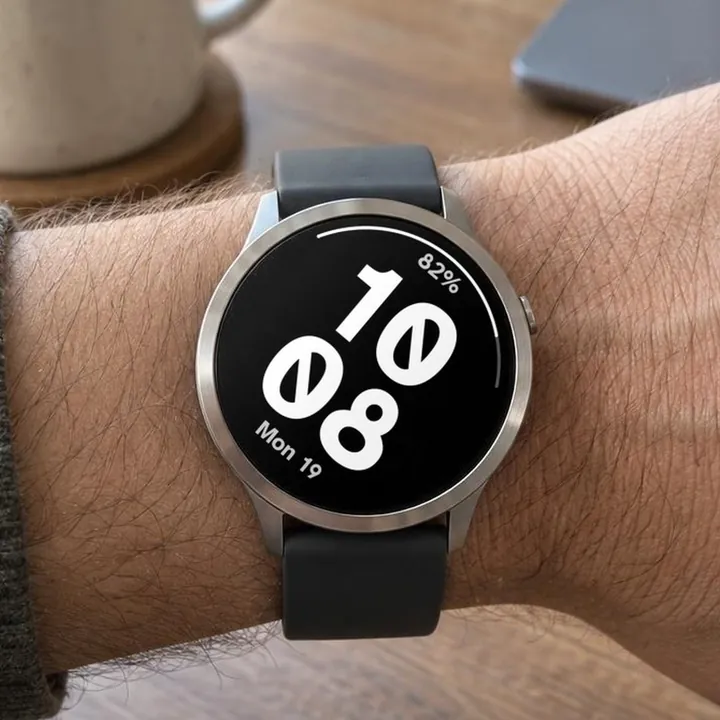
Plainsight £0.79
Large-digit watch face for Galaxy & Pixel Watch, Wear OS 4+: big, clear numbers.
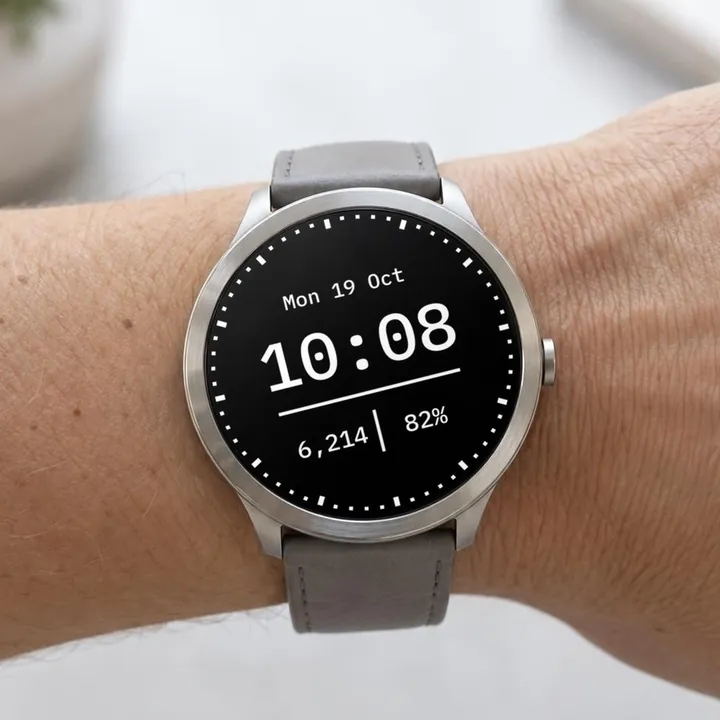
Monoline £0.49
Minimal watch face for Wear OS 4+: strict two colours, ruled layout, two slots.
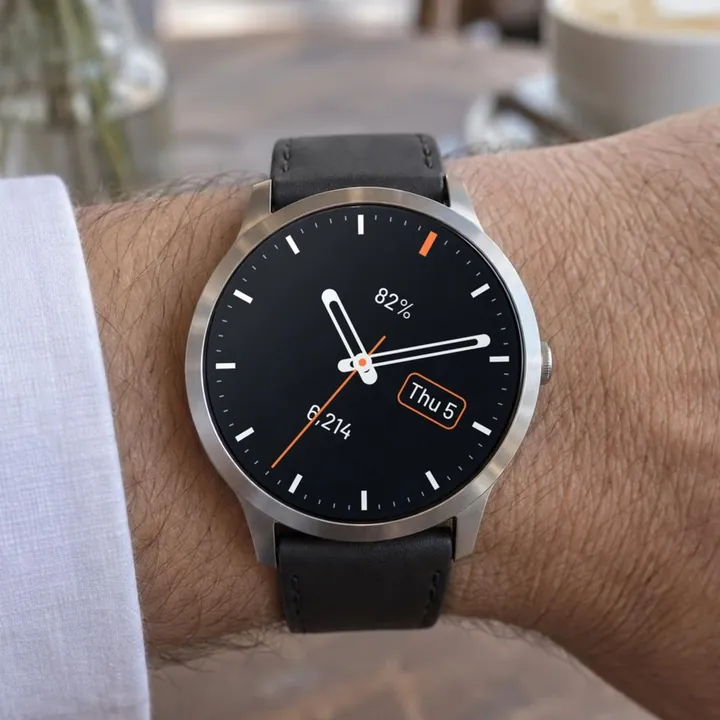
Clearhand Free
Analog watch face for Galaxy & Pixel Watch, Wear OS 4+: outlined hands, a date.