Choose the stream quality for each destination
Pick Auto, 1080p HD, Smooth, Lower or Source for each destination, so one stream can suit every platform.
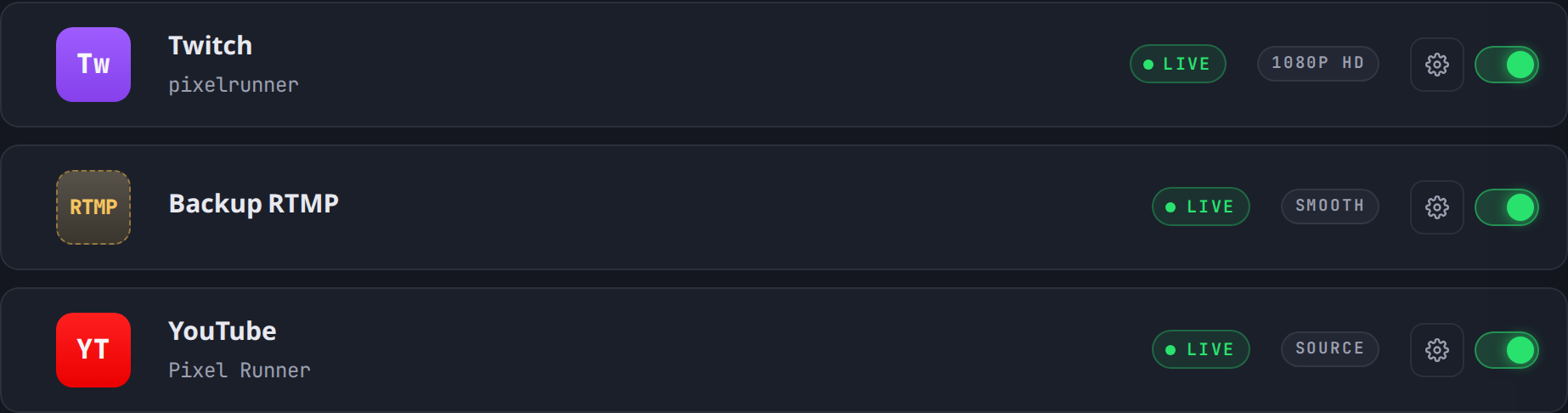
Every destination now has its own Stream quality setting, found in the destination’s settings on the Connections page.
The options
- Auto (the default) keeps your stream at the best quality it can and only lowers it when a platform requires that. When it does, the destination’s label tells you, for example “Auto — capped for Twitch”.
- 1080p HD, Smooth and Lower are fixed presets.
- Source sends your stream exactly as OBS sends it.
The destination list always shows each destination’s current setting.