Stream profiles
Keep a separate set of destinations, title, category and stream key for each kind of stream, and let OBS pick the profile when you go live.
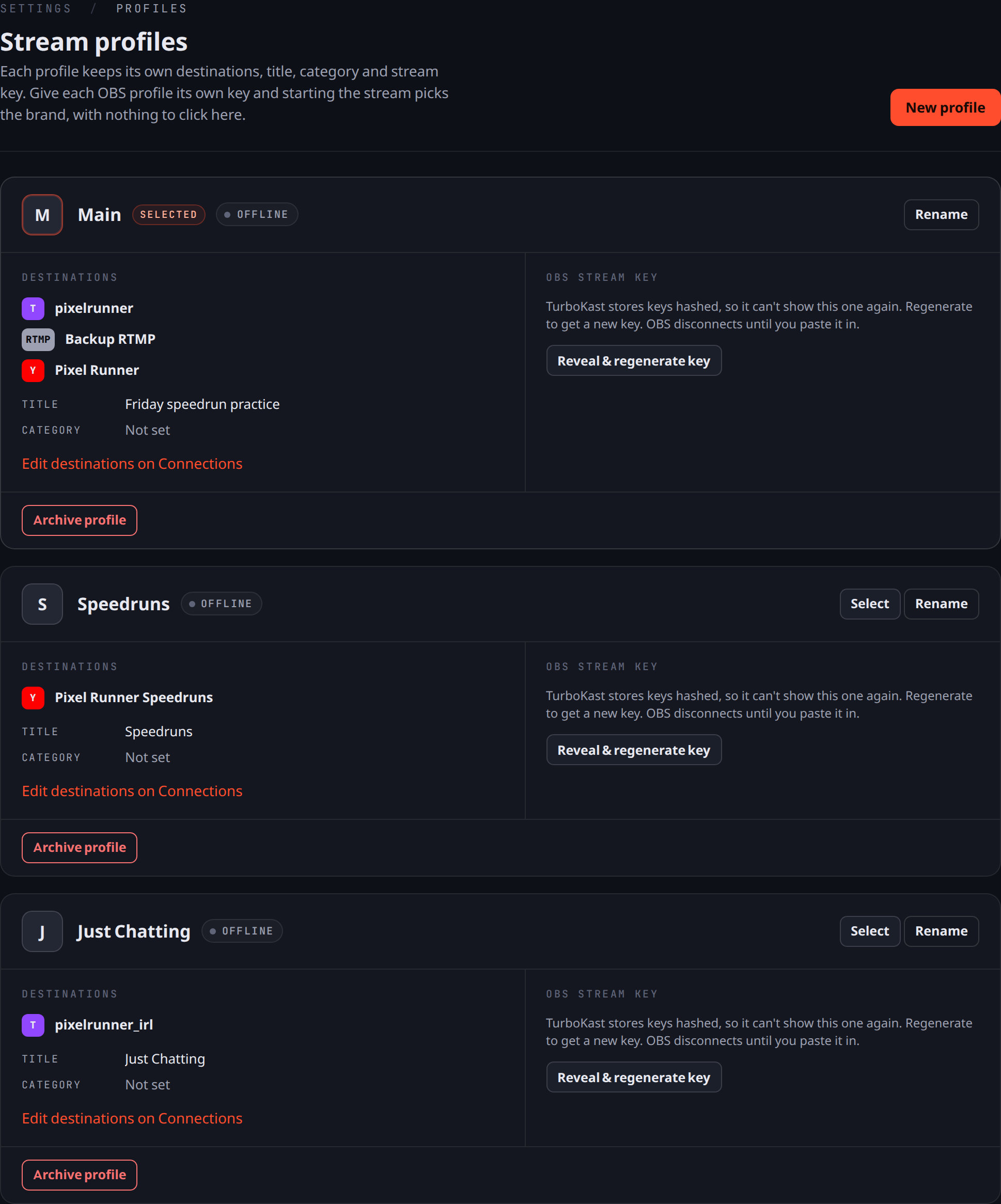
Stream profiles let one account run several setups, for example a speedrun channel and a chatting stream.
How profiles work
- Each profile keeps its own destinations, title, category and stream key.
- Give each OBS profile its own key. Whichever key you stream with decides the profile that goes live, with nothing to click in TurboKast.
- Switch between profiles from the menu at the top of the navigation. Switching changes what you’re looking at, not what’s on air.
- A new profile copies the current profile’s video and clip settings, gets its own stream key and starts with no destinations.
- Only one profile can be live at a time. If a second one starts, TurboKast tells you which profile is already live.
Rename, archive and regenerate keys under Settings → Profiles.